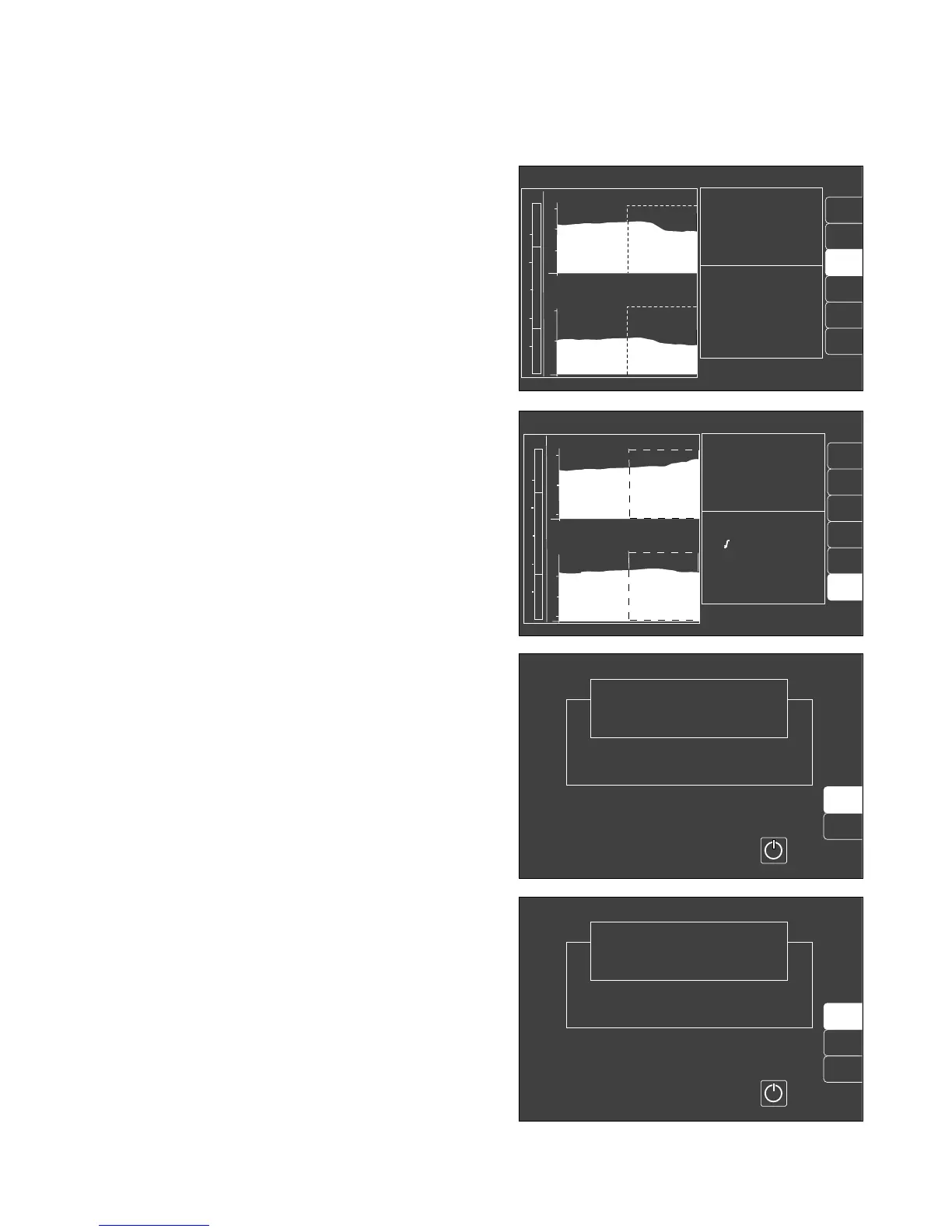
Show other trend combinations
● Press the corresponding softkey, in this case
»Agas/N2O«; the combination is then set against a
light background and the new trend curves appear
on the screen.
The softkey remains blank if a measuring function
(e.g. SpO2 measurement) is not available.
Return to full trend
● Press the softkey »full trend« in order to restore the
complete trend display.
Erase trend memory
The trend memory and list are erased together! This is
only possible in »standby« mode!
● Press E on the monitor in order to switch to
»standby«. This is only possible if the ventilator is
already on »standby«!
● Press the softkey »erase trend«.
The system enquires again whether the trend is
indeed to be erased.
● Press the softkey »erase« to confirm.
The former screen is redisplayed without changes if
the softkey »Do not erase« is pressed.
The saved anaesthetic concentration trend is erased
when the anaesthetic vaporizer is changed!
59
Monitor functions
Monitor functions during operation
Select trend screen with zoom function
alarm
full
trend
AGas
N
2
O
IPPV alarm limits
Zoom locate: select!
Increase: confirm!
CO
2
MV
O
2
compl.
etCO
2
38
AMV 6.0 Freq 10
Fi Fet
O
2
29 25
Hal. 0.8 0.6
N
2
O 70 68
N
2
O
Isoflurane
3
2
0
11:00 12:00 13:00
PAW
20
40
0
1
70
35
0
<18
SpO
2
pulse
limits
SpO
2
pulse
AGas
N
2
O
IPPV alarm limits
Zoom locate: select !
Increase: confirm !
CO
2
MV
O
2
compl.
etCO
2
38
MV 6.0 freq 10
Fi Fet
O
2
29 25
Hal. 0.8 0.6
N
2
O 70 68
MV
15
5
0
CO
2
60
30
0
11:00 12:00 13:00
PAW
20
40
0
10
18
full
trend
alarm
limits
erase
trend
Select ventilation mode at the ventilator
or switch on screen by pressing
Standby
Cato
SW-Version 2.05
02-05-00
config.
Do not
erase
erase
Select ventilation mode at the ventilator
or switch on screen by pressing
Standby
Cato
SW-Version 2.05
02-05-00
config.
04728971048289710083722500937225












 To Next Page