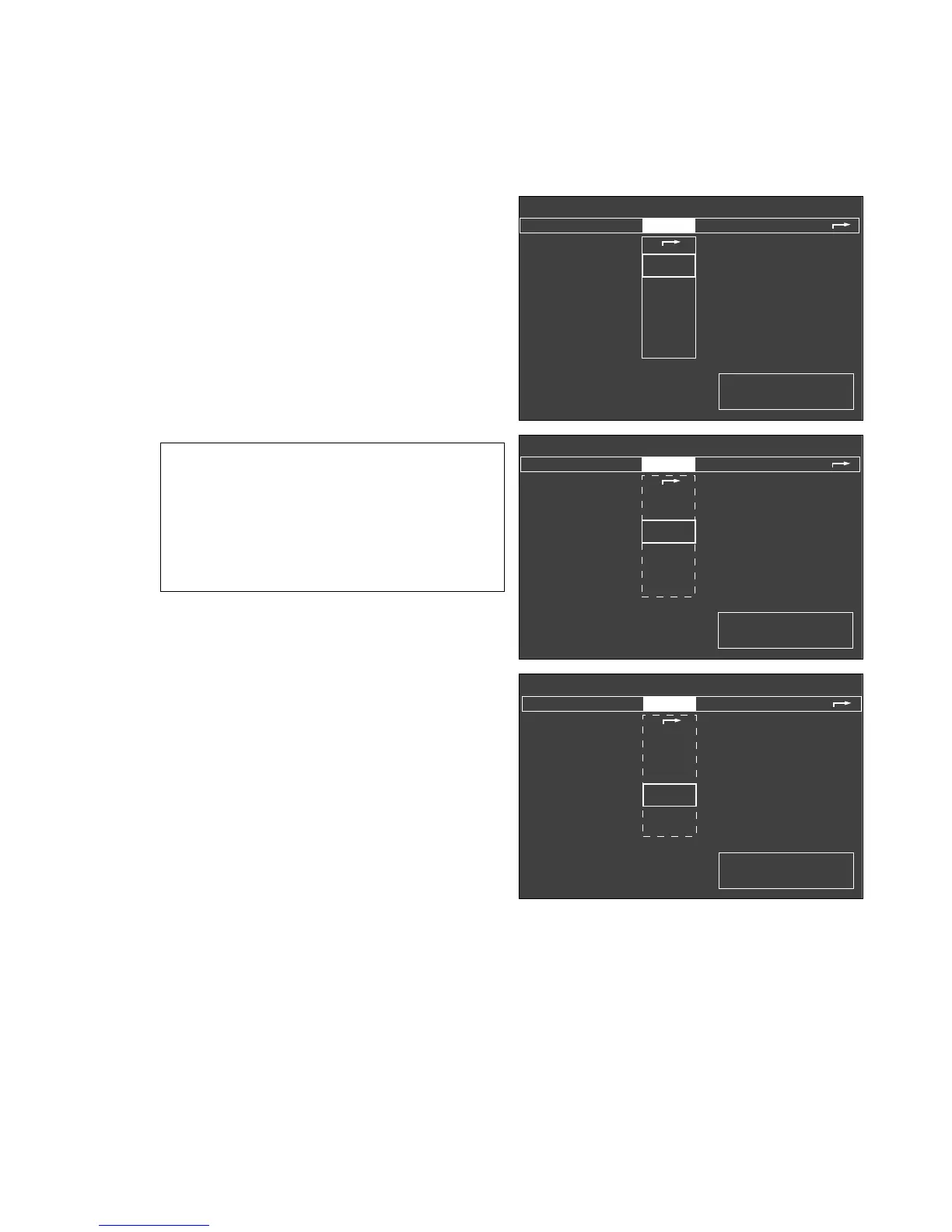
Calibration
This menu is used for the following tests and calibrations:
– Calibrate O2-sensor with 21 Vol.% O2
– Calibrate flow sensor
– Perform Ventilator start up test
– more
The following can be realized under »more«:
–O2 sensor calibration with 100% O2 by volume,
– linearity check of the O2 sensor and
– calibration of the CO2 sensor.
The significance of the symbols is as before:
? = Enquires whether an action has been performed
or a setting made.
u
= Waiting period. The selected test step is being
carried out by the system.
✔ = The action has been completed successfully or
is not required.
55
Monitor functions
Configuring monitor functions in »standby«
Calibration
Standby / Configuration
Alarms inactive!
calibrating
O
2
-sensor
21 Vol.%
flow sensor
Ventilator-
start up test
more
✓
Calibrate O
2
sensor after
replacing sensor and after 24 hrs.
Detach O
2
sensor and expose
for 2 min. to ambient air.
confirm !
✓
✓
Standby / Configuration
Alarms inactive!
calibrating
O
2
sensor
21 Vol.%
flow sensor
Ventilator-
start up test
more
✓
Only necessary if the automatic
calibration fails (INOP instead
of values).
With the flow sensor in place,
flush with air. Close flowtubes or
remove flowsensor and hold hori-
zontally with both ends closed.
confirm !
✓
✓
Standby / Configuration
Alarms inactive!
calibrating
O
2
sensor
21 Vol.%
flow sensor
Ventilator-
start up test
more
✓
Test ventilator after system
start up.
Not possible while operational
✓
?
038289710392897104028971












 To Next Page