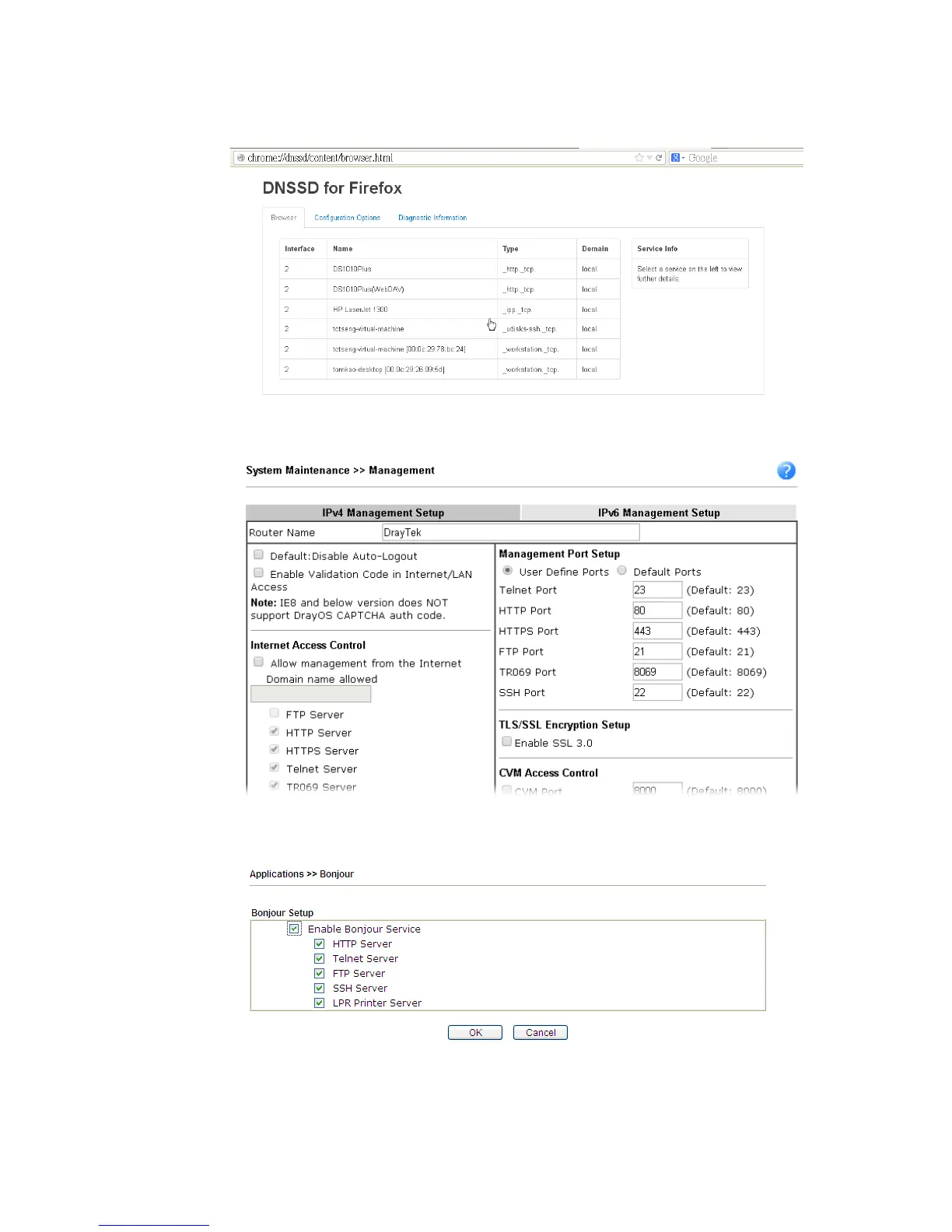
2. Open the web browse, Firefox. If Bonjour and DNSSD have been installed, you can open
the web page (DNSSD) and see the following results.
3. Open System Maintenance>>Management. Type a name as the Router Name and click
OK.
4. Next, open Applications>>Bonjour. Check the service that you want to use via Bonjour.
5. Open the DNSSD page again. The available items will be changed as the follows. It means
the Vigor router (based on Bonjour protocol) is ready to be used as a printer server, FTP
server, SSH Server, Telnet Server, and HTTP Server.














 To Next Page