V
V
I
I
I
I
I
I
-
-
1
1
-
-
8
8
K
K
e
e
y
y
w
w
o
o
r
r
d
d
G
G
r
r
o
o
u
u
p
p
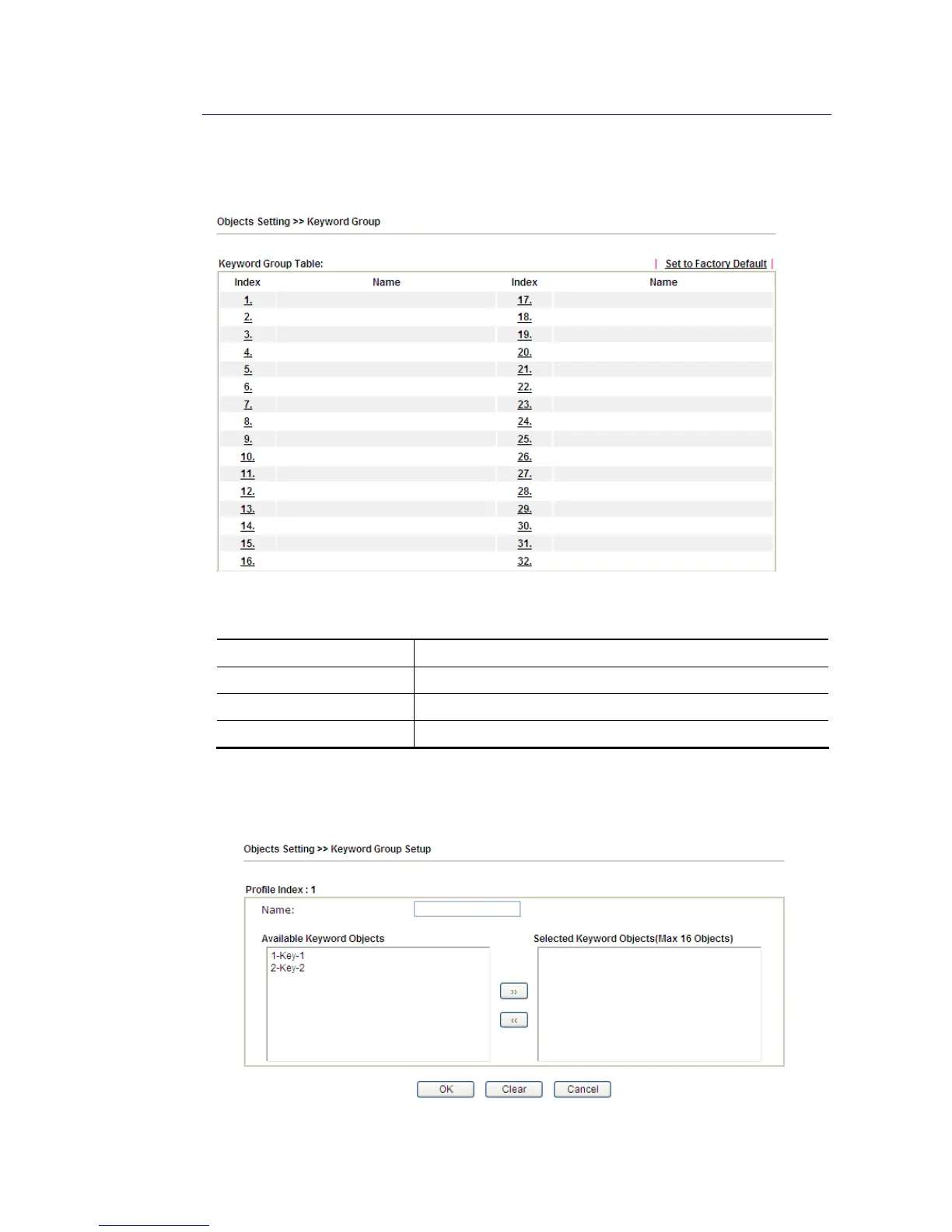
This page allows you to bind several keyword objects into one group. The keyword groups set
here will be chosen as black /white list in CSM >>URL /Web Content Filter Profile.
Available settings are explained as follows:
Item Description
Set to Factory Default Clear all profiles.
Index Display the profile number that you can configure.
Name Display the name of the group profile.
To set a new profile, please do the steps listed below:
1. Click the number (e.g., #1) under Index column for configuration in details.
2. The configuration page will be shown as follows:














 To Next Page