W
W
e
e
b
b
U
U
s
s
e
e
r
r
I
I
n
n
t
t
e
e
r
r
f
f
a
a
c
c
e
e
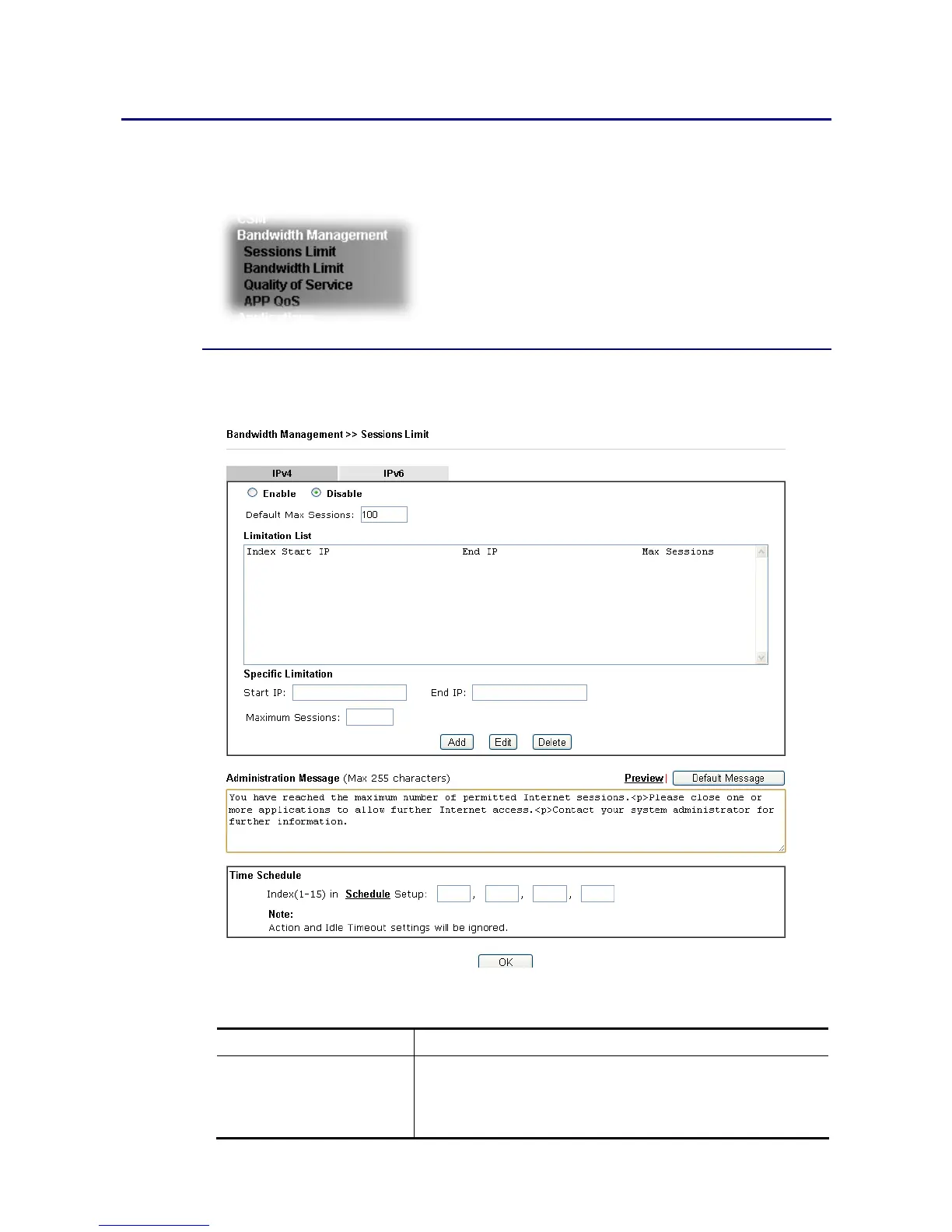
Below shows the menu items for Bandwidth Management.
V
V
I
I
I
I
-
-
2
2
-
-
1
1
S
S
e
e
s
s
s
s
i
i
o
o
n
n
s
s
L
L
i
i
m
m
i
i
t
t
In the Bandwidth Management menu, click Sessions Limit to open the web page.
To activate the function of limit session, simply click Enable and set the default session limit.
Available settings are explained as follows:
Item Description
Session Limit Enable - Click this button to activate the function of limit
session.
Disable - Click this button to close the function of limit
session.














 To Next Page