Server Wizard Setup through VPN Server Wizard.
View more detailed
configuration
Click this radio button to access VPN and Remote
Access>>LAN to LAN for viewing detailed configuration.
V
V
-
-
1
1
-
-
3
3
R
R
e
e
m
m
o
o
t
t
e
e
A
A
c
c
c
c
e
e
s
s
s
s
C
C
o
o
n
n
t
t
r
r
o
o
l
l
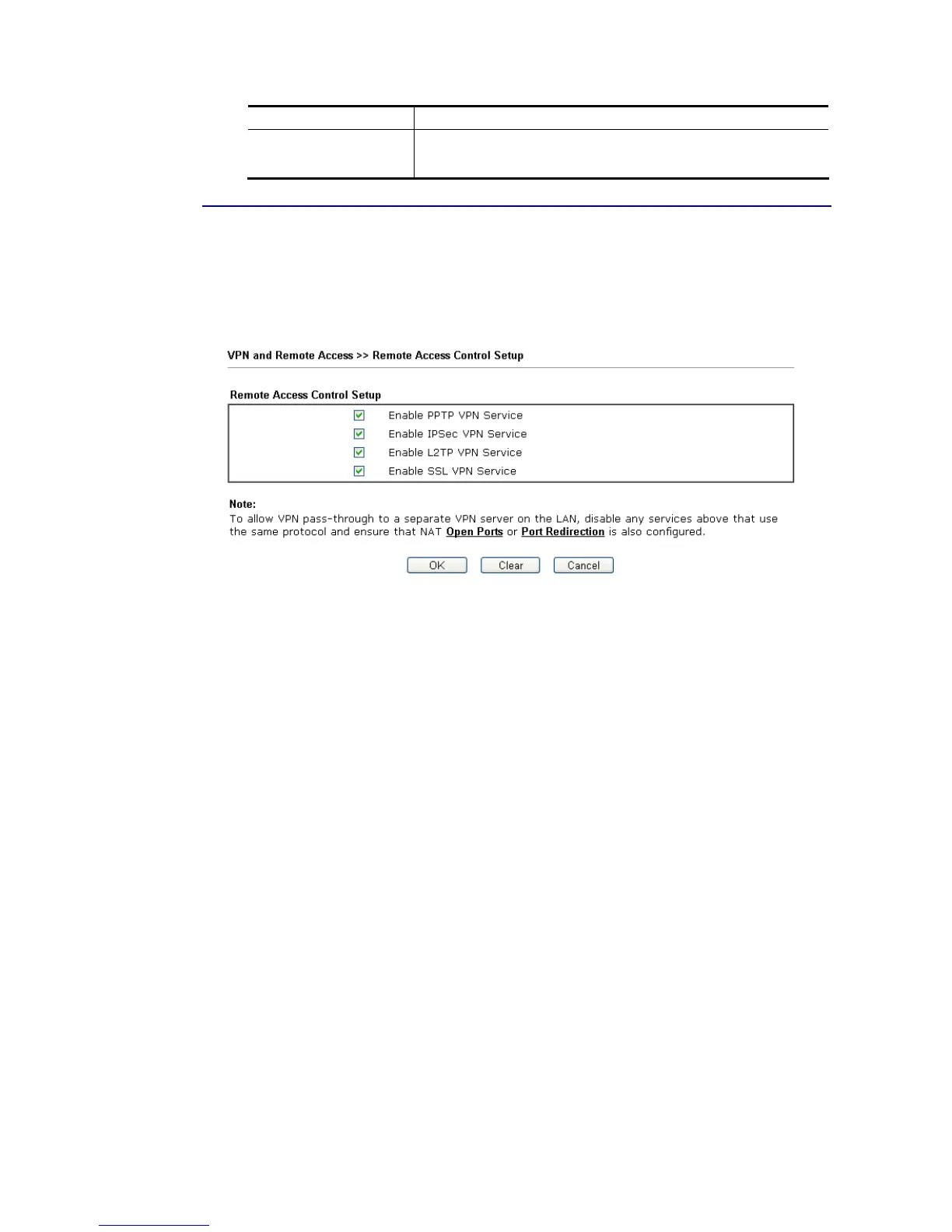
Enable the necessary VPN service as you need. If you intend to run a VPN server inside your
LAN, you should disable the VPN service of Vigor Router to allow VPN tunnel pass through, as
well as the appropriate NAT settings, such as DMZ or open port.
Open VPN and Remote Access>>Remote Access Control.
After finishing all the settings here, please click OK to save the configuration.














 To Next Page