I
I
X
X
-
-
2
2
C
C
h
h
e
e
c
c
k
k
i
i
n
n
g
g
I
I
f
f
t
t
h
h
e
e
H
H
a
a
r
r
d
d
w
w
a
a
r
r
e
e
S
S
t
t
a
a
t
t
u
u
s
s
I
I
s
s
O
O
K
K
o
o
r
r
N
N
o
o
t
t
Follow the steps below to verify te hardware status.
1. Check the power line and WLAN/LAN cable connections.
Refer to “I-2 Hardware Installation” for details.
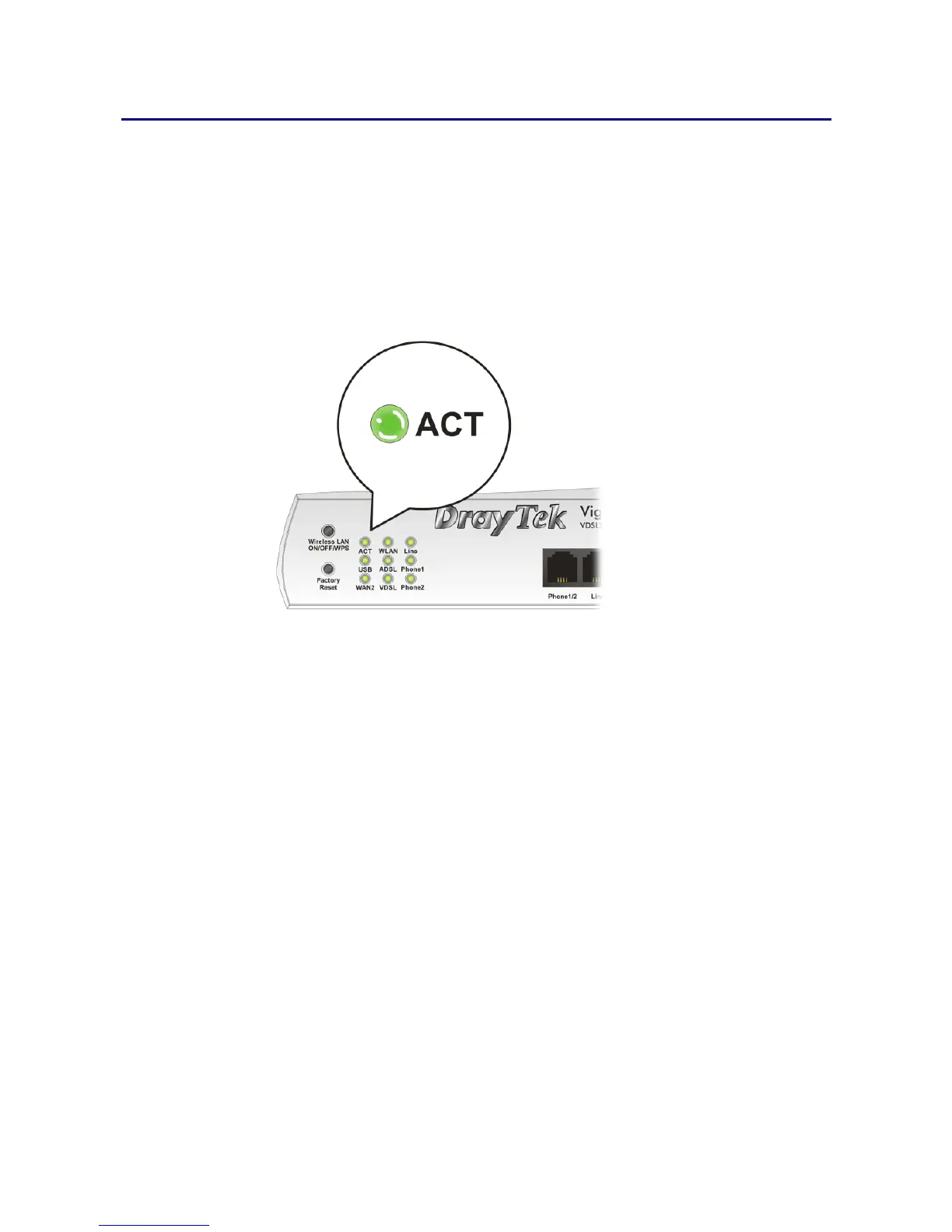
2. Turn on the router. Make sure the ACT LED blink once per second and the correspondent
LAN LED is bright.
3. If not, it means that there is something wrong with the hardware status. Simply back to
“I-2 Hardware Installation” to execute the hardware installation again. And then, try
again.














 To Next Page