V
V
I
I
I
I
-
-
7
7
-
-
5
5
-
-
3
3
A
A
l
l
e
e
r
r
t
t
L
L
o
o
g
g
s
s
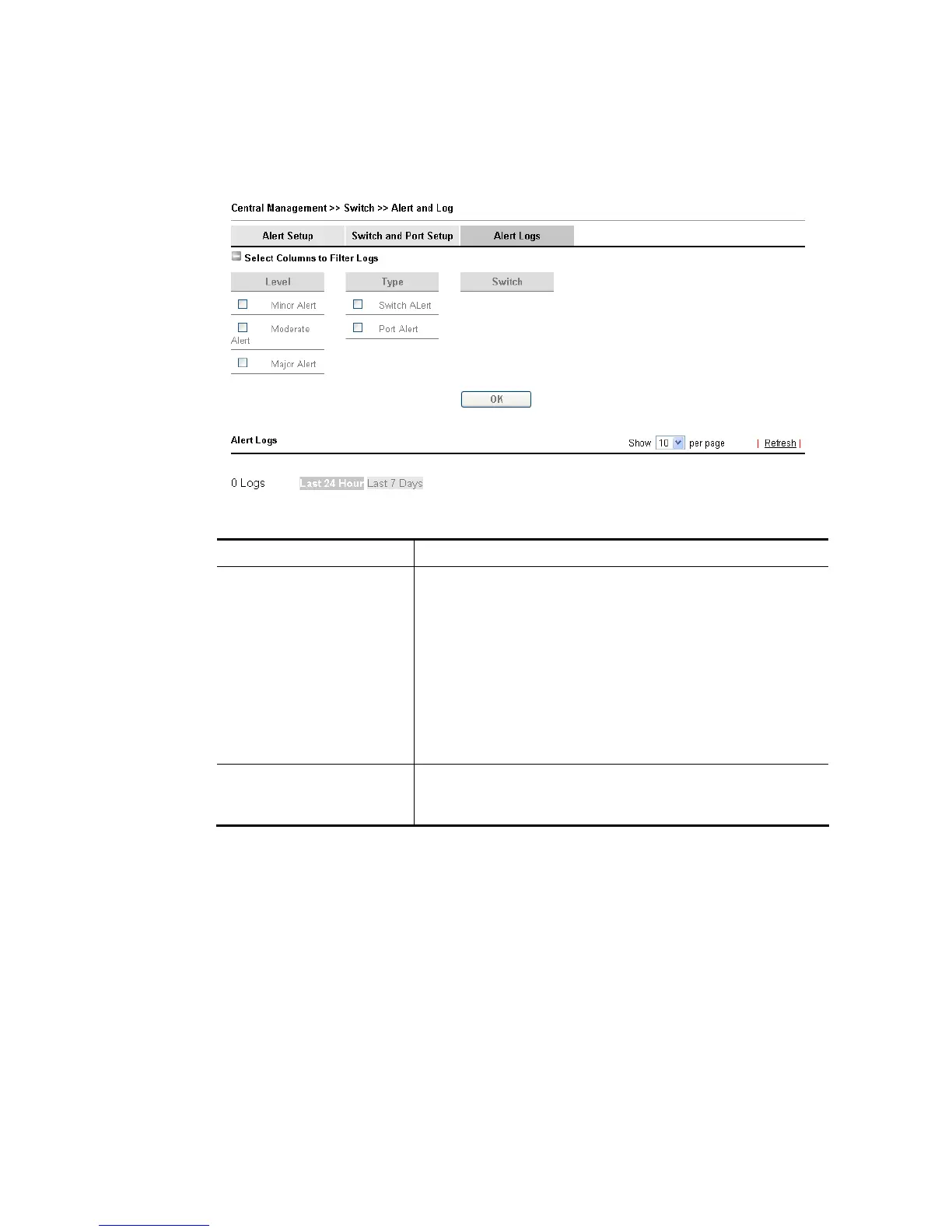
The user can get the information by filtering the collective information based on the
conditions specified in this page.
Available settings are explained as follows:
Item Description
Select Columns to Filter
Logs
Level – The alert can be divided into four levels, No Alert,
Minor Alert, Moderate Alert and Major Alert. Check the
one(s) you want to check in Alert Logs list.
Type – Check the type (switch / port) of the log to be
displayed in Alert Logs list.
Switch – Switch(es) connecting to Vigor router will be shown
in this area. Click the one you need.
OK – Click it to save the configuration.
Log related to the items selected above will be shown in
Alert Logs list.
Alert Logs This area displays logs (level name, time, type, switch, port,
and incident) related to VigorSwitch managed by Vigor
router.














 To Next Page