AS Number Display the AS Number for neighboring router.
Profile Name Display the name of the neighboring profile.
IP Address Display the IP address specified for the neighboring profile.
Status Display the connection status for local router and
neighboring router.
I
I
I
I
-
-
5
5
-
-
3
3
-
-
1
1
S
S
t
t
a
a
t
t
i
i
c
c
N
N
e
e
t
t
w
w
o
o
r
r
k
k
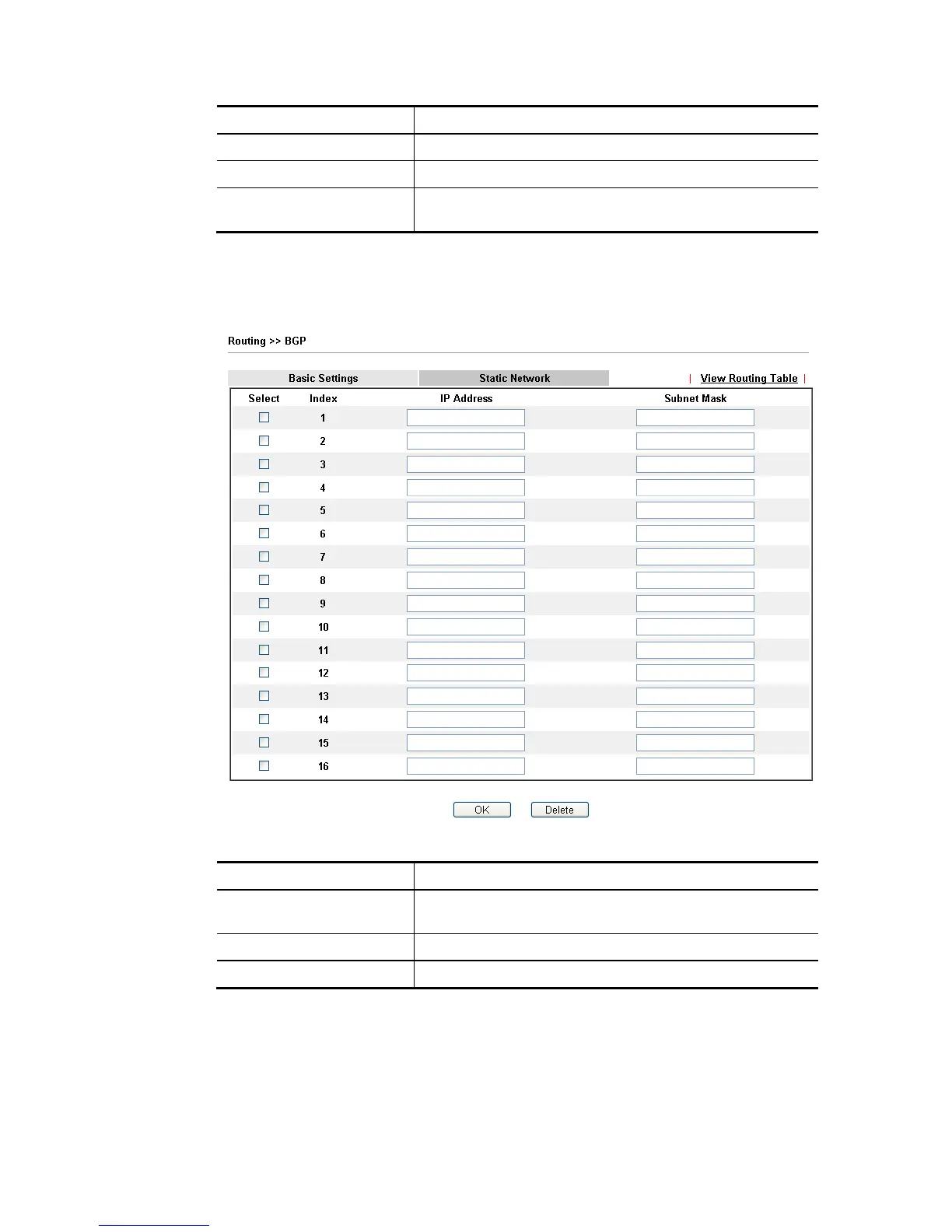
This page allows you to configure up to eight neighboring routers for exchanging the routing
information with the local router.
Available settings are explained as follows:
Item Description
Select Check the box to enable the configuration for the selected
index entry.
IP Address Type the IP address for a router.
Subnet Mask Type the mask value for the IP address.














 To Next Page