V
V
-
-
2
2
-
-
4
4
U
U
s
s
e
e
r
r
A
A
c
c
c
c
o
o
u
u
n
n
t
t
With SSL VPN, Vigor2860 series let teleworkers have convenient and simple remote access to
central site VPN. The teleworkers do not need to install any VPN software manually. From
regular web browser, you can establish VPN connection back to your main office even in a
guest network or web cafe. The SSL technology is the same as the encryption that you use for
secure web sites such as your online bank. The SSL VPN can be operated in either full tunnel
mode or proxy mode. Now, Vigor2860 series allows up to 16 simultaneous incoming users.
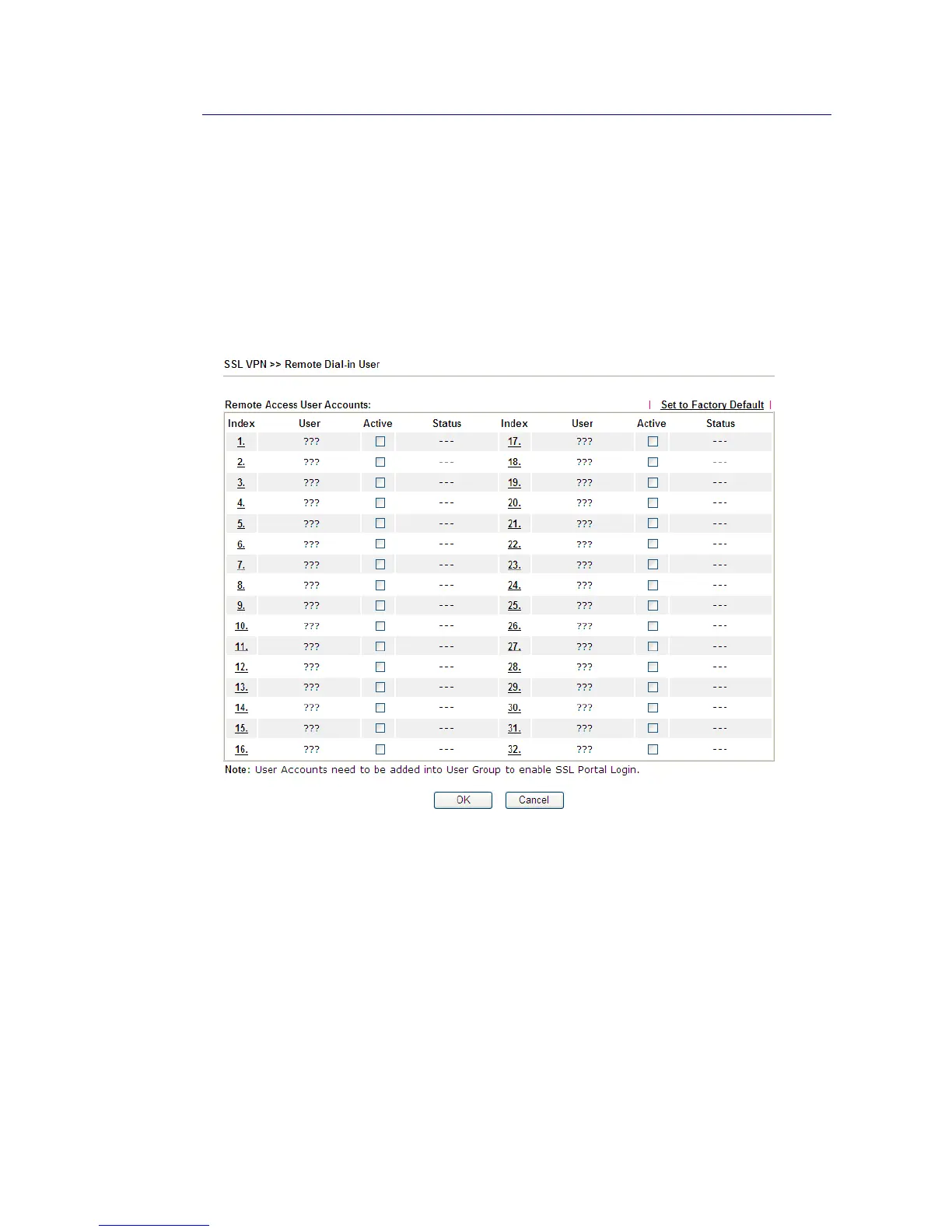
For SSL VPN, identity authentication and power management are implemented through
deploying user accounts. Therefore, the user account for SSL VPN must be set together with
remote dial-in user web page. Such menu item will guide to access into VPN and Remote
Access>>Remote Dial-in user.














 To Next Page