V
V
I
I
I
I
-
-
6
6
-
-
7
7
T
T
e
e
m
m
p
p
e
e
r
r
a
a
t
t
u
u
r
r
e
e
S
S
e
e
n
n
s
s
o
o
r
r
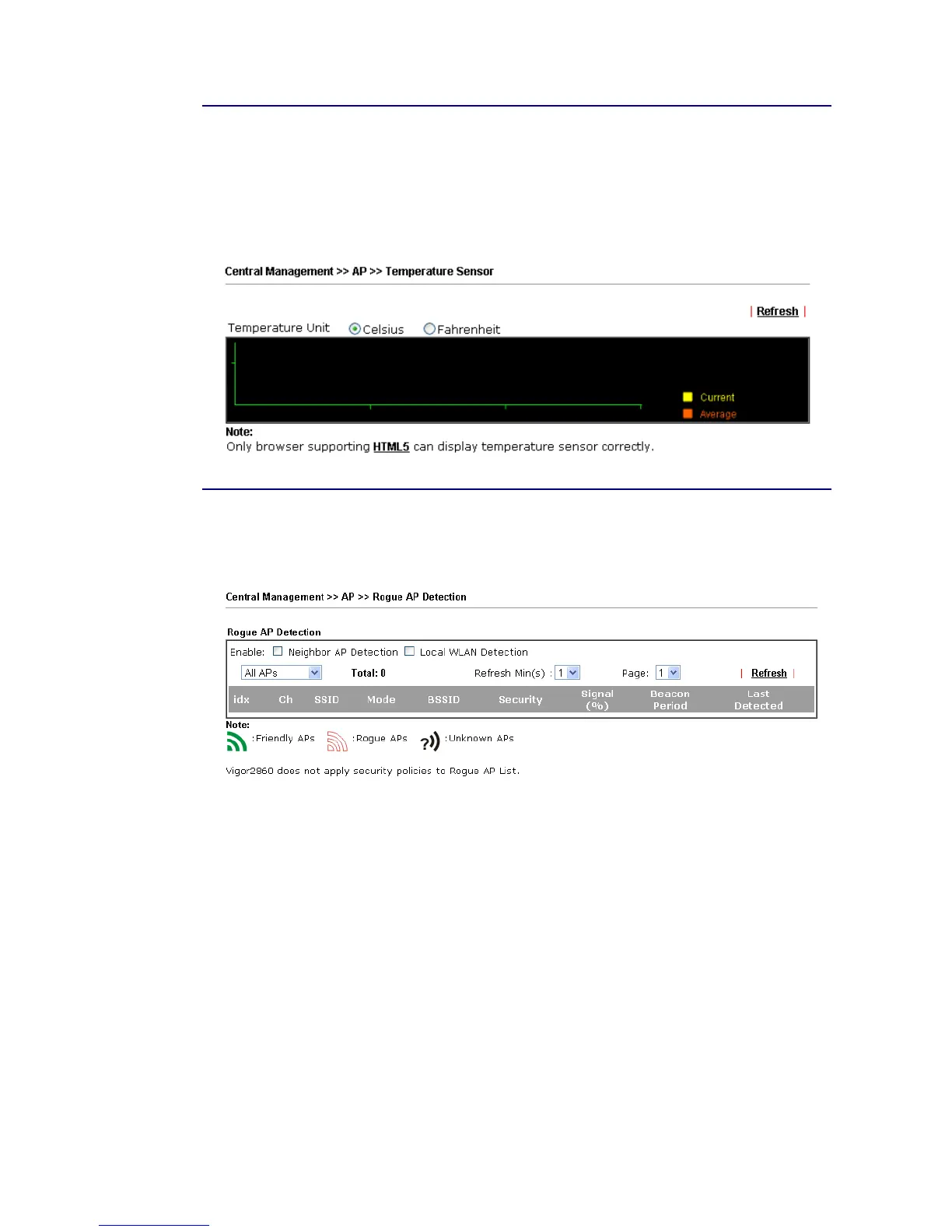
Many VigorAP and Vigor router can be installed with temperature sensor. If VigorAP (e.g.,
VigorAP 910C) is managed under Vigor router (e.g, Vigor2860), then Vigor router can obtain
the temperature change graph of the USB temperature sensor installed onto VigorAP.
This page displays data including current temperature, maximum temperature, minimum
temperature and average temperature.
V
V
I
I
I
I
-
-
6
6
-
-
8
8
R
R
o
o
g
g
u
u
e
e
A
A
P
P
D
D
e
e
t
t
e
e
c
c
t
t
i
i
o
o
n
n
It displays the access point scanned by Vigor router. In which, the APs will be classified with
friendly APs, rogue APs and unknown APs in different colors.
Below shows the detected APs by clicking OK.














 To Next Page