ICMP/UDP/TCP/ANY- Specify a protocol for diagnosis.
Src IP – Type an IP address as the source IP.
Dst IP – Type an IP address as the destination IP.
Dst Port – Use the drop down list to specify the destination
port.
Analyze – Click it to perform the job of analyzing. The
analyzed result will be shown on the page..
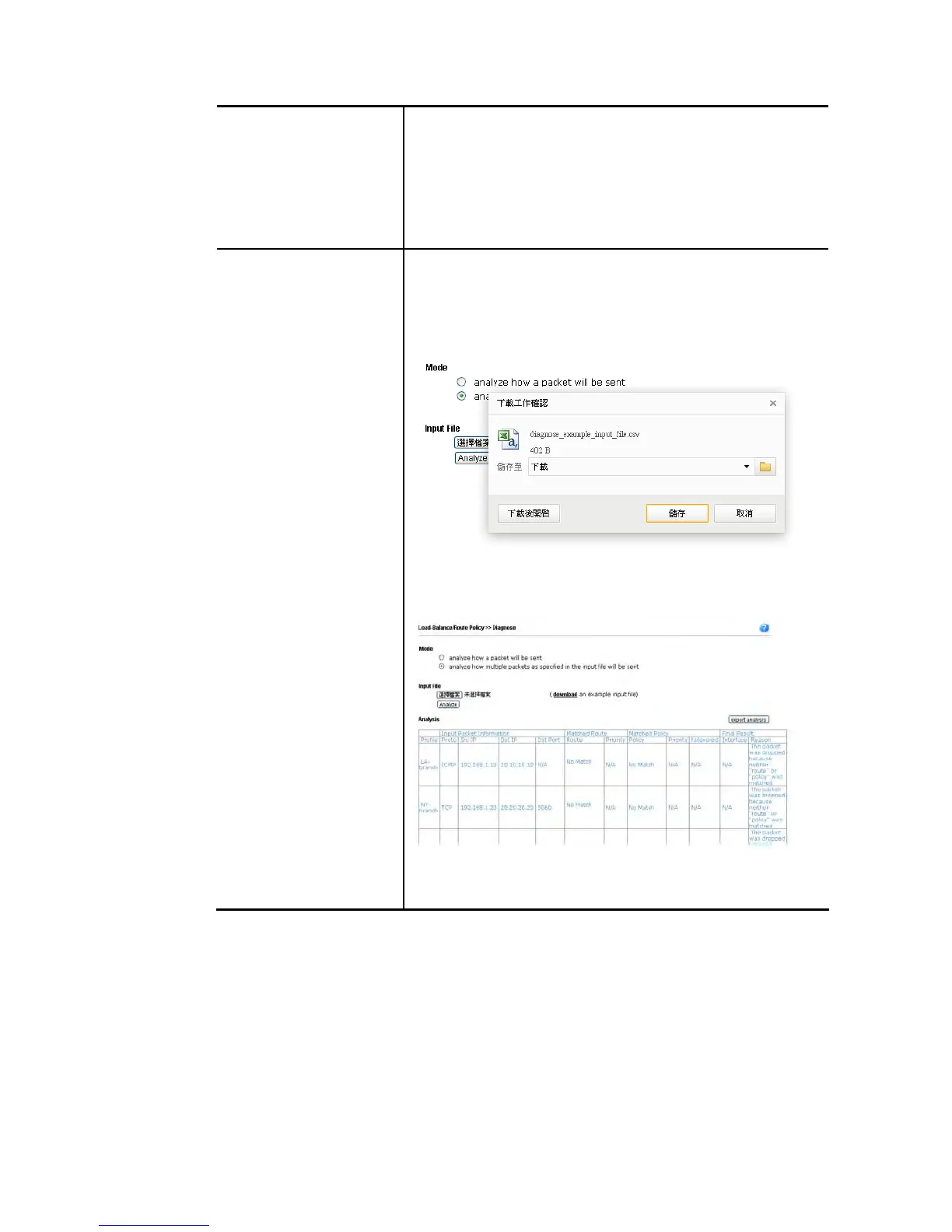
Input File It is available when Analyze multiple packets.. is selected as
Mode.
Select – Click the download link to get a blank example file.
Then, click such button to select that blank “.csv” file for
saving the result of analysis.
Analyze – Click it to perform the job of analyzing. The
analyzed result will be shown on the page. If required, click
export analysis to export the result as a file.
Note that the analysis was based on the current
"load-balance/route policy" settings, we do not guarantee it
will be 100% the same as the real case.














 To Next Page