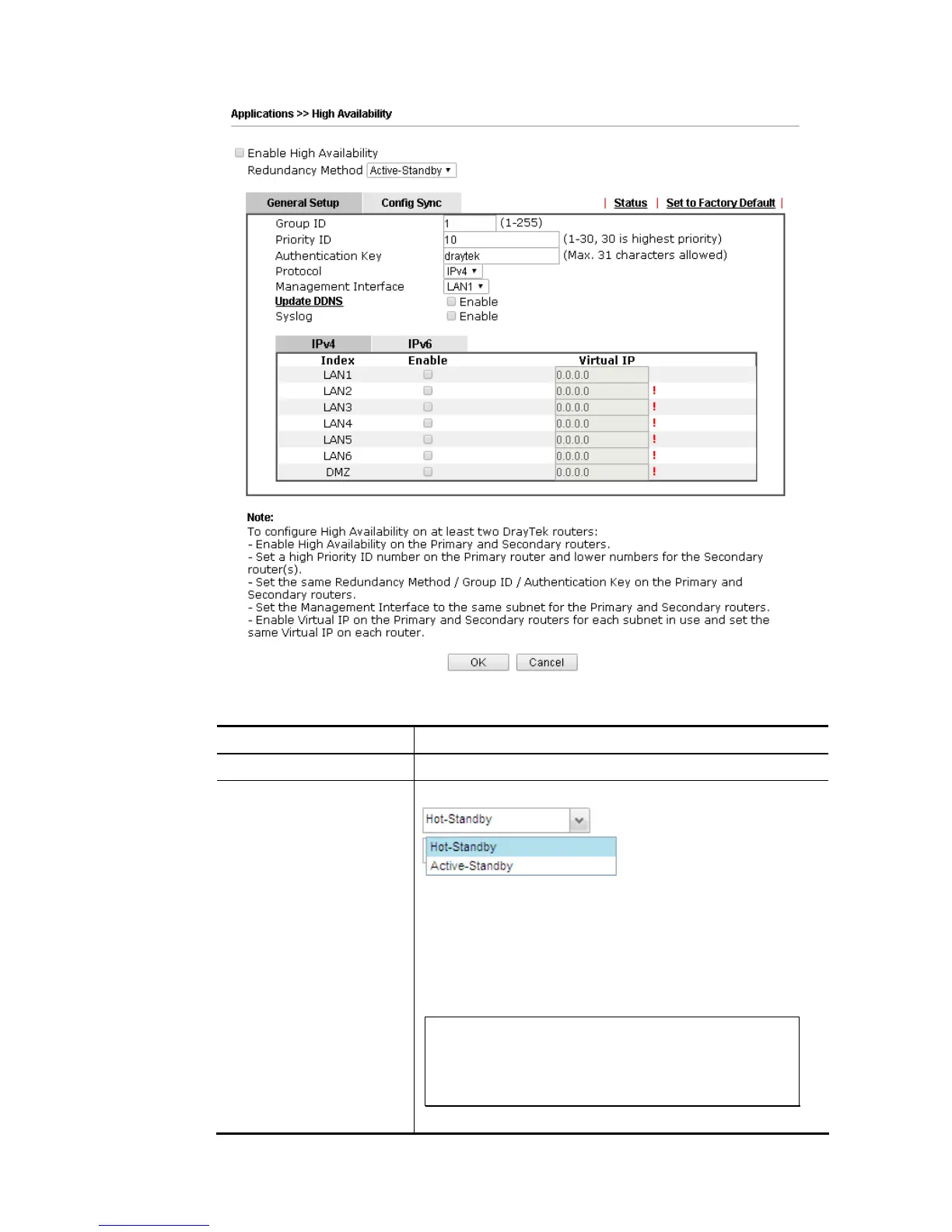
Available settings are explained as follows:
Item Description
Enable High Abailablity Check this box to enable HA function.
Redundancy Method Choose Hot-Standby or Active-Standby as the method for HA.
Hot-Standby -
Such method is suitable for a user which has one ISP account.
With such method;
All WANs of secondary routers will be shut down by HA
function.
WAN settings of primary and secondary routers can be
the same.
Note: When Hot-Standby is used, wireless LAN will be
“enabled” automatically for clients connecting to the
primary router; however, wireless LAN on secondary
router will be “disabled” directlly. Thus clients can
not connect to the secondary router any more.
Active-Standby -














 To Next Page