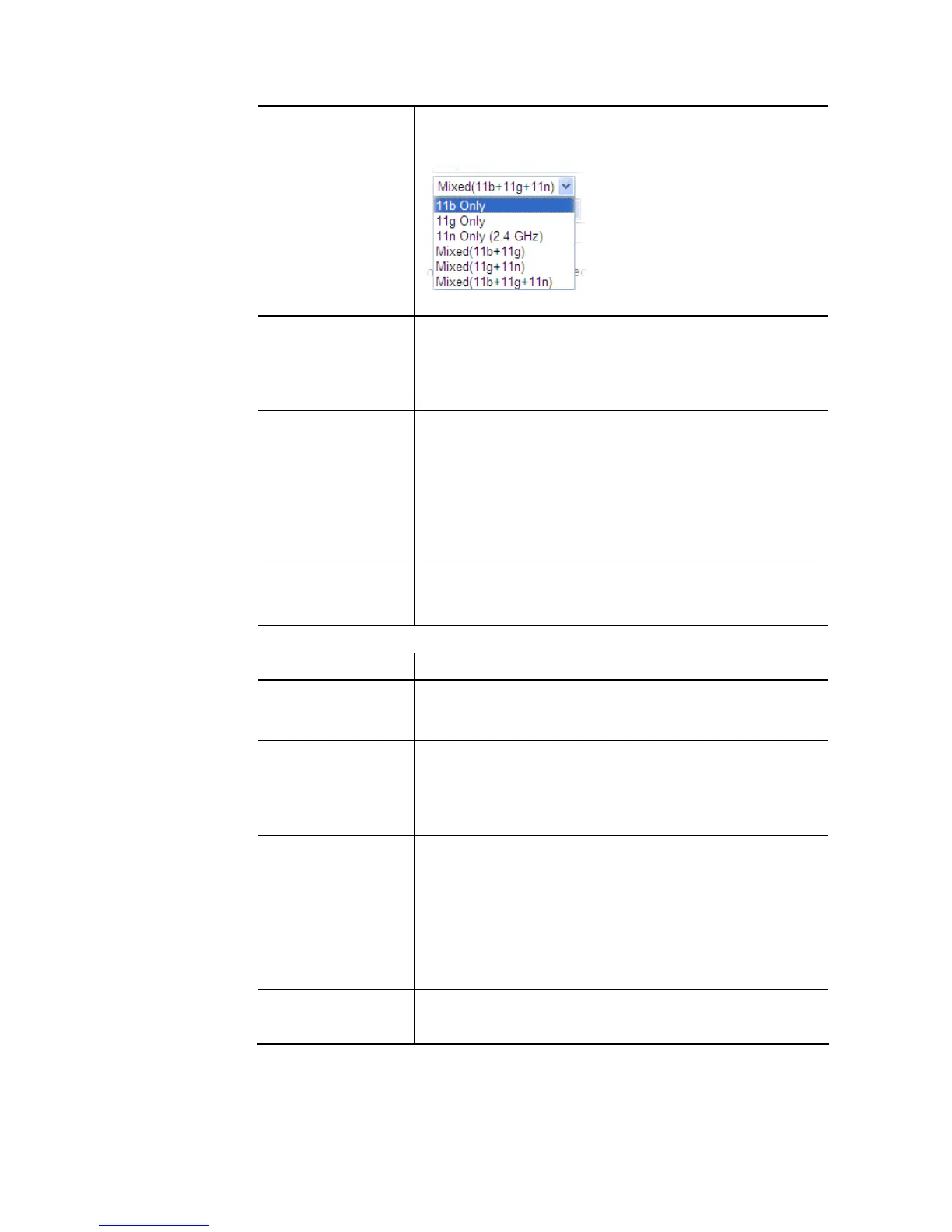
Mixed (11b+11g), Mixed (11a+11n), Mixed (11g+11n), and
Mixed (11b+11g+11n) stations simultaneously. Simply choose
Mix (11b+11g+11n) mode.
Channel Means the channel of frequency of the wireless LAN. The
default channel is 6. You may switch channel if the selected
channel is under serious interference. If you have no idea of
choosing the frequency, please select Auto to let system
determine for you.
Security Key The wireless mode offered by this wizard is WPA2/PSK.
The WPA encrypts each frame transmitted from the radio
using the key, which either PSK (Pre-Shared Key) entered
manually in this field below or automatically negotiated via
802.1x authentication.
Either 8~63 ASCII characters, such as 012345678(or 64
Hexadecimal digits leading by 0x, such as
“0x321253abcde…”).
Use the same SSID
and Security Key as
above
Check the box to use the same settings configured above.
Wireless 5GHz Settings
Name Type the SSID name of this router for wireless 5GHz..
Mode At present, the router can connect to 11a Only, 11n Only
(5GHz), Mixed (11a+11n) and Mixed (11a+11n+11ac) stations
simultaneously.
Channel Means the channel of frequency of the wireless LAN. The
default channel is 36. You may switch channel if the selected
channel is under serious interference. If you have no idea of
choosing the frequency, please select Auto to let system
determine for you.
Security Key The wireless mode offered by this wizard is WPA2/PSK.
The WPA encrypts each frame transmitted from the radio
using the key, which either PSK (Pre-Shared Key) entered
manually in this field below or automatically negotiated via
802.1x authentication.
Either 8~63 ASCII characters, such as 012345678(or 64
Hexadecimal digits leading by 0x, such as
"0x321253abcde...").
Next Click it to get into the next setting page.
Cancel Exit the wireless wizard without saving any changes.














 To Next Page