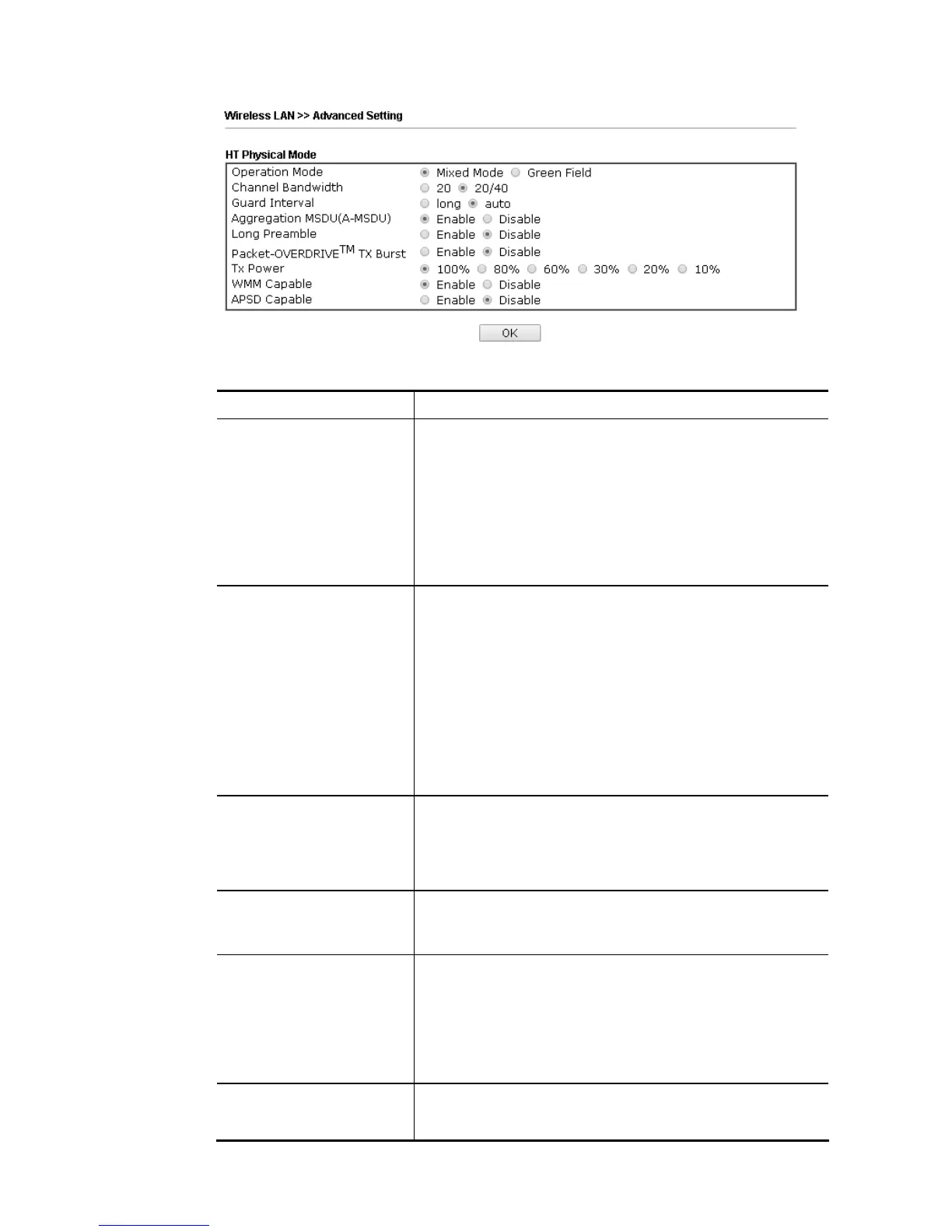
Available settings are explained as follows:
Item Description
Operation Mode Mixed Mode – the router can transmit data with the ways
supported in both 802.11a/b/g and 802.11n standards.
However, the entire wireless transmission will be slowed
down if 802.11g or 802.11b wireless client is connected.
Green Field – to get the highest throughput, please choose
such mode. Such mode can make the data transmission
happen between 11n systems only. In addition, it does not
have protection mechanism to avoid the conflict with
neighboring devices of 802.11a/b/g.
Channel Bandwidth 20- the router will use 20Mhz for data transmission and
receiving between the AP and the stations.
40- the router will use 40Mhz for data transmission and
receiving between the AP and the stations.
20/40 –Vigor Router will scan for nearby wireless AP, and
then use 20MHz if the number of AP is more than 10, or use
40MHz if it's not.
20/40/80 – the router will use 20Mhz, 40Mhz or 80Mhz for
data transmission and receiving according to the station
capability. Such channel can increase the performance for
data transit.
Guard Interval It is to assure the safety of propagation delays and
reflections for the sensitive digital data. If you choose auto
as guard interval, the AP router will choose short guard
interval (increasing the wireless performance) or long guard
interval for data transmit based on the station capability.
Aggregation MSDU
Aggregation MSDU can combine frames with different sizes
.
It is used for improving MAC layer’s performance for some
brand’s clients. The default setting is Enable.
Long Preamble This option is to define the length of the sync field in an
802.11 packet. Most modern wireless network uses short
preamble with 56 bit sync field instead of long preamble with
128 bit sync field. However, some original 11b wireless
network devices only support long preamble. Click Enable to
use Long Preamble if needed to communicate with this kind
of devices.
Packet-OVERDRIVE This feature can enhance the performance in data
transmission about 40%* more (by checking Tx Burst). It is
active only when both sides of Access Point and Station (in














 To Next Page