Use the same Account as phone 1 – If you don’t need to
configure Phone 2 settings, simply check this box.
Next Click it to get into the next setting page.
Cancel Click it to give up the VoIP wizard.
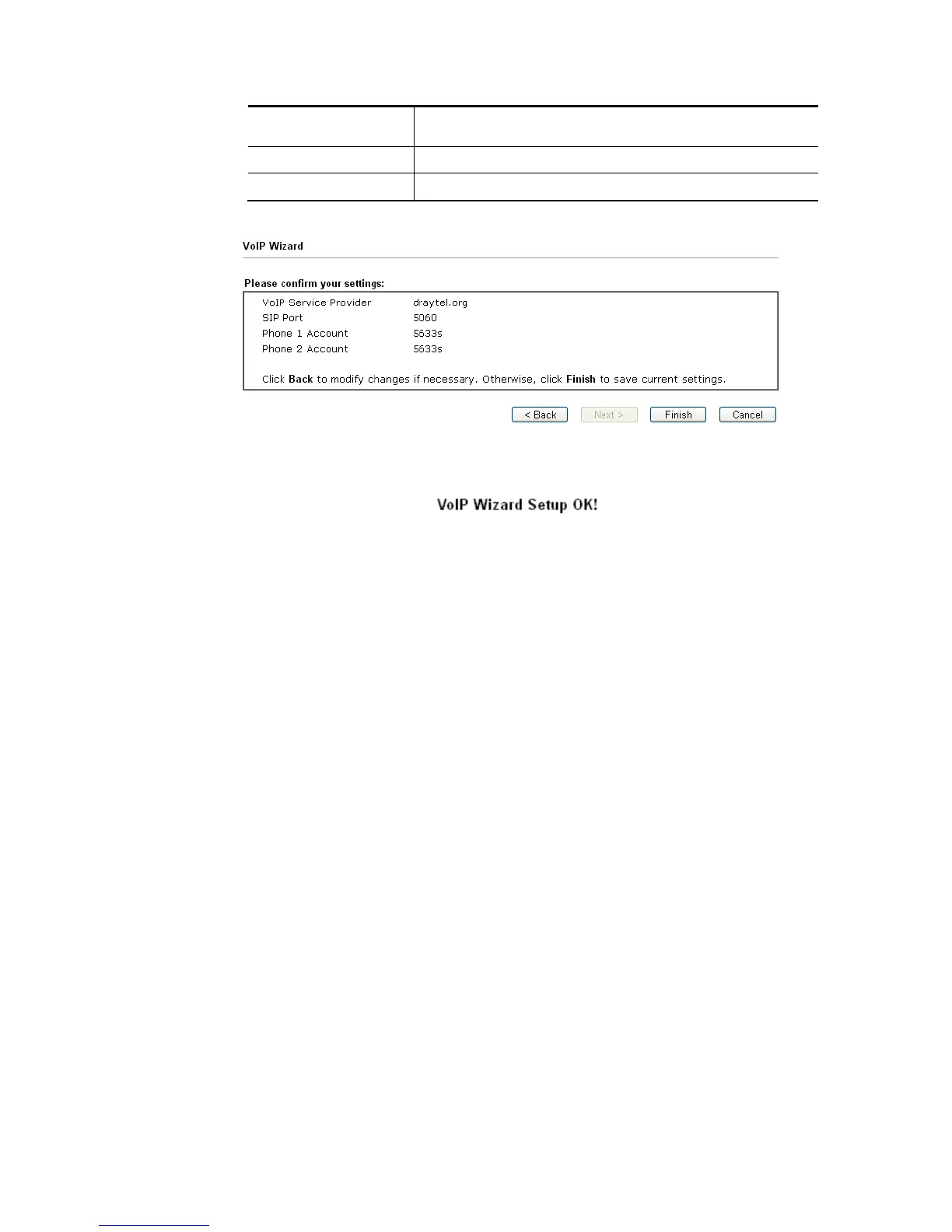
3. After finished the settings above, click Next for viewing summary of such connection.
4. Click Finish. A page of VoIP Wizard Setup OK!!! will appear.














 To Next Page