Vigor2860 Series User’s Guide
333
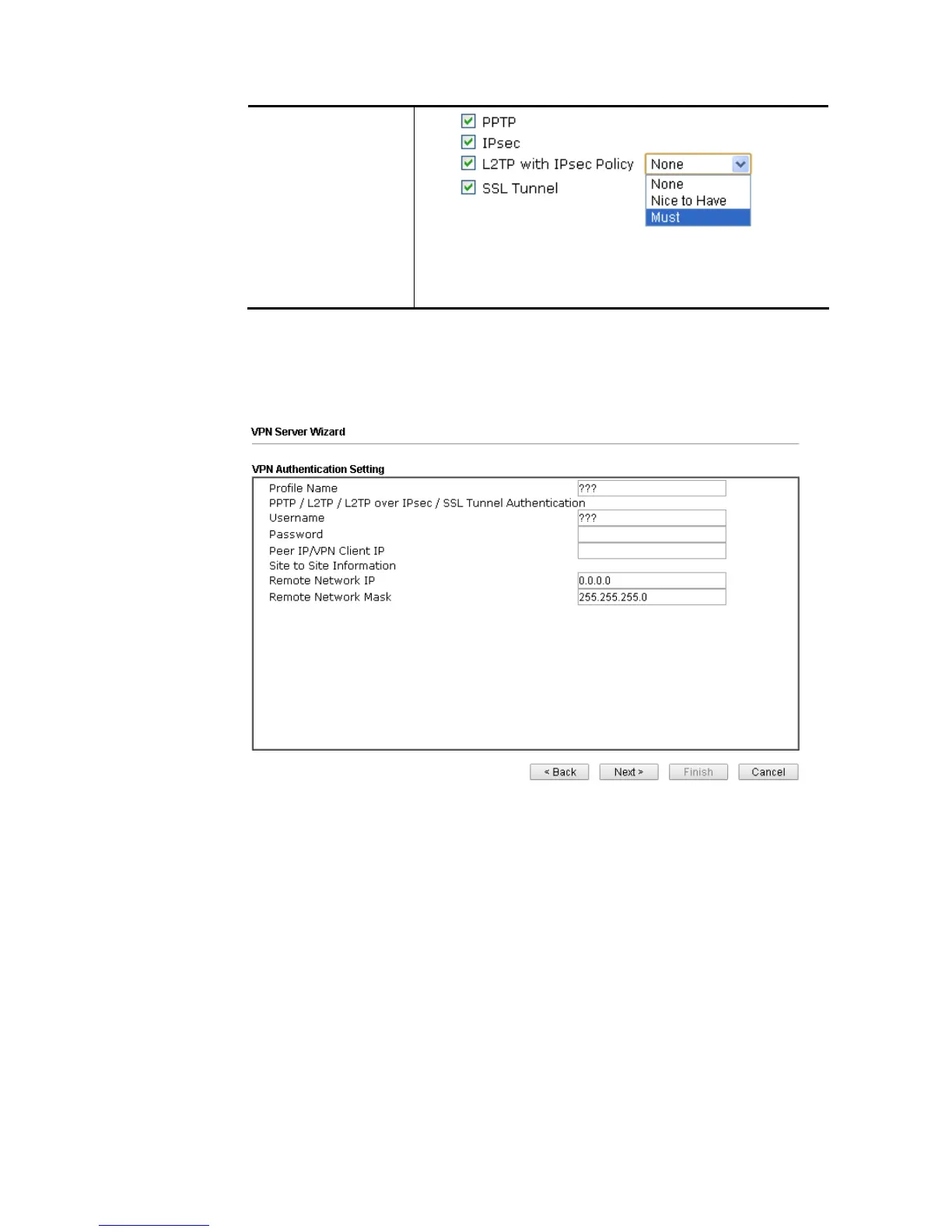
Different Dial-in Type will lead to different configuration
page. In addition, adjustable items for each dial-in type will
be changed according to the VPN Server Mode (Site to Site
VPN and Remote Dial-in User) selected.
2. After making the choices for the server profile, please click Next. You will see different
configurations based on the selection you made. Here we take the examples of choosing
Site-to-Site VPN as the VPN Server Mode.
When you check PPTP/SSL, you will see the following graphic:
When you check PPTP & IPsec & L2TP (three types) or PPTP & IPsec (two types) or L2TP
with Policy (Nice to Have/Must), you will see the following graphic:














 To Next Page