R
R
E
E
F
F
R
R
E
E
S
S
H
H
Click this button to refresh the information listed below.
V
V
i
i
e
e
w
w
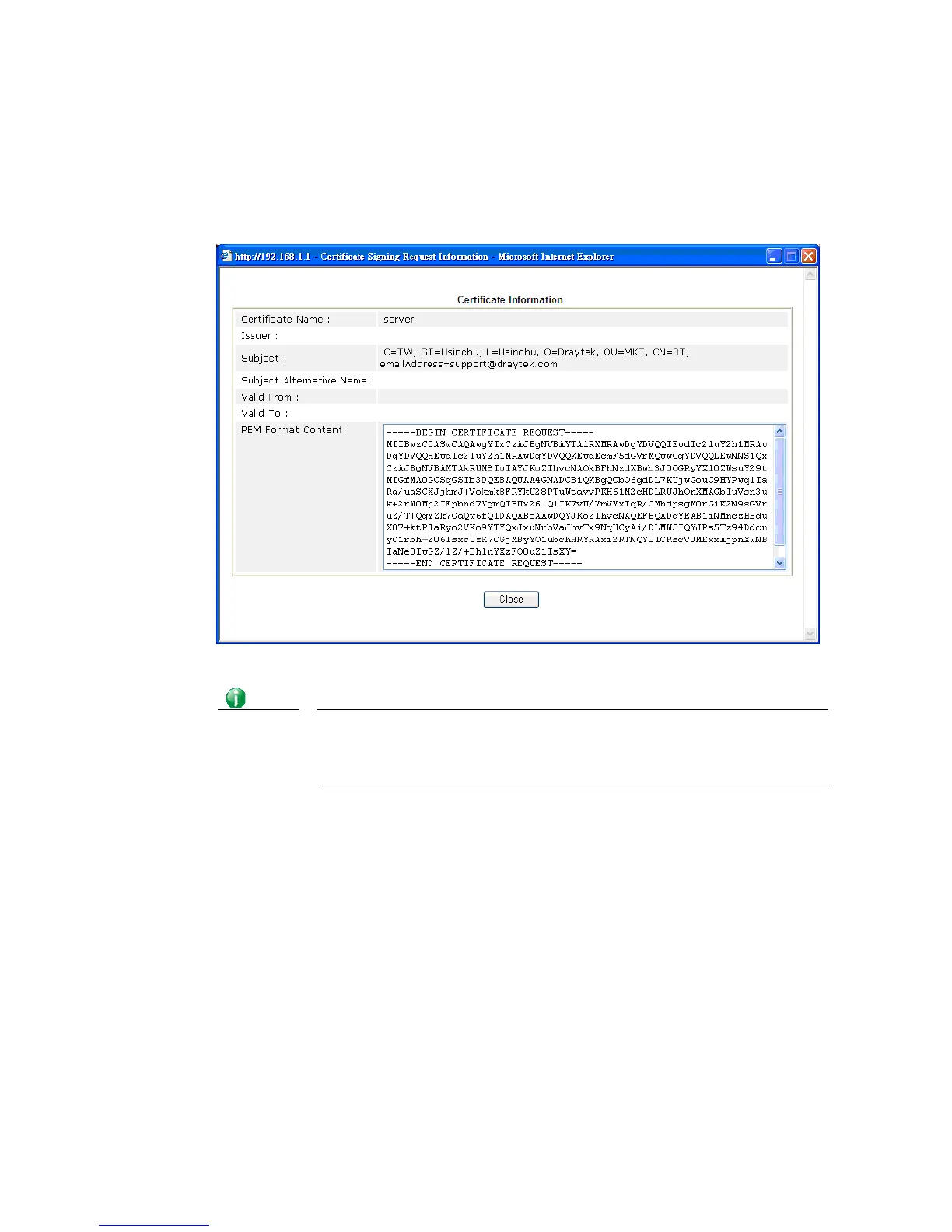
Click this button to view the detailed settings for certificate request.
Info
You have to copy the certificate request information from above window.
Next, access your CA server and enter the page of certificate request, copy
the information into it and submit a request. A new certificate will be
issued to you by the CA server. You can save it.
D
D
e
e
l
l
e
e
t
t
e
e
Click this button to remove the selected certificate.














 To Next Page