the characters listed on Group/Object Selections. If the web
pages do not match with the specified feature set here, they
will be processed with the categories listed on the box
below.
Block - restrict accessing into the corresponding webpage
with the characters listed on Group/Object Selections.
If the web pages do not match with the specified feature set
here, they will be processed with the categories listed on the
box below.
Action Pass - allow accessing into the corresponding webpage with
the categories listed on the box below.
Block - restrict accessing into the corresponding webpage
with the categories listed on the box below.
If the web pages do not match with the specified feature set
here, it will be processed with reverse action.
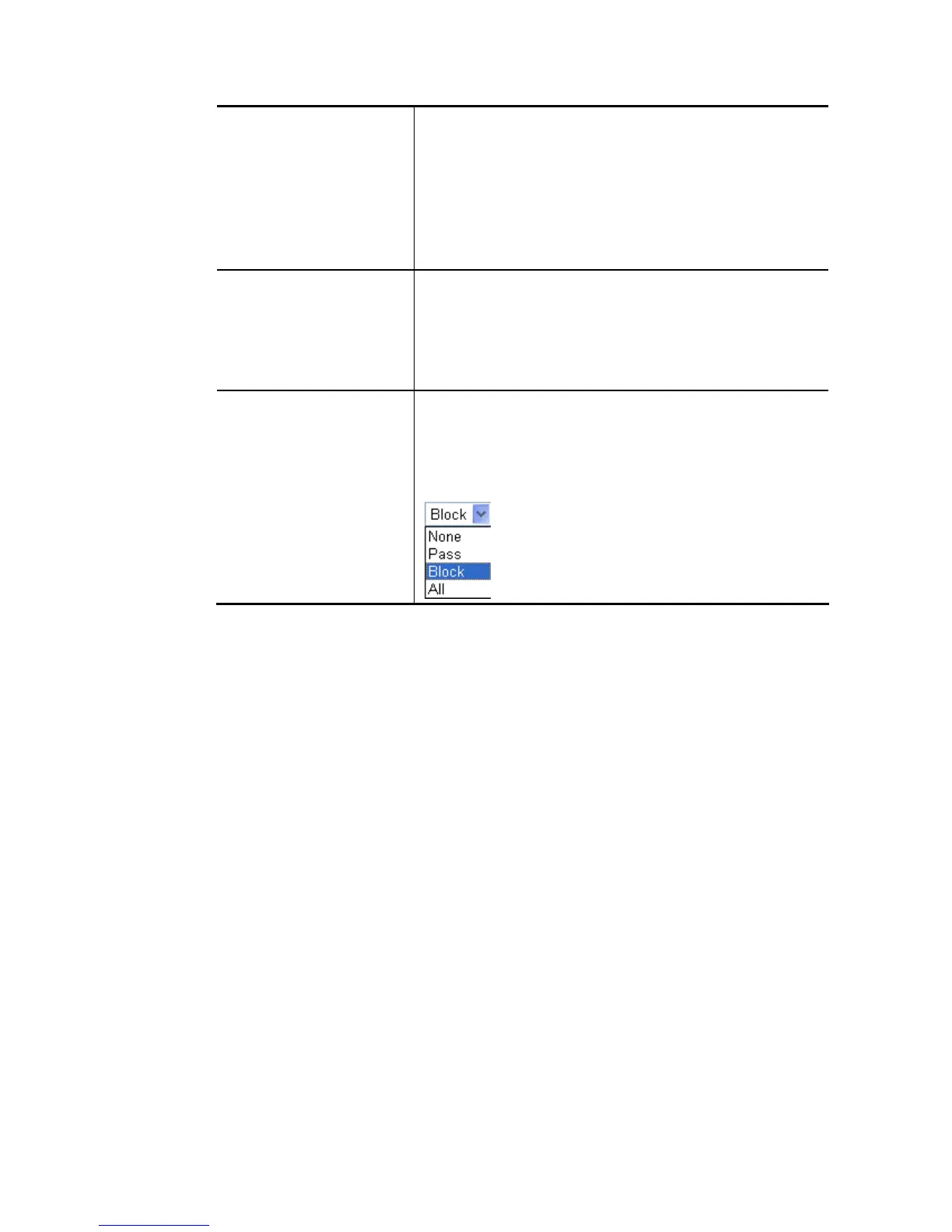
Log None – There is no log file will be recorded for this profile.
Pass – Only the log about Pass will be recorded in Syslog.
Block – Only the log about Block will be recorded in Syslog.
All – All the actions (Pass and Block) will be recorded in
Syslog.
After finishing all the settings, please click OK to save the configuration.














 To Next Page