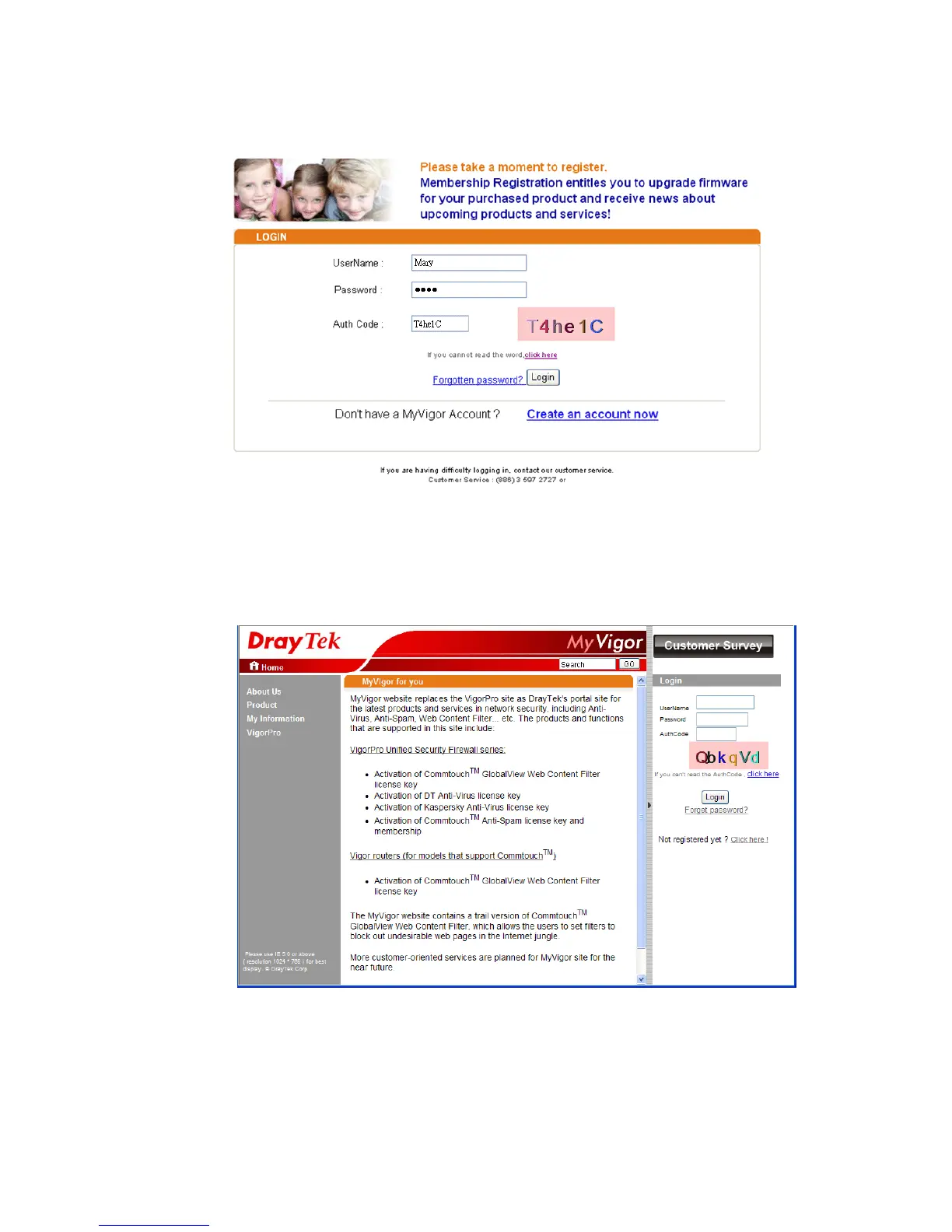
10. When you see the following page, please type in the account and password (that you just
created) in the fields of UserName and Password.
11. Now, click Login. Your account has been activated. You can access into MyVigor server to
activate the service (e.g., WCF) that you want.
C
C
r
r
e
e
a
a
t
t
e
e
a
a
n
n
A
A
c
c
c
c
o
o
u
u
n
n
t
t
v
v
i
i
a
a
M
M
y
y
V
V
i
i
g
g
o
o
r
r
W
W
e
e
b
b
S
S
i
i
t
t
e
e
1. Access into http://myvigor.draytek.com. Find the line of Not registered yet?. Then,
click the link Click here! to access into next page.














 To Next Page