Vigor2860 Series User’s Guide
473
Item Description
Restore Choose File – Click it to specify a file to be restored.
Restore configuration except the login password - If the
password settings shall not be restored and applied to
Vigor2860, simply check this box to get rid of password
settings.
Click Restore to restore the configuration. If the file is
encrypted, the system will ask you to type the password to
decrypt the configuration file.
Backup Click it to perform the configuration backup of this router.
Protect with password- For the sake of security, the
configuration file for the router can be encrypted.
Password – Type several characters as the password for
encrypting the configuration file.
Confirm Password – Type the password again for
confirmation.
Support Model List Web configuration file from other Vigor router can be
applied to Vigor2860 series. At present, the configuration
file of Vigor2820/Vigor2830/Vigor2850 is accepted for Vigor
2860.
This field displays model name(s) and firmware which web
configuration file saved can be used by such router.
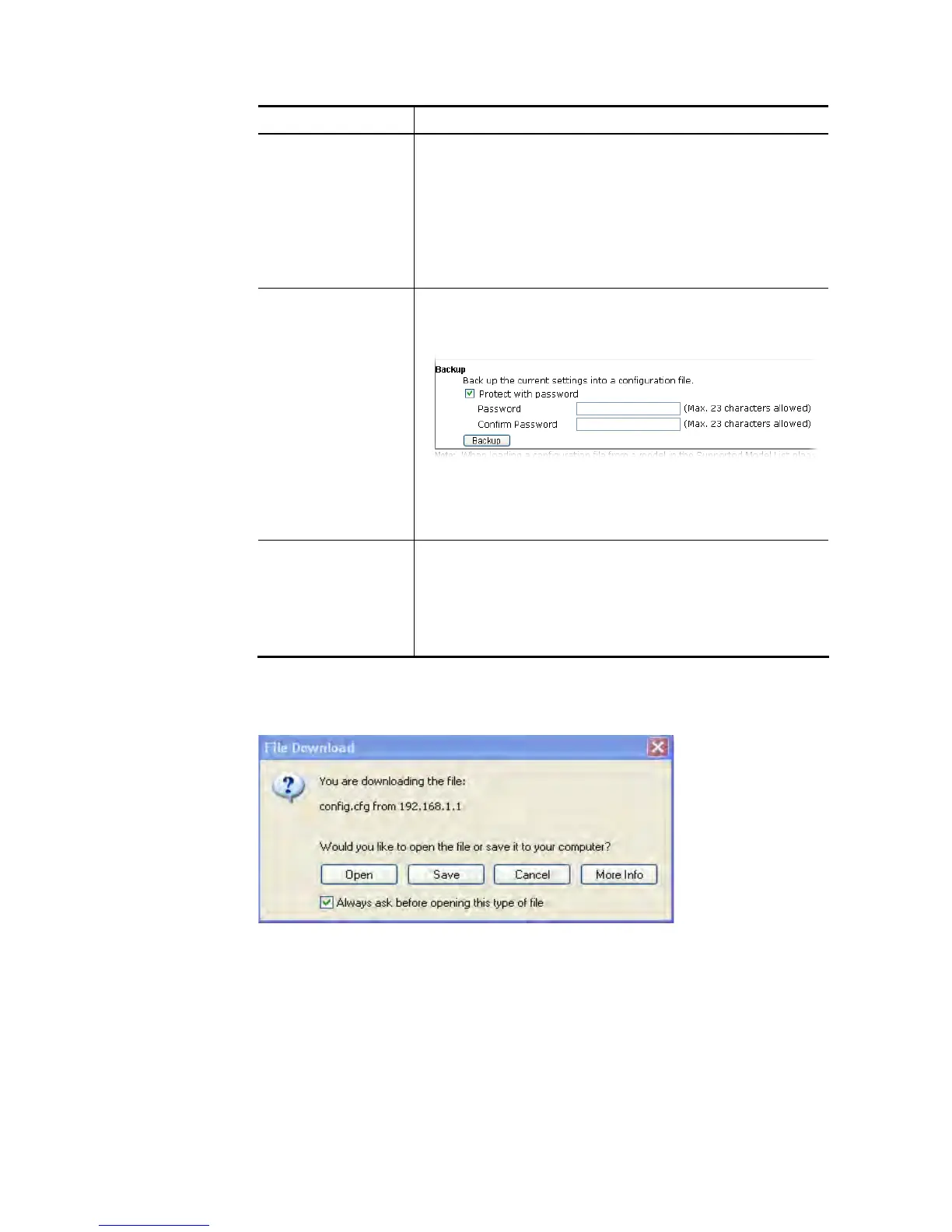
2. Click Backup button to get into the following dialog. Click Save button to open another
dialog for saving configuration as a file.
3. In Save As dialog, the default filename is config.cfg. You could give it another name by
yourself.














 To Next Page