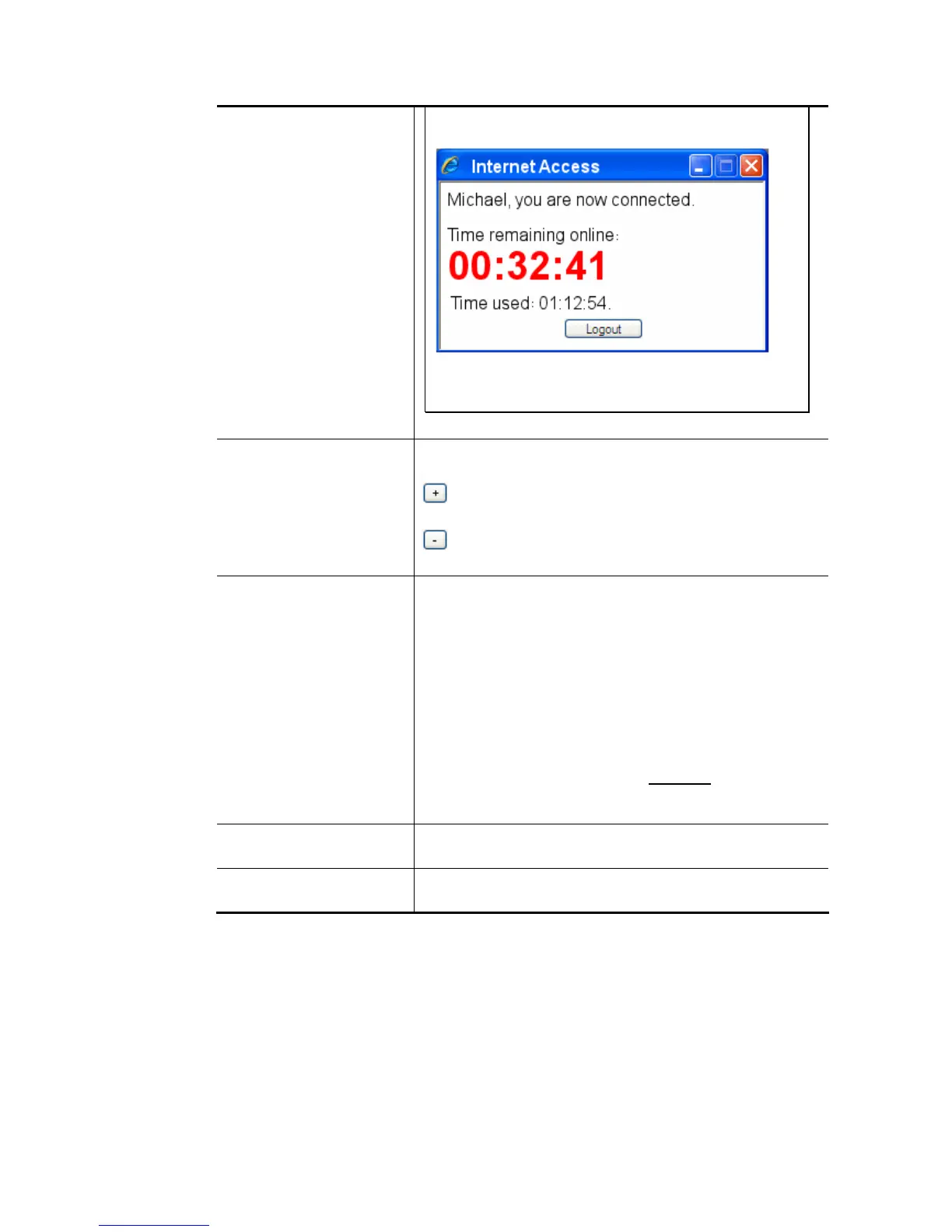
time remained when a user accesses into Internet
through Vigor router successfully.
When the time is up, all the connection jobs including
network, IM, social media, facebook, and etc. will be
terminated.
Enable Data Quota Data Quota means the total amount for data transmission
allowed for the user. The unit is MB/GB.
– Click this box to set and increase the data quota for
such profile.
– Click this box to decrease the data quota for such
profile.
Reset quota automatically
Enable – Set default time quota and data quota for such
profile. Vigor router will reset the quota automatically
according to the factory quota settings.
Default Time Quota – Type the value for the time
manually.
Default Data Quota – Type the value for the data
manually.
Quota reset - when login permission schedule expired -
When the scheduling time is up, the router will reset the
quota with user-defined time/data values automatically.
Quota reset – at the start time of Schedule
– The router will
reset the quota with user-defined time/data values at the
starting time configured in the selected schedule profile.
Internal RADIUS Check the box to enable security authenticated via internal
RADIUS server.
Local 802.1X Check the box to enable security authenticated via 802.1X
server.
After finishing all the settings here, please click OK to save the configuration.














 To Next Page