P
P
a
a
g
g
e
e
w
w
i
i
t
t
h
h
C
C
P
P
E
E
c
c
o
o
n
n
n
n
e
e
c
c
t
t
e
e
d
d
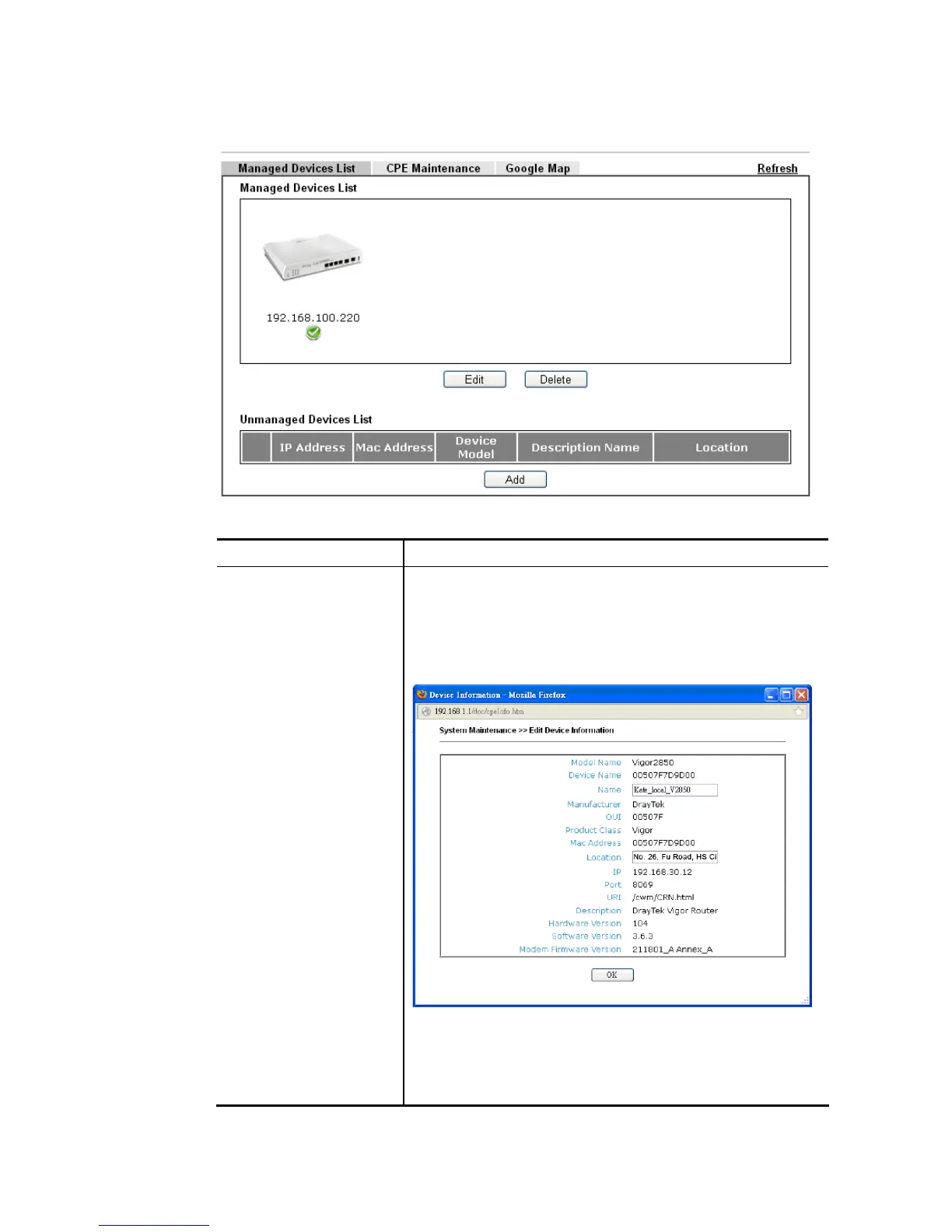
Available settings are explained as follows:
Item Description
Managed Devices List This area displays device icons (up to 8) for the CPE managed
by Vigor2860 series.
Edit – To modify the name and location of specific CPE, click
the one you want and click the Edit button. A pop up window
will appear. Simply change the name and/or location
manually.
Delete – To disconnect the management of any CPE, click the
CPE icon you want and click the Delete button.
Double-clicking the CPE icon also can pop up the Managed
Device Detail window. However, you cannot modify any data
on the window.














 To Next Page