Item Description
Switch Name Type a name for the Switch. The purpose of name is used for
identification.
It is useful when there are many VigorSwitch (same modes)
devices connecting to Vigor2860 seres.
Comment Type the text in such field if additional explanation for the
switch is required.
Copy configuration
from
Check the box to copy configuration from other device. Use
the drop down list to choose the one you need.
Note, if there is only one VigorSwitch connected and
managed by Vigor2860 series, then such field is unavailable.
Login Password Display the original login password for the VigorSwitch.
However, if Group Password (in Central Management
>>Switch>>Group) is configured with other string, then such
field is not allowed to type any other password. And only the
group password will be shown, instead.
IP Address Display the dynamic IP address (of the connected switch)
assigned by Vigor2860.
OK Click it to save the settings.
Cancel Click it to return to previous web page without saving the
setting changes.
Send to Device Click it to transfer the configuration change (e.g, login
password, switch name, etc.) to the VigorSwitch
immediately.
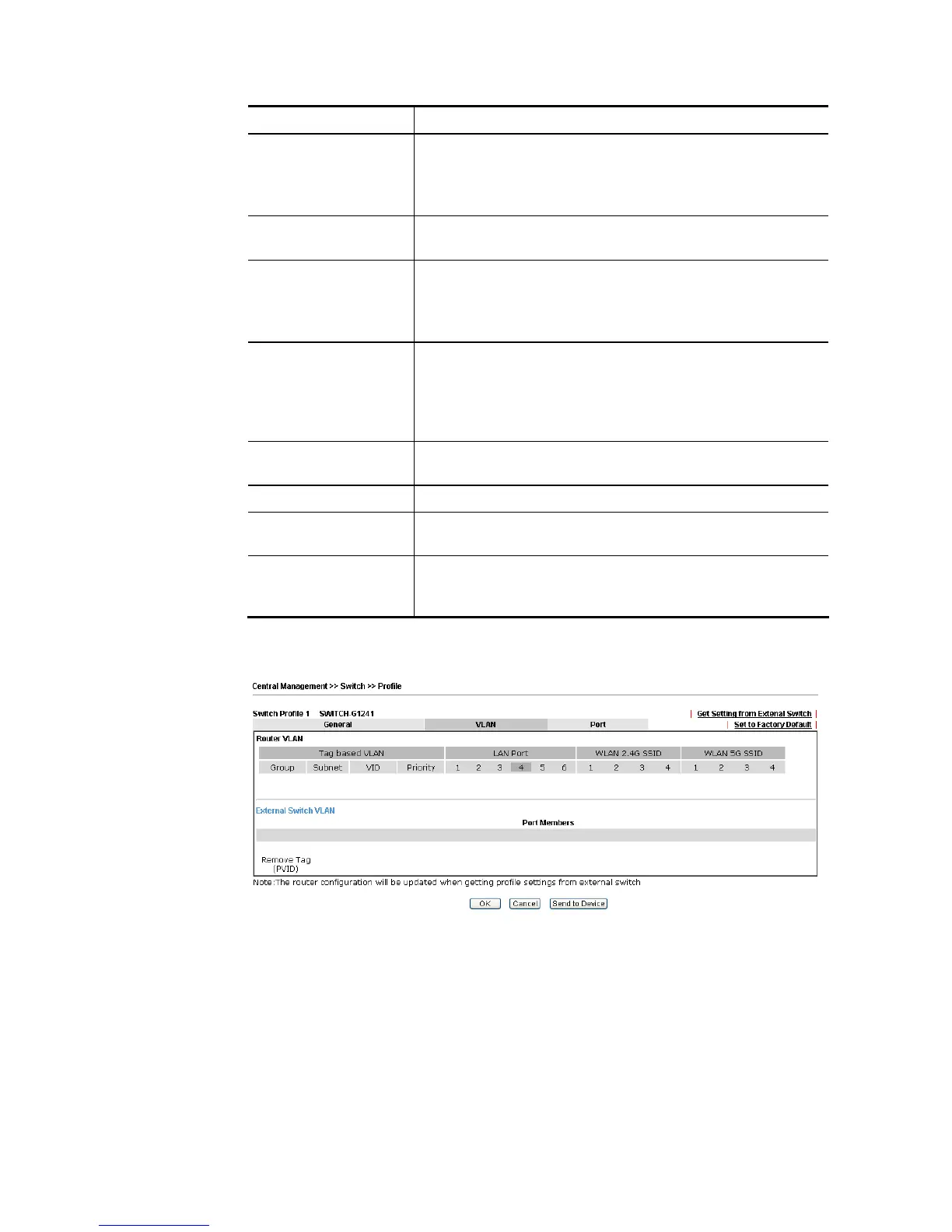
2. After finished the settings, click VLAN tab to open following page.
Blank page due to LAN>>VLAN not configured previously:














 To Next Page