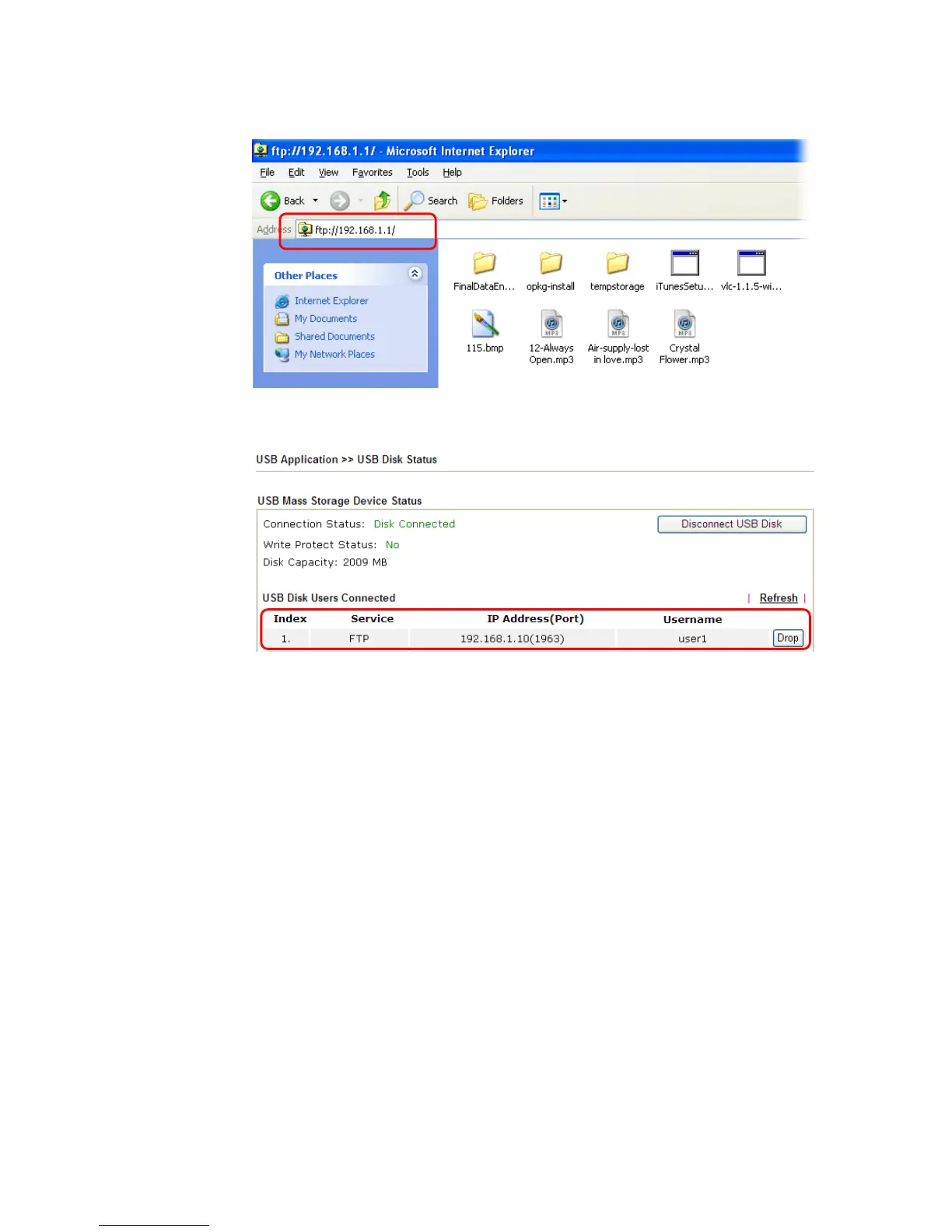
6. When the following screen appears, it means the FTP service is running properly.
7. Return to USB Application >> USB Disk Status. The information for FTP server will be
shown as below.
Now, users in LAN of Vigor2860 can access into the USB storage device by typing
ftp://192.168.1.1 on any browser. They can add or remove files / directories,
depending on the Access Rule for FTP account settings in USB Application >>USB User
Management.














 To Next Page