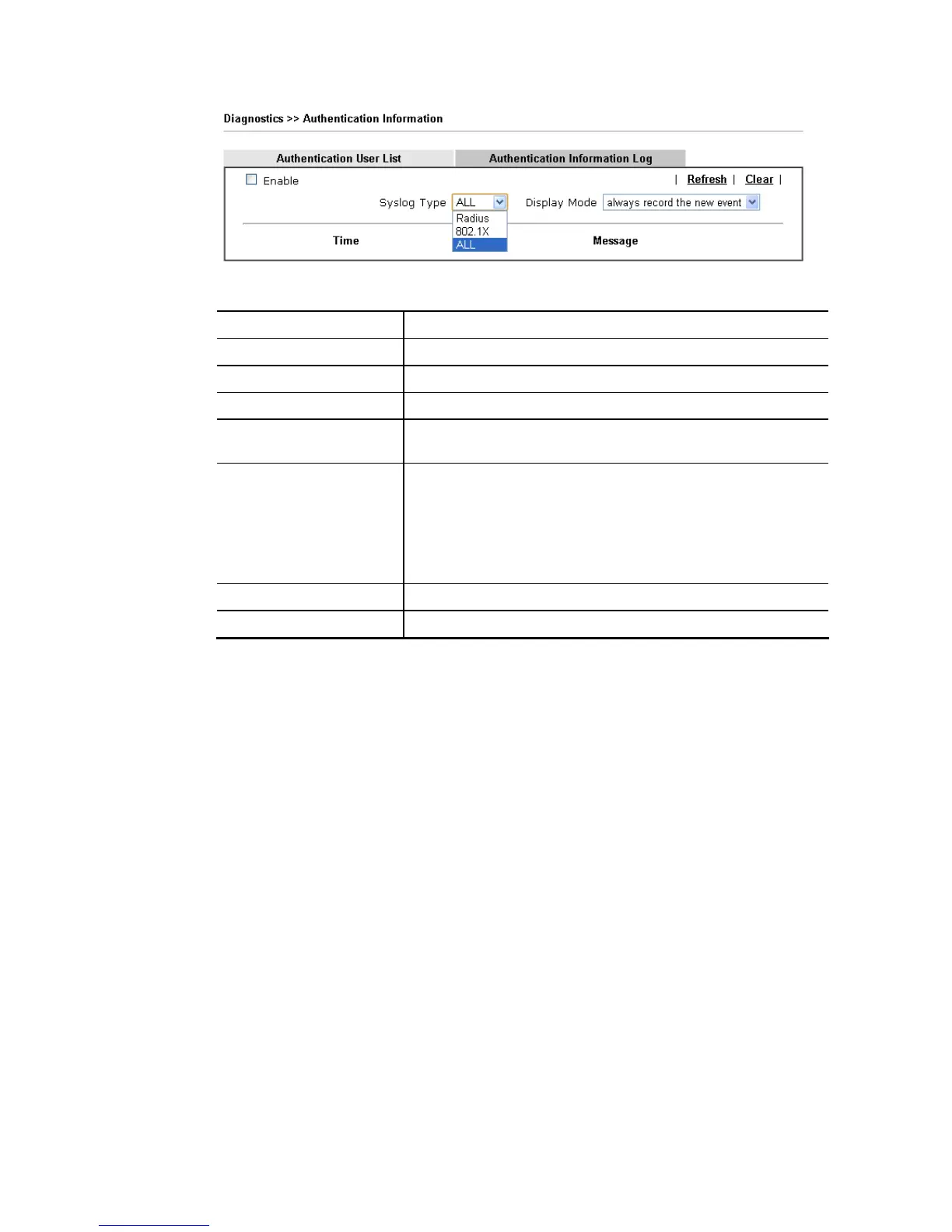
Available settings are explained as follows:
Item Description
Enable Check the box to enable such function.
Refresh Click it to update current page.
Clear Click it to remove all of the records.
Syslog Type Specify RADIUS, 802.1X or All to display related authentication
information log.
Display Mode Choose the mode you want to display the related information
on the following table.
Stop record when fulls – when the capacity of CVM log is
full, the system will stop recording.
Always record the new event – only the newest events
will be recorded by the system.
Time Display the time the user authenticated by Vigor2860 series.
Message Display authentication information done by Vigor2860 series.














 To Next Page