3. Please type in required information originally provided by your ISP. Then, click Next for
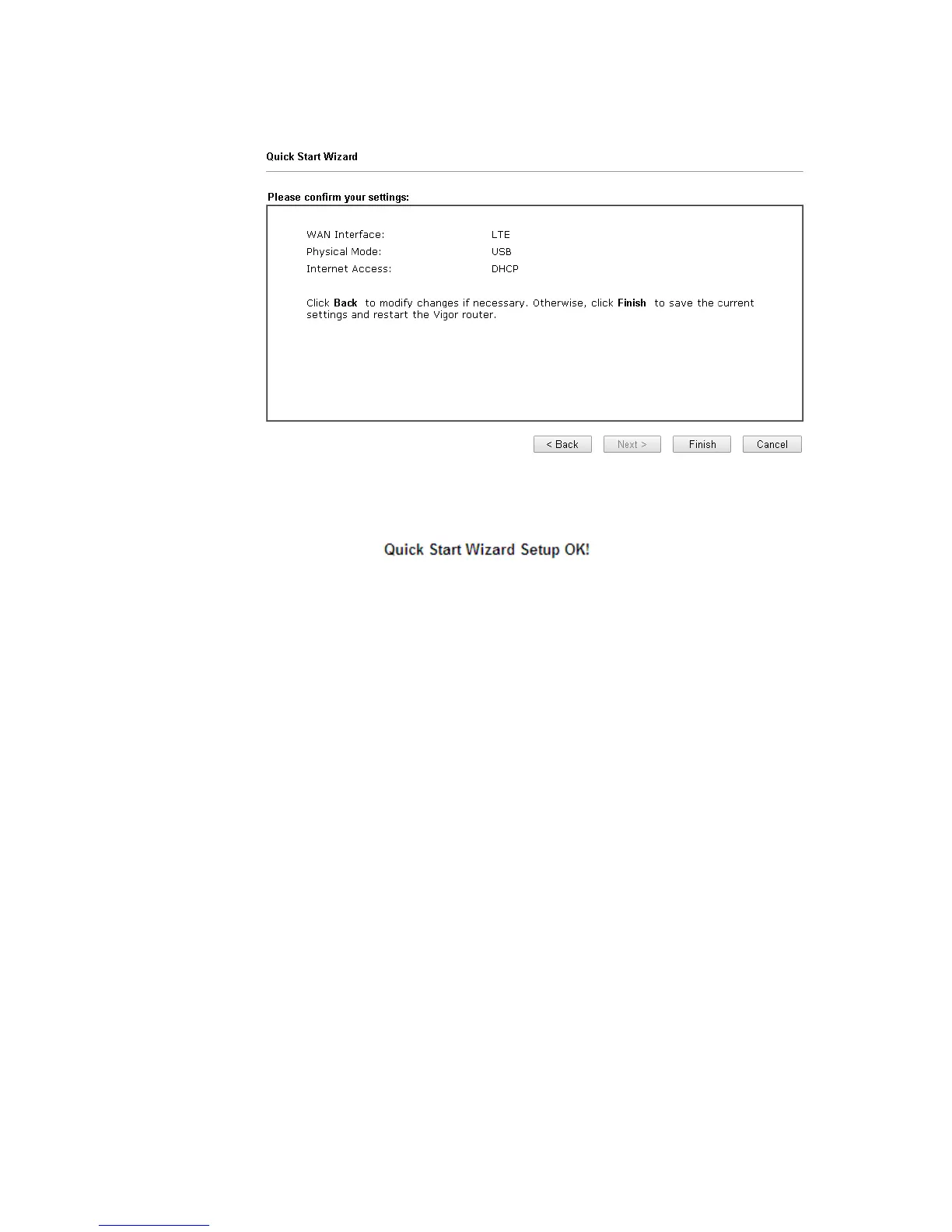
viewing summary of such connection.
4. Click Finish. A page of Quick Start Wizard Setup OK!!! will appear. Then, the system
status of this protocol will be shown.
5. Now, you can enjoy surfing on the Internet.














 To Next Page