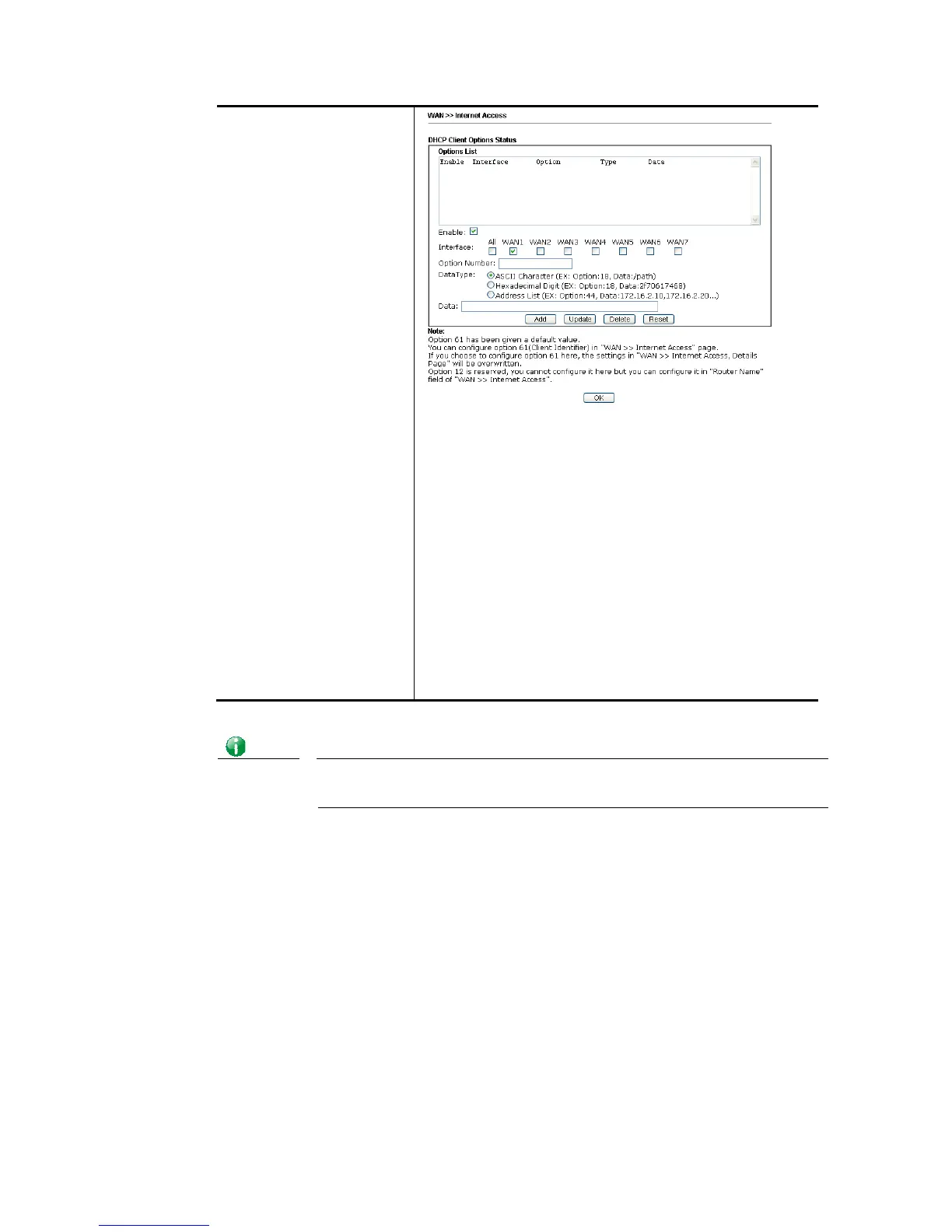
Enable/Disable – Enable/Disable the function of DHCP
Option. Each DHCP option is composed by an option number
with data. For example,
Option number:100
Data: abcd
When such function is enabled, the specified values for
DHCP option will be seen in DHCP reply packets.
Interface – Specify the WAN interface(s) that will be
overwritten by such function. WAN5 ~ WAN7 can be located
under WAN>>Multi-PVC/VLAN.
Option Number – Type a number for such function.
DataType – Choose the type (ASCII or Hex) for the data to
be stored.
Data – Type the content of the data to be processed by the
function of DHCP option.
Info
If you choose to configure option 61 here, the detailed settings in WAN>>Interface
Access will be overwritten.














 To Next Page