PPP.
IP Address From ISP Usually ISP dynamically assigns IP address to you each time
you connect to it and request. In some case, your ISP
provides service to always assign you the same IP address
whenever you request. In this case, you can fill in this IP
address in the Fixed IP field. Please contact your ISP before
you want to use this function.
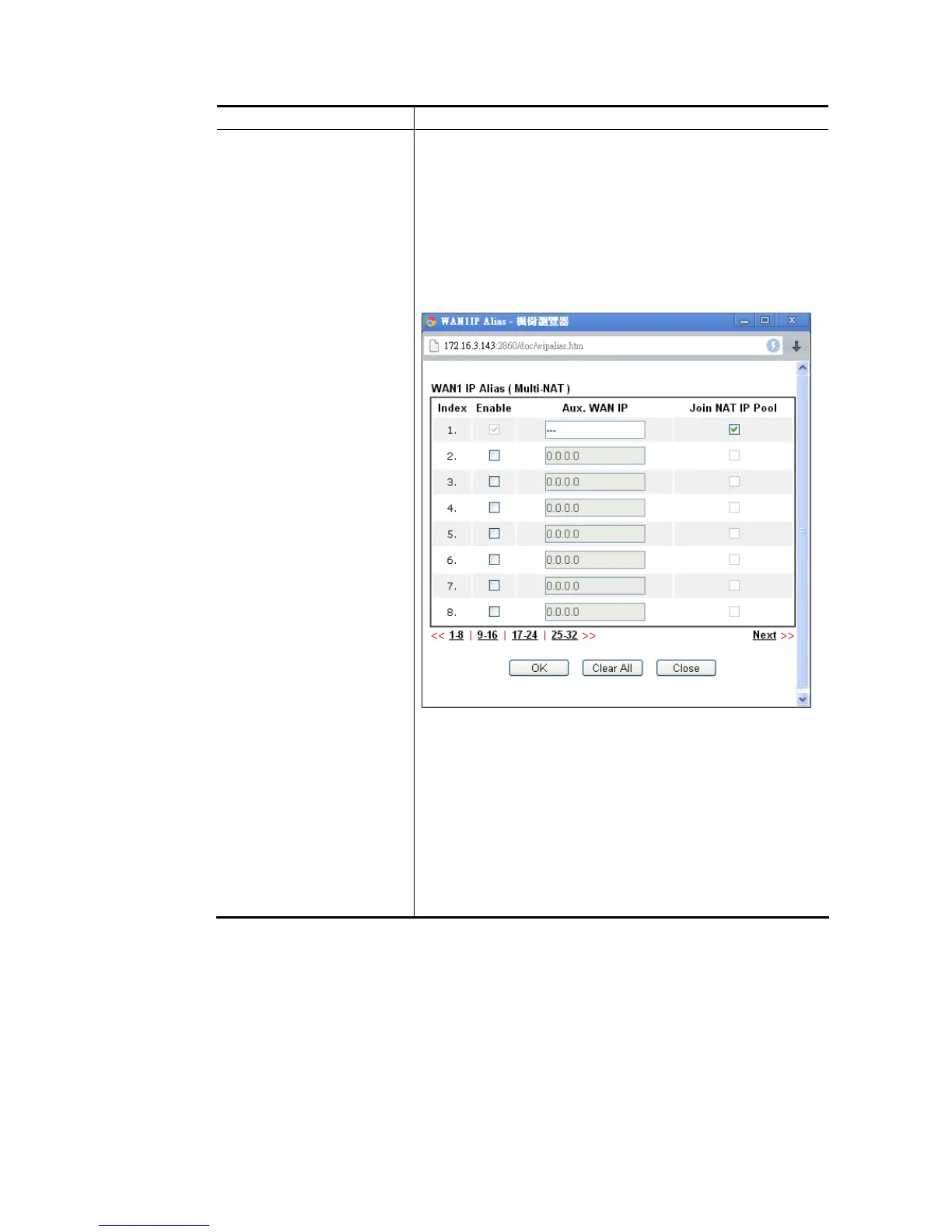
WAN IP Alias - If you have multiple public IP addresses and
would like to utilize them on the WAN interface, please use
WAN IP Alias. You can set up to 8 public IP addresses other
than the current one you are using.
Fixed IP – Click Yes to use this function and type in a fixed IP
address in the box of Fixed IP Address.
Default MAC Address – You can use Default MAC Address or
specify another MAC address by typing on the boxes of MAC
Address for the router.
Specify a MAC Address – Type the MAC address for the router
manually.
Index (1-15) in Schedule Setup - You can type in four sets of
time schedule for your request. All the schedules can be set
previously in Applications >> Schedule web page and you
can use the number that you have set in that web page.
After finished the above settings, click OK to save the settings.














 To Next Page