113
2
PC Controller Setting
4
Programming a JOB for DC-646 Via Computer (PC Controller)
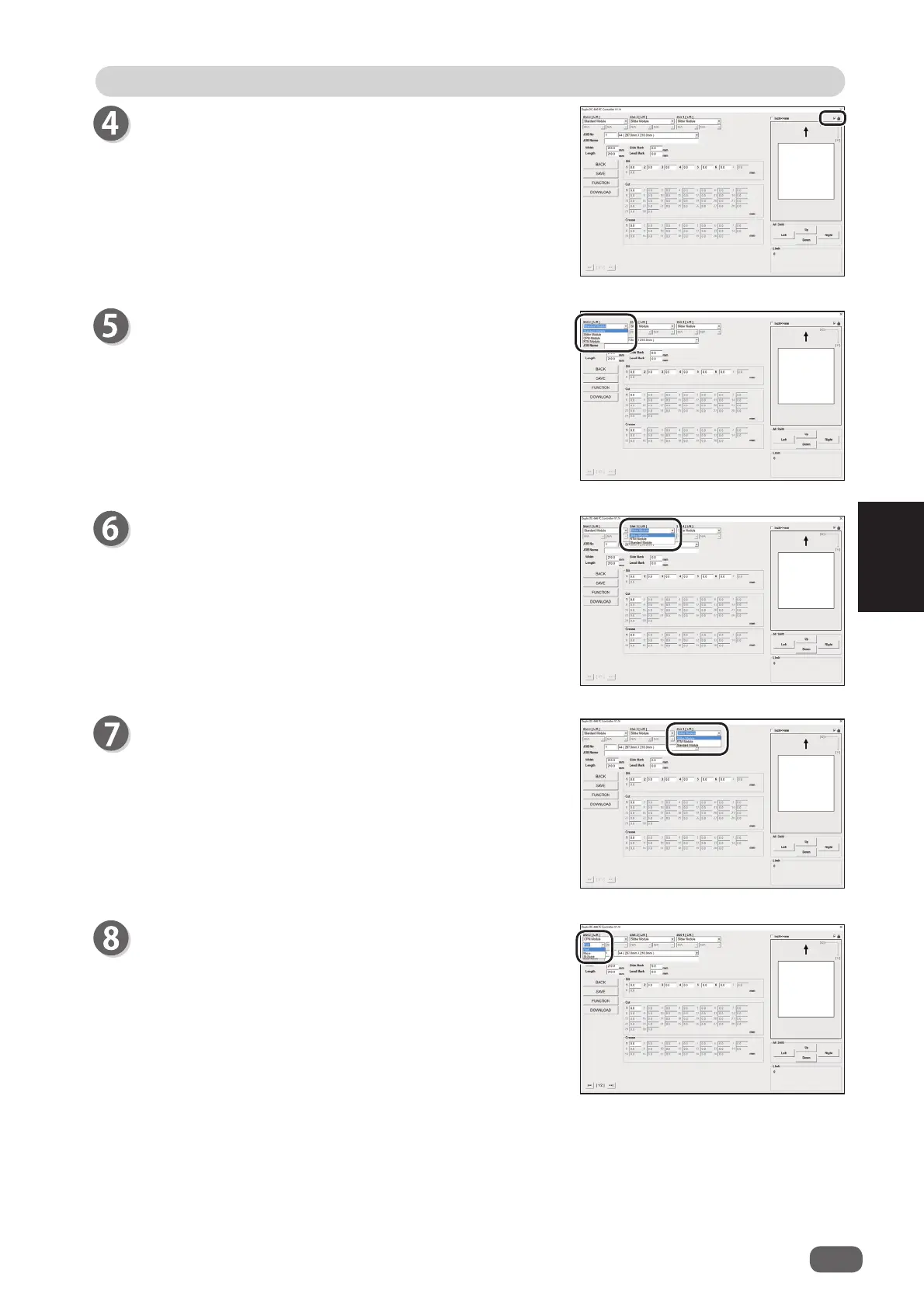
Select a module from the
Slot 2[L/R]
box.
Standard Module
Slitter Module
CPM (Cross Tool Module)
(option)
RTM (Rotary Tool Module)
(option)
Select a module from the
Slot 3 [L/R]
box.
Slitter Module
RTM (Rotary Tool Module)
(option)
Standard Module
Select a module from the
Slot 4 [L/R]
box.
Slitter Module
RTM (Rotary Tool Module)
(option)
Standard Module
If you have selected
CPM (cross tool module (option))
or
RTM (rotary tool module (option))
in the
Slot 2 [L/R]
box in step 5, select a tool for the selected module from
the
Tool
box.
CPM (Cross Tool Module)
: Select a tool.
Perf.
,
Micro
,
Sl-Score
RTM (Rotary Tool Module)
: Select a tool for the left
tool and the right tool.
Perf.
,
Micro
,
Sl-Score
,
Score
If you select the check box in the upper right part of the
screen (
DIRECT
), you can lock the JOB.
(→P.97 Locking a JOB)



 To Next Page