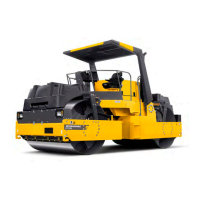
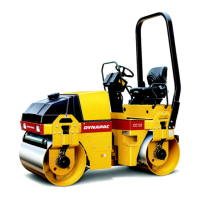
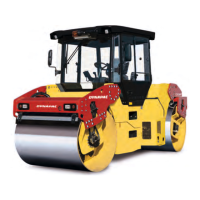
Machine description
ICC424HF-CN1EN2.pdf 2012-11-23
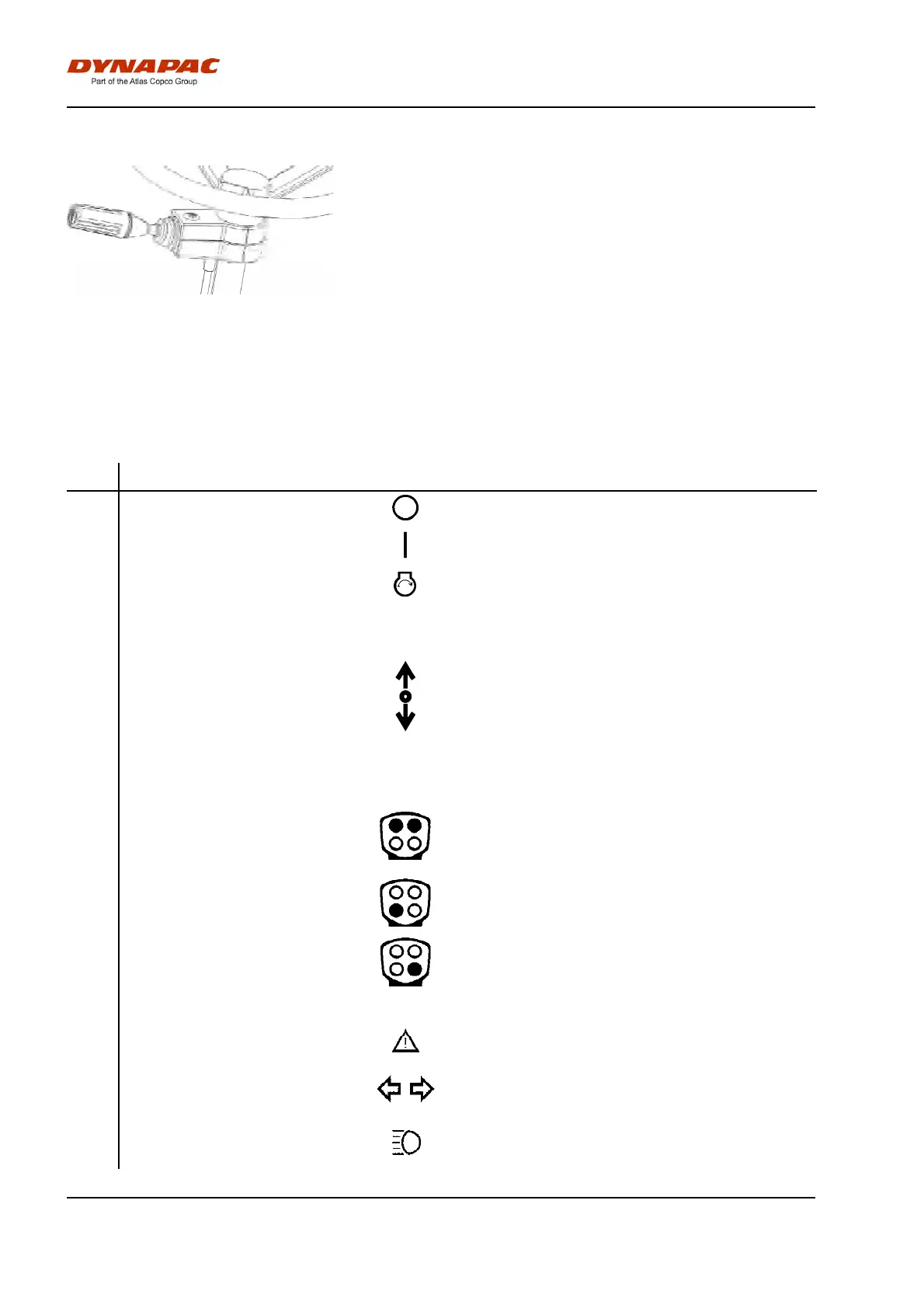
FunctionsFunctions
1. Direction indicators1. Direction indicators
2. Driving lights2. Driving lights
3. Full/Dipped beam3. Full/Dipped beam
4. Parking lights4. Parking lights
5. Horn5. Horn
Figure. Steering column switch
(optional)
Function descriptions
No Designation Symbol FunctionNo Designation Symbol Function
1 Ignition key The electric circuit is broken.1 Ignition key The electric circuit is broken.
All instruments and electric controls are supplied with
power.
All instruments and electric controls are supplied with
power.
Starter motor activation.Starter motor activation.
To start: Turn ignition key to the right until the
display LIGHTS UP, and wait until the displayed
roller GOES OFF and changes to the status image.
To start: Turn ignition key to the right until the
display LIGHTS UP, and wait until the displayed
roller GOES OFF and changes to the status image.
2 Forward/Reverse lever NB! When starting the machine, the lever must be in
neutral. The engine cannot be started if the
forward/reverse lever is in any other position.
The forward/reverse lever controls both the roller's
driving direction and speed. When the lever is moved
forward, the roller moves forward; when the lever is
move backward, the roller moves backward.
The roller's speed is proportional to the distance the
lever is from the neutral position. The further the lever
is from the neutral position, the higher the speed.
2 Forward/Reverse lever NB! When starting the machine, the lever must be in
neutral. The engine cannot be started if the
forward/reverse lever is in any other position.
The forward/reverse lever controls both the roller's
driving direction and speed. When the lever is moved
forward, the roller moves forward; when the lever is
move backward, the roller moves backward.
The roller's speed is proportional to the distance the
lever is from the neutral position. The further the lever
is from the neutral position, the higher the speed.
3 Offset left/right The left button moves the rear drum to the left, the
right button to the right.
Reset by using the buttons until the symbol for Work
mode shines continuously. (flashes in off-set)
3 Offset left/right The left button moves the rear drum to the left, the
right button to the right.
Reset by using the buttons until the symbol for Work
mode shines continuously. (flashes in off-set)
4 Vibration on/off First push will start vibrations, second push will stop
vibrations.
4 Vibration on/off First push will start vibrations, second push will stop
vibrations.
5 Panic sprinkling Panic sprinkling of both drums. Push the button to get
full flow on sprinkler pump.
5 Panic sprinkling Panic sprinkling of both drums. Push the button to get
full flow on sprinkler pump.
6 Button set6 Button set
7 Central warning indication General fault indication. See display (33) for fault
description.
7 Central warning indication General fault indication. See display (33) for fault
description.
8 Direction indicators Shows direction indicators activated (Activated via the
steering column switch).
8 Direction indicators Shows direction indicators activated (Activated via the
steering column switch).
9 Main beam indicator Shows main beam activated (Activated via the
steering column switch).
9 Main beam indicator Shows main beam activated (Activated via the
steering column switch).
26


 To Next Page