Machine description
ICC424HF-CN1EN2.pdf2012-11-23
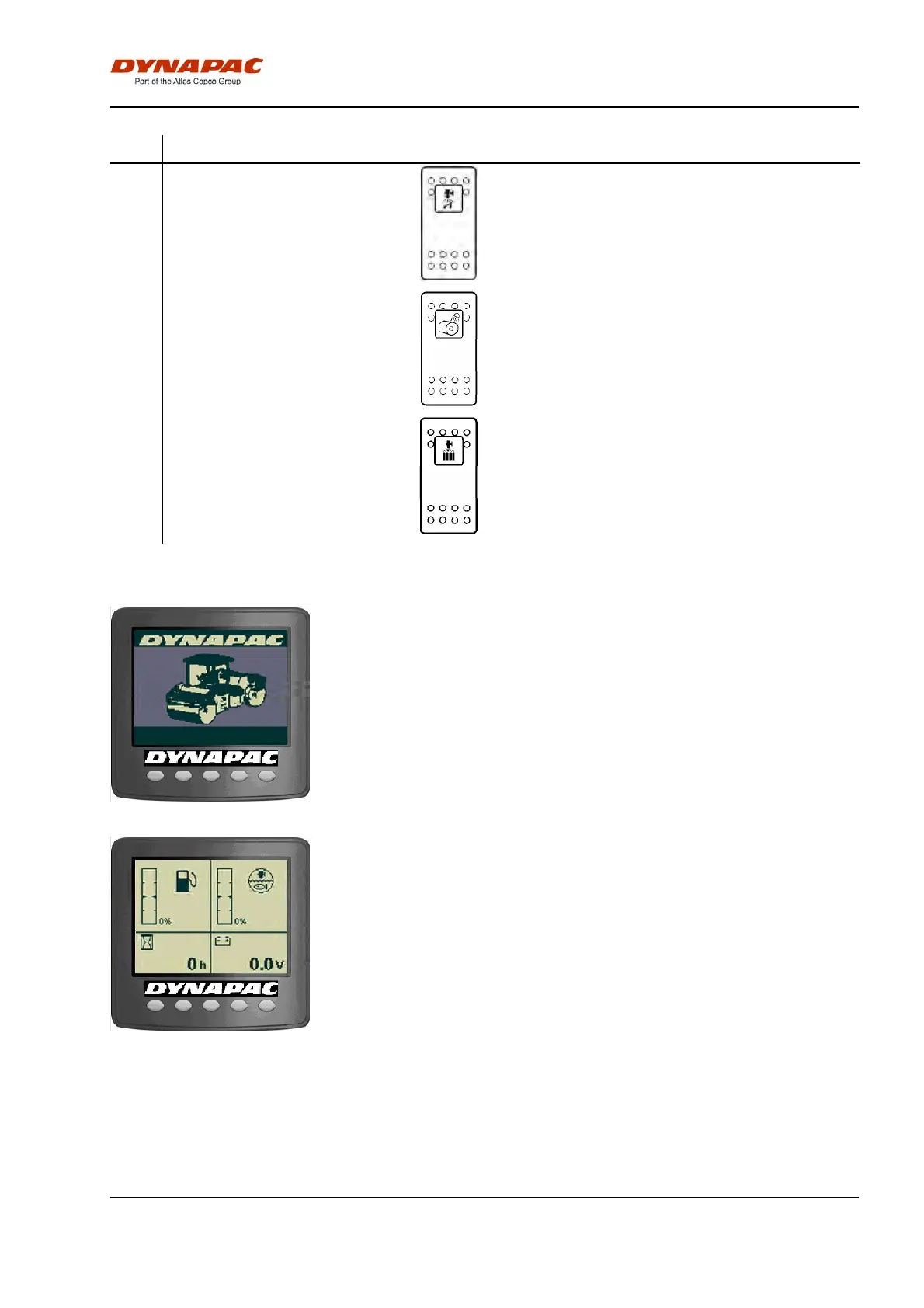
No Designation Symbol FunctionNo Designation Symbol Function
31 Edge press/cutter, sprinkling Activate edge press/cutter sprinkling by depressing
the switch.
31 Edge press/cutter, sprinkling Activate edge press/cutter sprinkling by depressing
the switch.
32 Drum edge lights Activate the drum edge lights by depressing the
switch.
32 Drum edge lights Activate the drum edge lights by depressing the
switch.
35 Sprinkler combi wheel Activate the emulsion sprinkler for combi wheels by
depressing the switch.
35 Sprinkler combi wheel Activate the emulsion sprinkler for combi wheels by
depressing the switch.
Display explanations
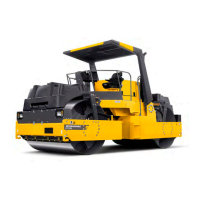
Fig. Start screen
When the ignition key is activated to position I, a start
screen is visible in display. This is shown for a few
seconds and then switches over to the status screen.
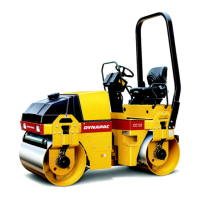
Fig. Status screen
A status screen provides information on the fuel level,
water level in the sprinkler tank, machine hours and
voltage level. Fuel and water levels are specified in
per cent (%).
This screen is active until the Diesel engine is started
or an active screen choice is made via the function
buttons below the display.
29


 To Next Page