7 Pilot devices M22-SWD…
7.3 M22-SWD base fixing
SmartWire-DT module IP20 01/20 MN05006001Z-EN www.eaton.com 195
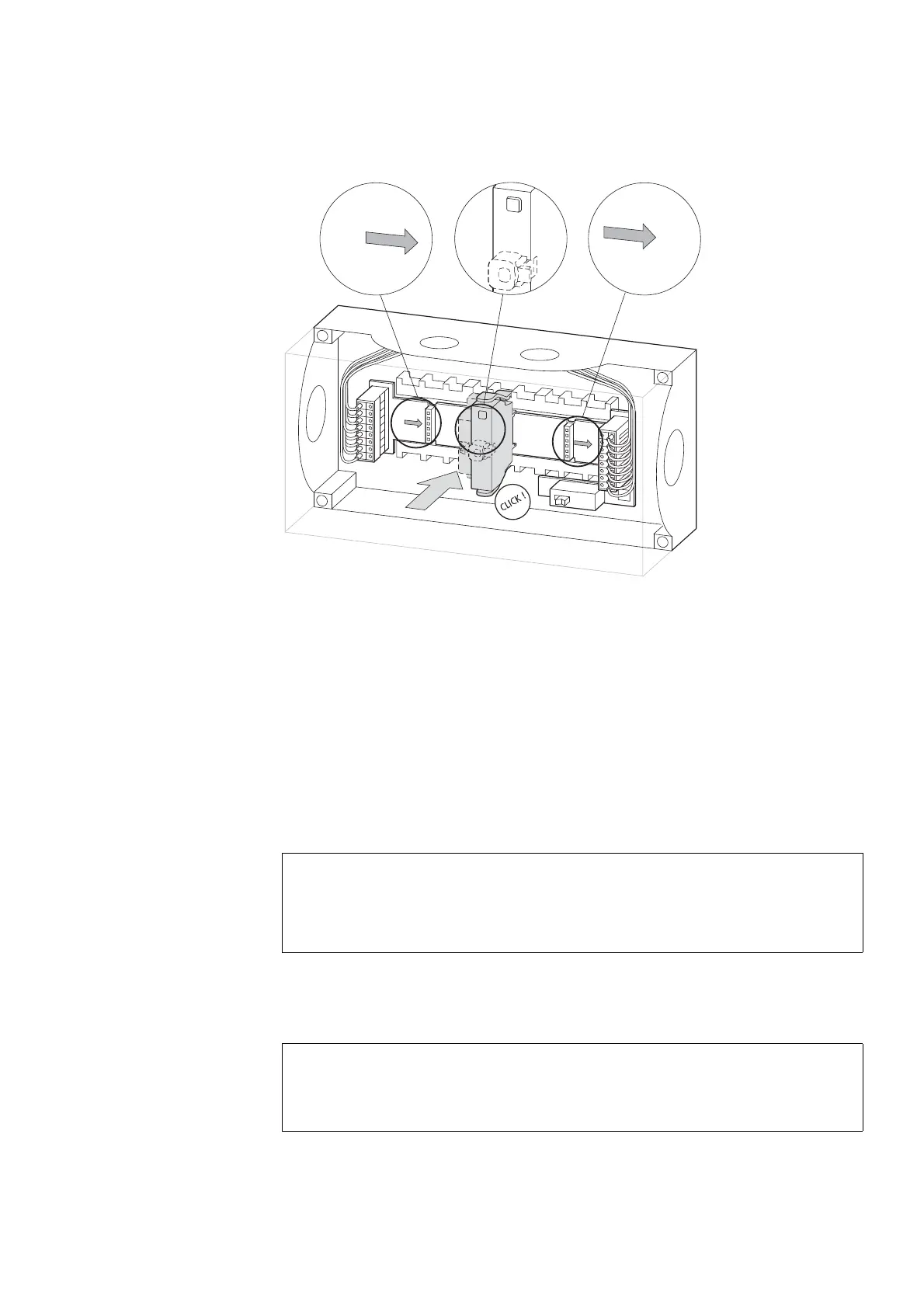
Figure 68: Equipping the enclosure slots
7.3.4 Commissioning
The automatic addressing of all modules in the SmartWire-DT network is per-
formed via the gateway (actuation of the configuration pushbutton on the
gateway) during commissioning. During the addressing process the Smart-
Wire-DT diagnostics LED on the top side of the M22 SmartWire-DT base
function element flashes. Once the addressing process is completed, the
LED indicates a green continuous light.
7.3.5 Exchange of modules
After replacement of the modules and connection of the voltage the configu-
ration button must be pressed. When this is done, the new module will be
assigned an address.
ACHTUNG
Replacement of the SmartWire-DT function elements is not per-
mitted until the entire SmartWire-DT system has been switched
off.
ACHTUNG
The order of the SmartWire-DT units must not be altered.


 To Next Page
 Loading...