Analyzer User Guide
9. Instant Timing Pane
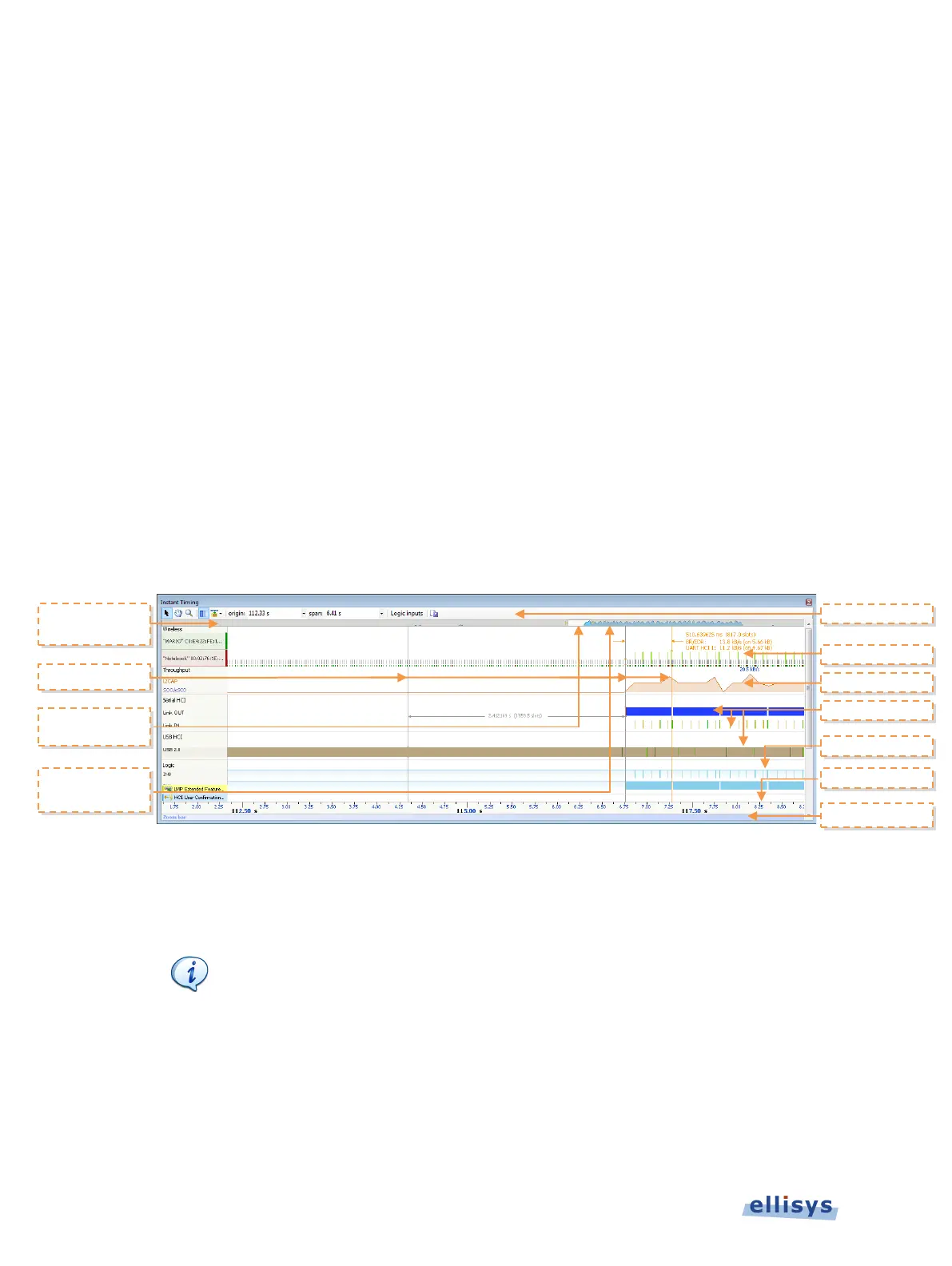
The Instant Timing pane provides a unique and intuitive way to understand various timing
characteristics of Bluetooth traffic, HCI traffic, and logic signals as well as throughput
characteristics.
Bluetooth packets are presented chronologically left to right and are uniquely color-coded
according to the packet’s sender. Each master device is provided its own line (row), with
packets to and from the master device shown horizontally across the Instant Timing pane.
Additionally, the Instant Timing pane displays HCI traffic, logic signals and a representation of
throughput, all in synchronization with the through-the-air traffic.
The Instant Timing pane provides for quick and easy timing measurements, slot timing, timing
cursors, zoom and pan features, detailed packet flyovers, color-coded assignments to devices,
and other navigation tools.
A throughput graph tracks data-rate characteristics for L2CAP and SCO/eSCO transfers. In the
Navigator bar, the user is provided with a global summary of throughput over the entire
capture, as well as a bracketed window that can be used to pan and zoom the Instant Timing
display.
The Instant Timing pane is linked to the Overviews and also the Instant Spectrum view. It is
manually linked to the Instant Piconet pane by the Instant Piconet cursor, which when scrolled,
updates the Instant Piconet view according to its current location. Conversely, when events are
selected in the Overview or the Instant Spectrum view, this cursor is re-positioned accordingly.
Bluetooth Explorer 400 is designed to be purely passive
Bluetooth devices/piconets) timing measurements will
extremely precise.
To access the Instant Timing pane:
1. Select View | Instant Timing from the menu.
Navigator
Bar
Zoom Bar
Throughput
Summary
Timing Cursors
Navigator
112 of 201 | Instant Timing Pane



 To Next Page