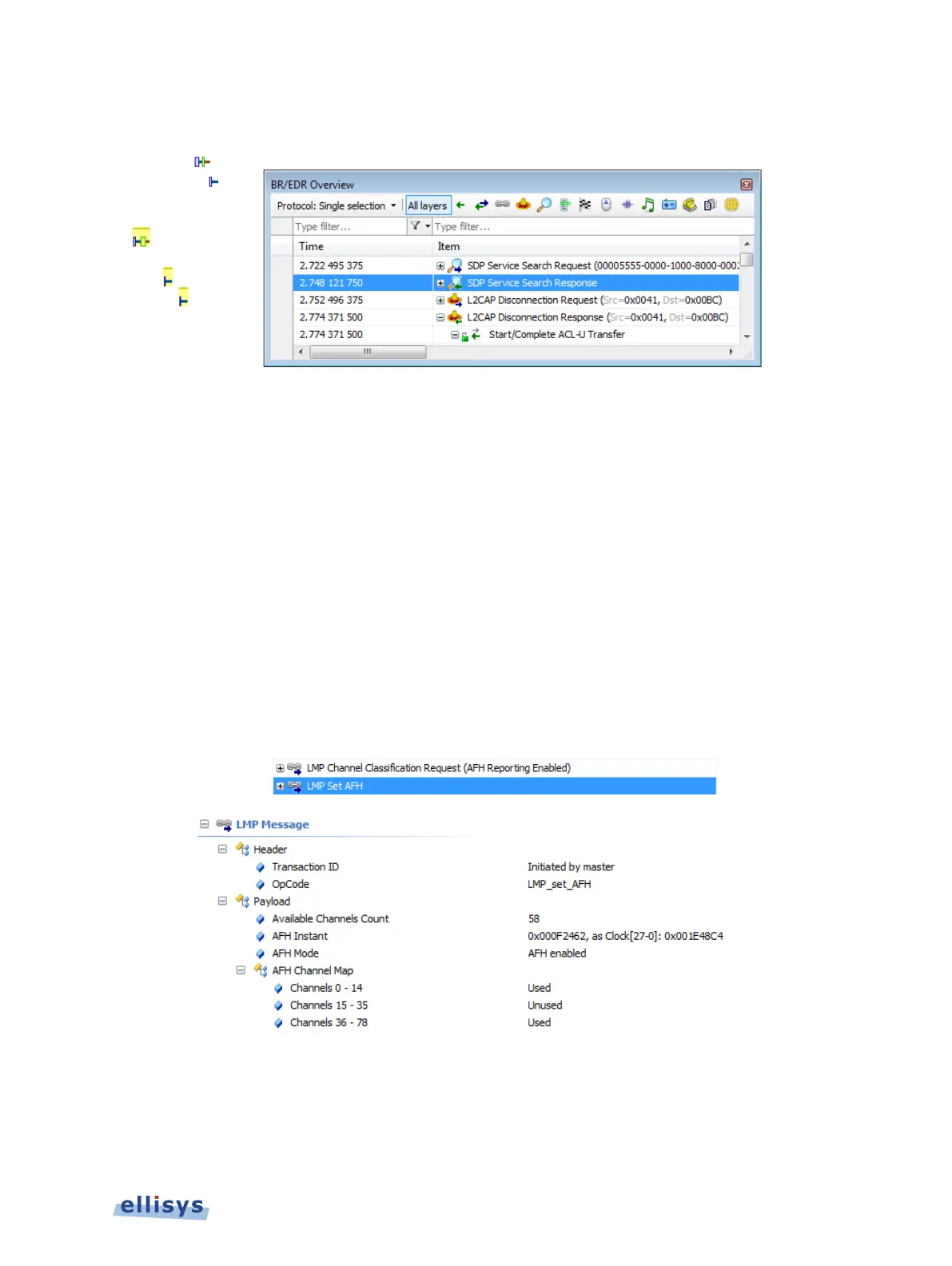
The selected line is highlighted in the Overview and in the Instant Spectrum pane:
10.13 AFH Highlighting
The Instant Spectrum view provides a unique feature that highlights the channels blocked by
AFH at any given point in time. The AFH Highlighting feature tracks AFH commands throughout
the capture process and provides a visually highlighted spectral area in the Instant Spectrum
view that indicates those channels blocked by AFH at the point selected.
See Section 10.12, Wireless Spectrum Capture for details on viewing AFH Highlighting with
Wireless Spectrum capture enabled.
To view the AFH Highlighting:
1. Open a capture with active AFH, i.e., one that includes AFH Commands as shown below:
2. Select View | Instant Spectrum
3. Select a packet at the desired location in the Instant Spectrum view.
Instant Spectrum View | 147 of 201



 To Next Page