Overview
Instant Throughput pane
will be synchronized to the active
Overview
Overview Selection
the Instant Throughput pane is
synchronized to the active Overview selection.
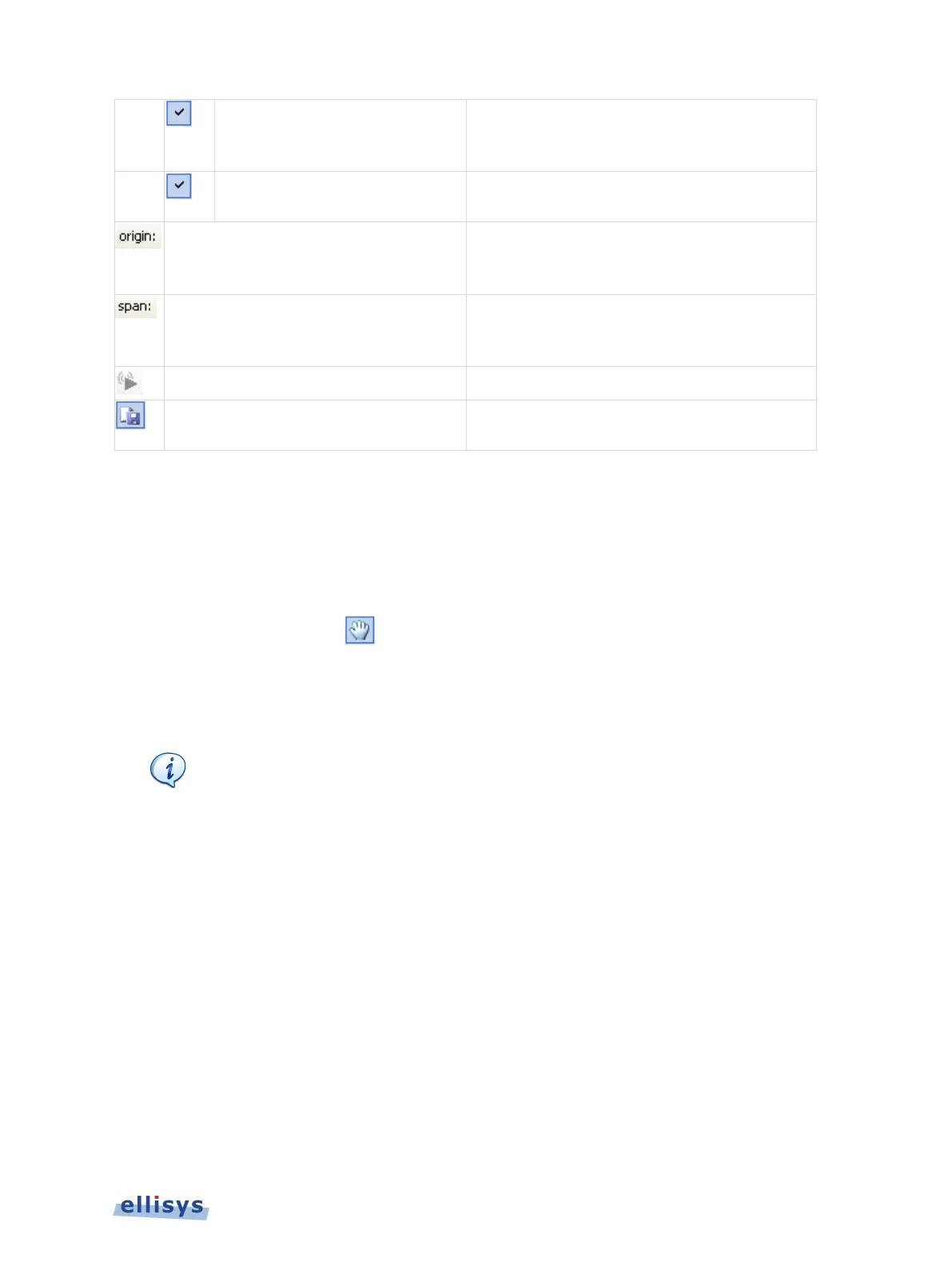
Displays the timestamp origin of the
Instant
pane. Allows for user input of
ys the time span (zoom level) of the
Throughput
pane. Allows for user input
to adjust span.
is displayed as it is captured
Instant Throughput pane to an
13.1 Panning Left and Right
Various methods are available to pan (scroll) the Instant Throughput view to the left or right.
To use the mouse to pan:
1. Position the mouse over the time scale at the bottom of the Instant Throughput view or
alternatively, click on Pan.
The pointer changes to a pan (hand) symbol.
2. Press and hold the left mouse button, and drag left or right as desired.
The mouse cursor automatically rolls around the screen, such that the user can
smoothly scroll large amounts of time without
having to press and release the
mouse button several times.
To use the keyboard to pan:
1. Press LEFT or RIGHT Arrow to move incrementally left or right.
To use the Navigator bar to pan:
1. Position the mouse over the middle of the Navigator window.
2. Press and hold the left mouse button, and drag left or right as desired to pan left or right.
To jump to another location:
1. Press keyboard HOME to jump to the start of the capture, or END to jump to the end of the
capture.
Instant Throughput | 165 of 201



 To Next Page