The Instant Piconet cursor appears:
1. Select and drag the Instant Piconet cursor while observing the Instant Piconet pane.
The Instant Piconet pane updates according to the position of the Instant Piconet cursor.
Follow in Real Time button in the Instant Piconet
pane is not
selected (not bordered) in order to use the Instant Piconet cursor.
10.11 Exporting Images
The Instant Spectrum display can be exported into various graphics formats.
To export the Instant Spectrum display to a graphics format:
1. Click on the Export Image icon located on the Instant Timing toolbar.
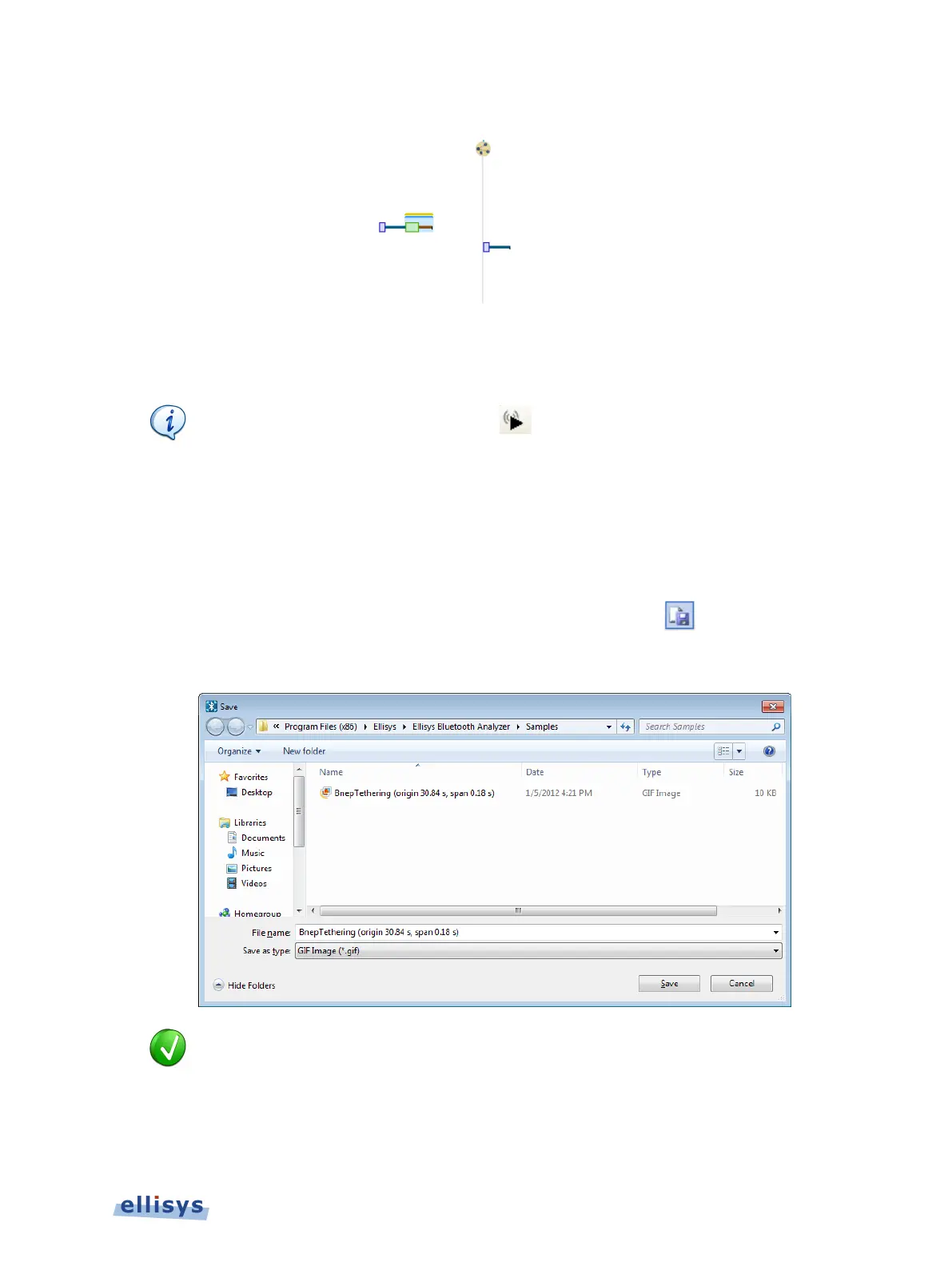
The Save menu appears:
Images to be exported are automatically assigned a file name that includes the
origin and span values.
2. Accept the default file name or assign a new file name.
3. Select a directory location.
Instant Spectrum View | 145 of 201



 To Next Page