Analyzer User Guide
9.5 Making Time Measurements
The Instant Timing pane provides quick and simple methods to manually characterize timing
between events as well as automatic flyover slot timing measurements. Timing cursors can be
duplicated or frozen with a right-click, to enable the addition of more cursors.
Timing cursors available include:
• Timing Cursors (mouse left-click/drag)
• A-B Independent Cursors
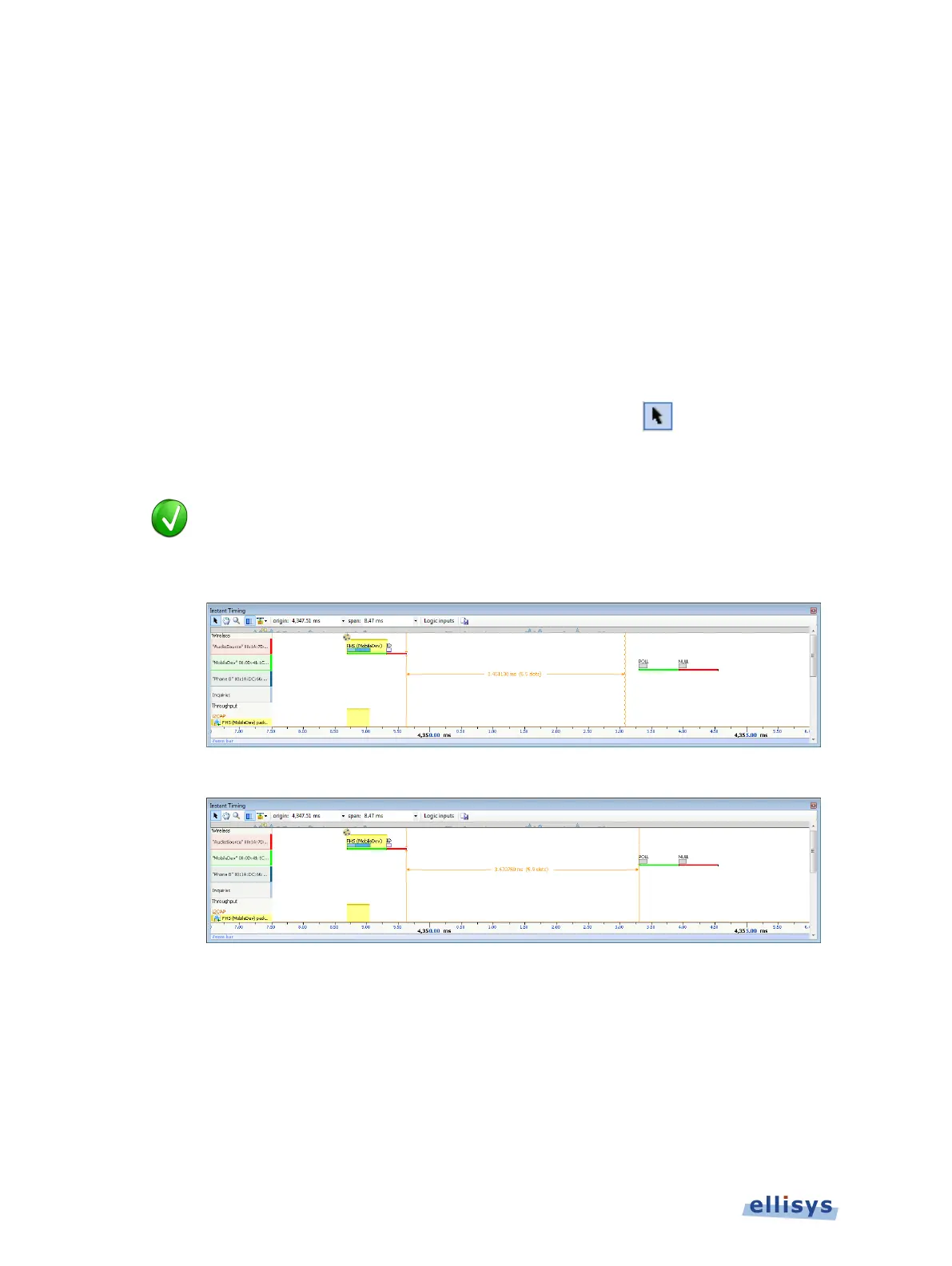
To make a timing measurement:
1. Select the pointer icon at the top-left of the Instant Timing pane.
2. Left-click in the desired location or on the desired event.
The vertical lines associated with the
Instant Timing cursors are waved if not
d straight when attached. To adjust cursor position, place
the mouse pointer over either
cursor and left-click and drag to adjust position
Right Line Not Attached
Both Lines Attached
3. Drag the mouse to the desired location or desired event.
118 of 201 | Instant Timing Pane



 To Next Page