To use the keyboard to zoom:
1. Press the UP Arrow key to zoom in, and the DOWN Arrow key to zoom out.
To use the Navigator bar to zoom:
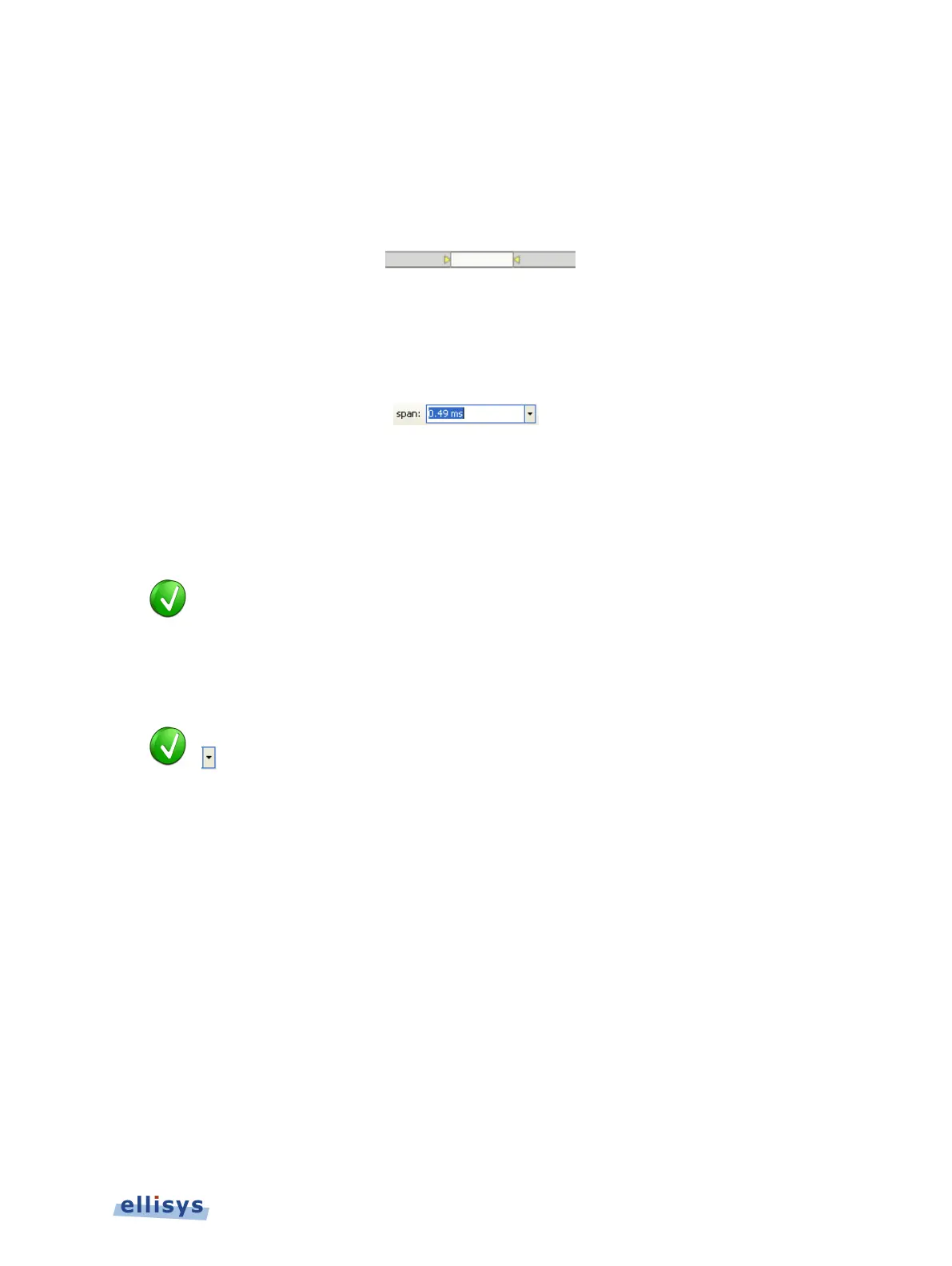
1. Position the mouse over the left or right edge of Navigator window:
2. Press and hold the left mouse button, and drag left or right as desired to zoom in or out.
To define a new time span:
1. Type the new timing span in the span field.
The following values are allowed:
s – seconds
ms – milliseconds
ns – nanoseconds
ps – picoseconds
If a unit is not specified, then the previously displayed unit is used.
2. Press ENTER.
The Instant Timing display is updated with the new span value.
The analyzer application retains new tim
e span entries. Click the Down arrow
in the span field to view and select previously entered time span entries.
Instant Timing Pane | 117 of 201



 To Next Page