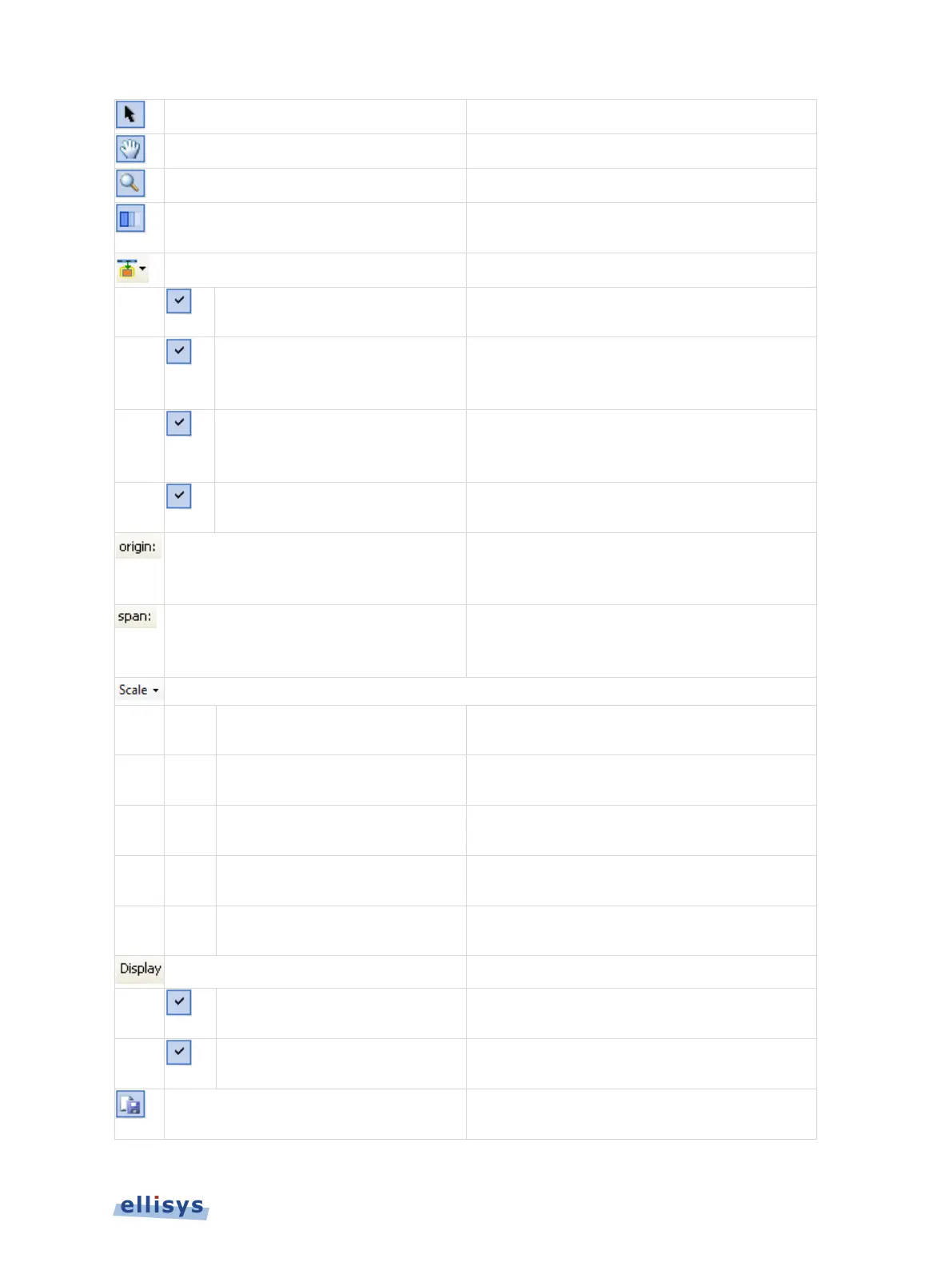
Switches to Pointer Mode.
(Hold Shift)
(Hold Ctrl)
Enable/Disable Smooth Scrolling
Enables and disables the smooth scrolling
feature.
Overview
Instant Timing pane will be
synchronized to the active Overview selection.
Bluetooth BR/EDR
Selection
When enabled, the item selected in the BR/EDR
Overview
is highlighted in the Instant Timing
Bluetooth Low
Overview Selection
When enabled, the item selected in the
Low
is highlighted in the Instant
Overview Selection
Instant Timing pane is
synchronized to the active Overview selection.
Displays the timestamp origin of the
Instant
pane. Allows for user input of
Displays the time span (zoom level) of the
Instant Timing
pane. Allows for user input to
Display a scale showing the
Bluetooth
Display a scale showing the
Bluetooth
spectrum
by Bluetooth channels.
Display a scale showing the placement of Low
Energy channels.
02.11 Channels
Display a scale showing the placement of
802.11 channels.
Reverses the scaling to show highest
frequencies at the top of the scales.
Establishment Traffic
es, pagings, and
Idle Traffic
ID, Null, Polling and empty
Instant Timing pane to an image
Instant Spectrum View | 135 of 201



 To Next Page