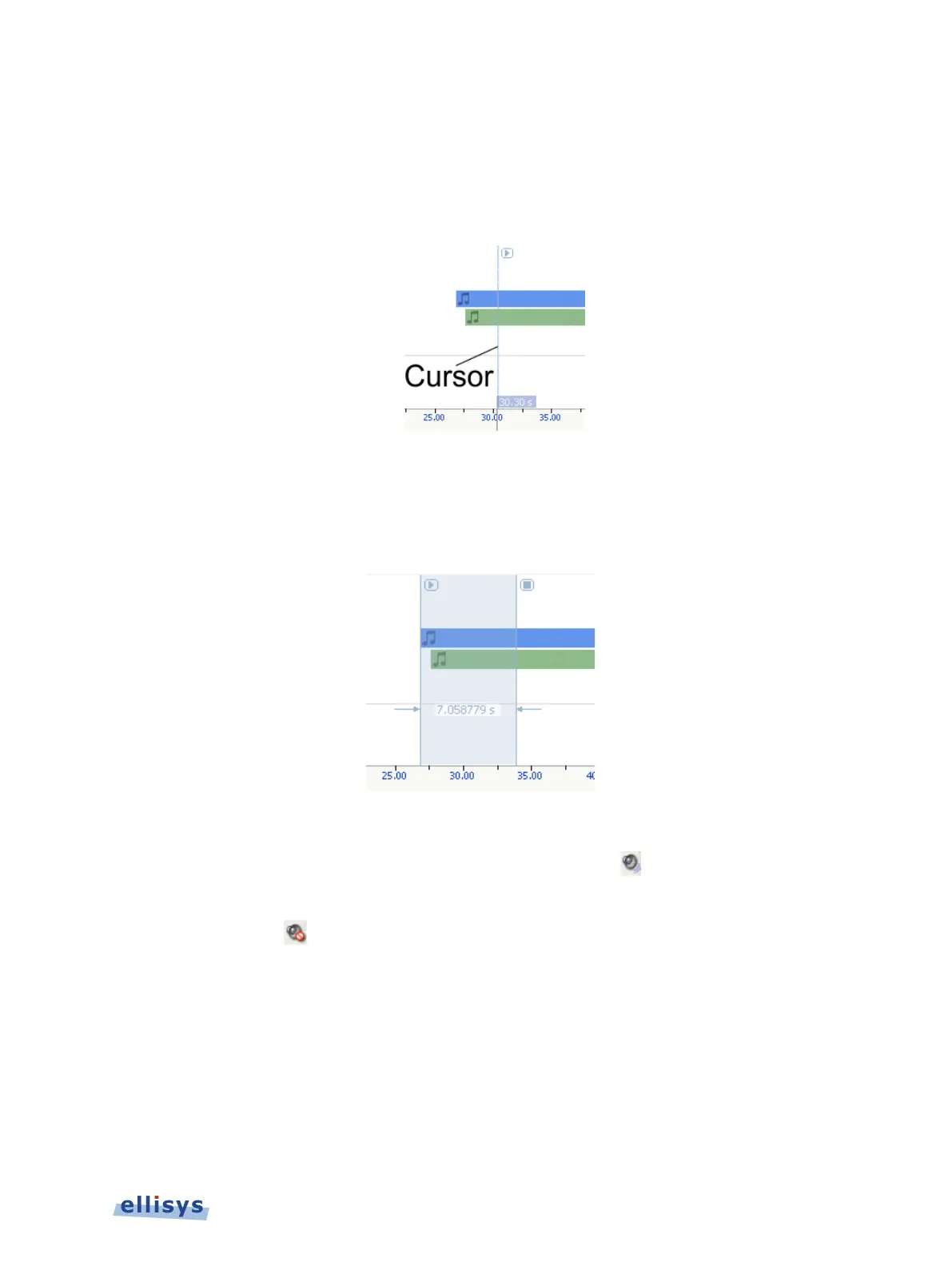
To establish the initial playback starting point:
1. Left-click anywhere in the Instant Audio pane or select the Instant Audio cursor and drag to
the desired location.
The Instant Audio cursor appears at the selected position:
To select a range of audio to play:
1. Left-click at the desired starting position and drag to select the range desired.
The select range is highlighted and characterized with a time indication:
To enable or disable playback from a selected audio stream:
1. Select the speaker icon associated with the desired audio stream
.
2. Click once to toggle the present mode (enabled or disabled). When disabled, the speaker
icon will appear as .
Instant Audio | 153 of 201



 To Next Page