Operating of the Machine
4-30 © Essemtec AG Paraquda Startup & Safety
0000003/11 / November 4, 2014
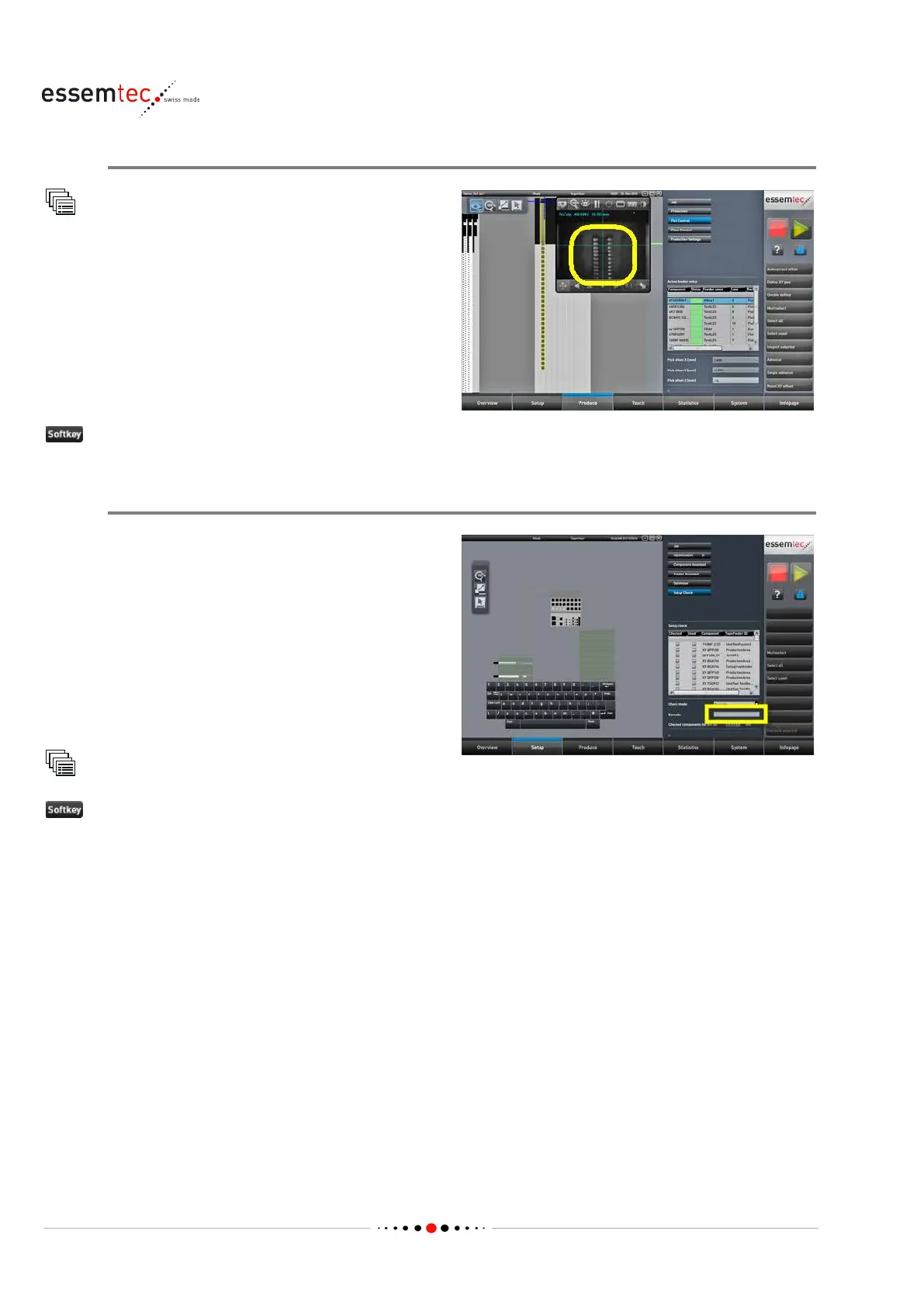
Check correct Function
Pick Control
Check the correct feeding of the component, it
must be presented correctly, ready for picking
(1). Again check the orientation of the
component.
Select the appropriate stick by double click
ing.
The camera window opens automatically and
the camera moves to the correct pick up
position.
until a component is presented.
Setup Check (if used)
nents are physically present on
the feeder lanes, the setup check can be done.
With the setup check the barcode of the feeder
lane and the barcode of the component (on reel)
is read. This real assignment of feeder lane and
component is compared with the vi
rtual or
logical assignment (stored as 'kitted' in the
machine) to ensure the reality is equivalent to
the virtuality. This guarantees the placing of the
correct components on the PCB.
Setup Check
Barcode and enter the
e of the feeder lane and the barcode of
the component on the tape, or use the barcode
reader to read both barcodes.
If the comparison is successful the component
will get the checked status.



 To Next Page