Operating of the Machine
Paraquda Startup & Safety © Essemtec AG
4-47
0000003/11 / November 4, 2014
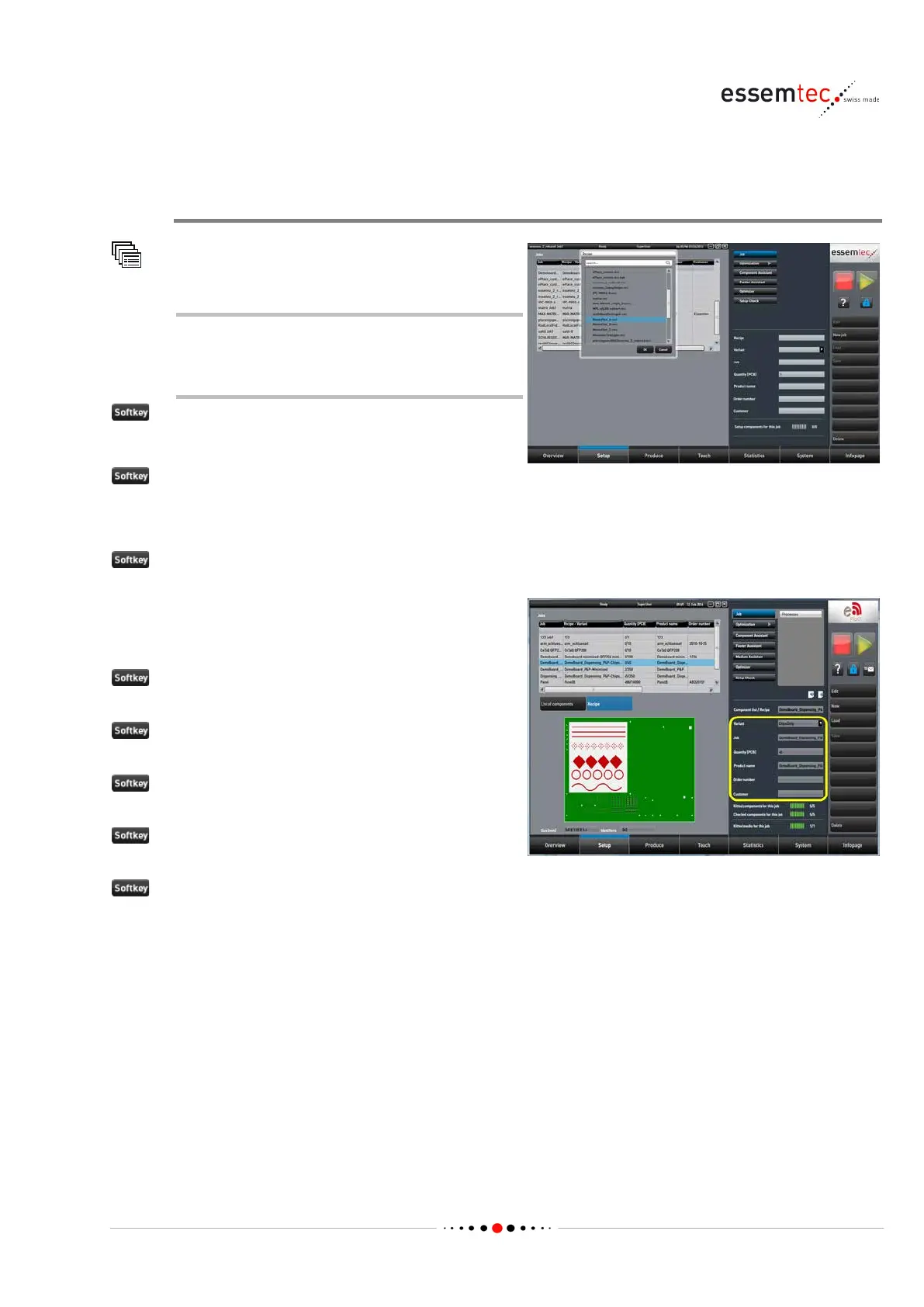
4.5.1 Define a Job
Create a new Job, assign a Recipe
Job
A new job can be created at any time
even the machine is producing another
job.
Recipe.
A list of stored recipes appears, select the
appropriate one.
Variant out of the drop down
list (if available). Possible variants are stored in
the recipe.
Job and enter the name of
Quantity [PCB] and enter
the quantity of PCBs to pro
duce.
Product name and enter a
Order number and enter an
Customer and enter the



 To Next Page