Operating of the Machine
4-22 © Essemtec AG Paraquda Startup & Safety
0000003/11 / November 4, 2014
4.3.5 Handle hyQ Feeders (Tape&Reel)
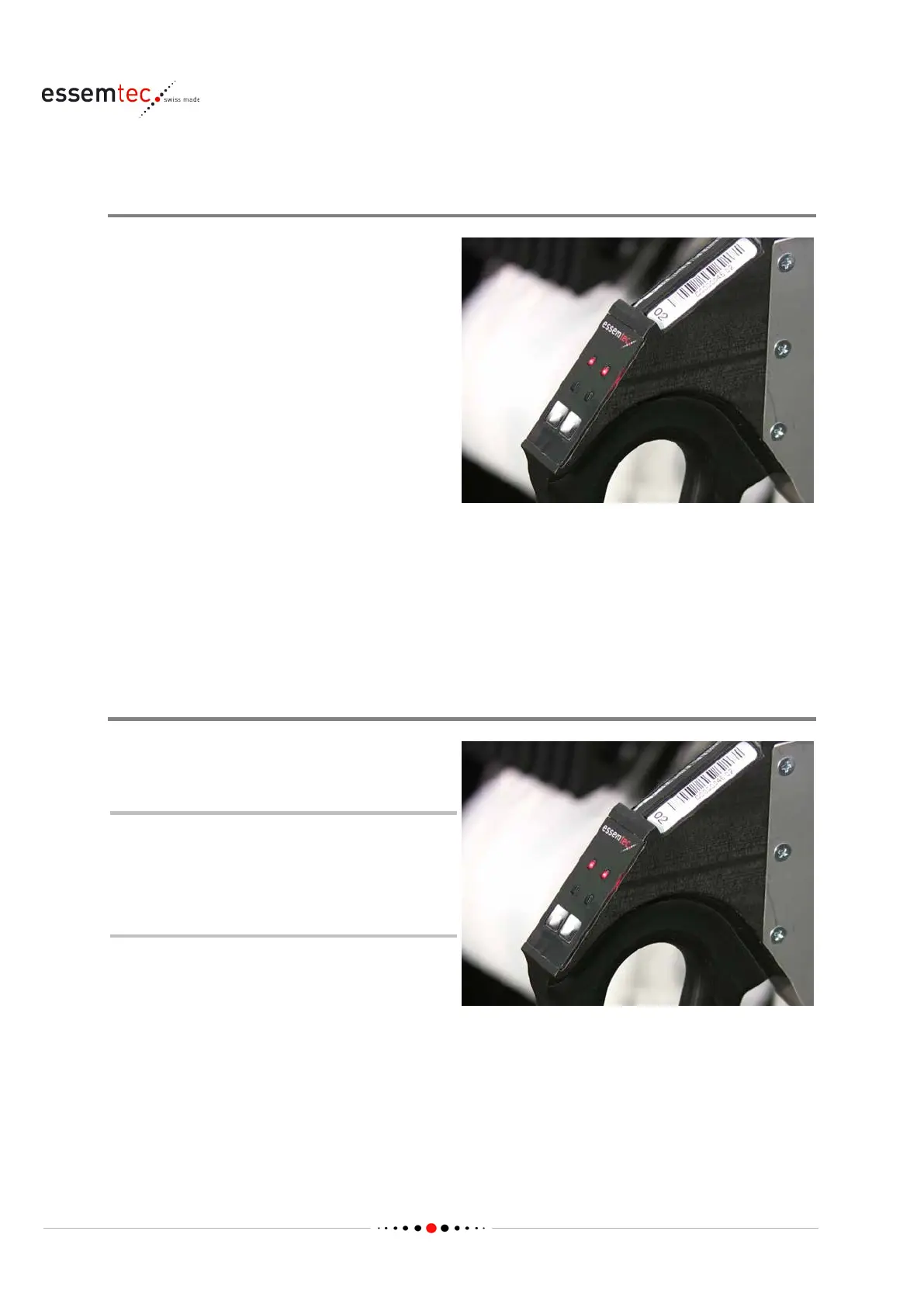
Feeder Control Panel
Each feeder lane has two LEDs (green / red) to
indicate the status and one button for
controlling.
Using the button, the following functions are
possible:
• During setup, pressing once: the cover tape
transport roller will rotate pulsed for
approximately 20 seconds to thread the
cover tape.
• During setup, pressing for a few seconds:
tape and cover tape will be fed.
• Setup done (feeder kitted), pressing once:
tape and cover tape will be fed for 4 mm.
For standard status indication of the LEDs,
plea
se use the online help in ePlace (Produce -
Pick Control). If red and green blinks
alternatively, the feeder is powered but did not
get an address.
Detect empty Feeder Lane
s red light on the Feeder LED can
indicate an empty feeder lane.
A continuous red light could also
indicate a bad pick position (X/Y/height).
After a certain amount of faulty repicks
(default 3), the LED turns to continuous
red.



 To Next Page