Operating of the Machine
4-72 © Essemtec AG Paraquda Startup & Safety
0000003/11 / November 4, 2014
4.6.5 Generate a Recipe
Preparation
CAD
CAD Conversion
Do all the steps in chapter 'Edit/Convert CAD
Data' on page
4-65 and check if all components
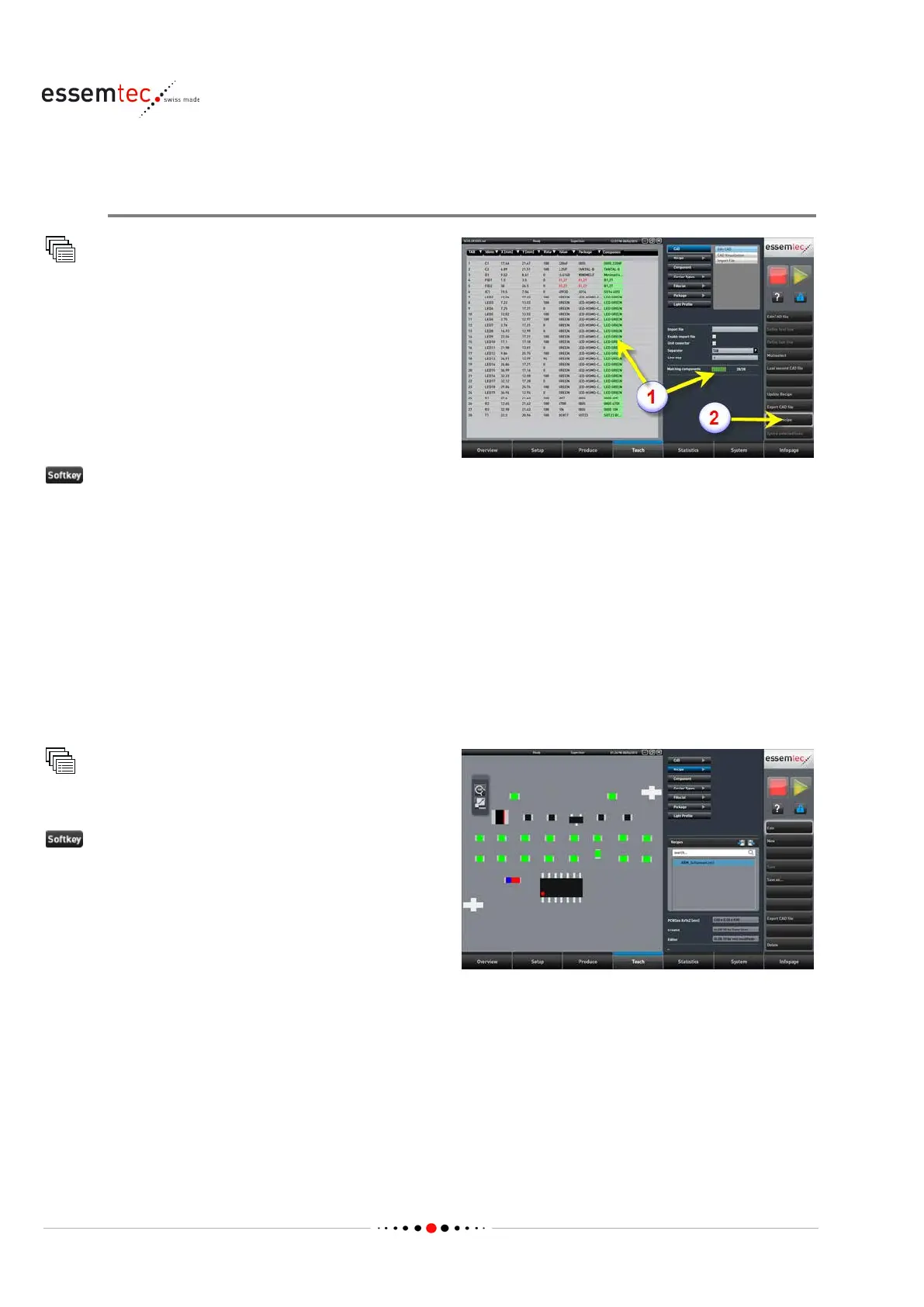
en status and the progress bar
changed to green (1).
That means all components to place on the PCB
are known by the machine.
Save as recipe (2). Type in a name for the new recipe and click Save.
With this step the following data are defined:
• Identifier
• Carrier type with color, X length and Y pitch
• Package with shape, dimension and marking
• Process parameters (speed, offset, nozzle, light etc.)
• Electrical value with unit and tolerances
• Component position and orientation on PCB
• Component orientation on feeder
Recipe
Select recently created recipe



 To Next Page