Operating of the Machine
Paraquda Startup & Safety © Essemtec AG
4-73
0000003/11 / November 4, 2014
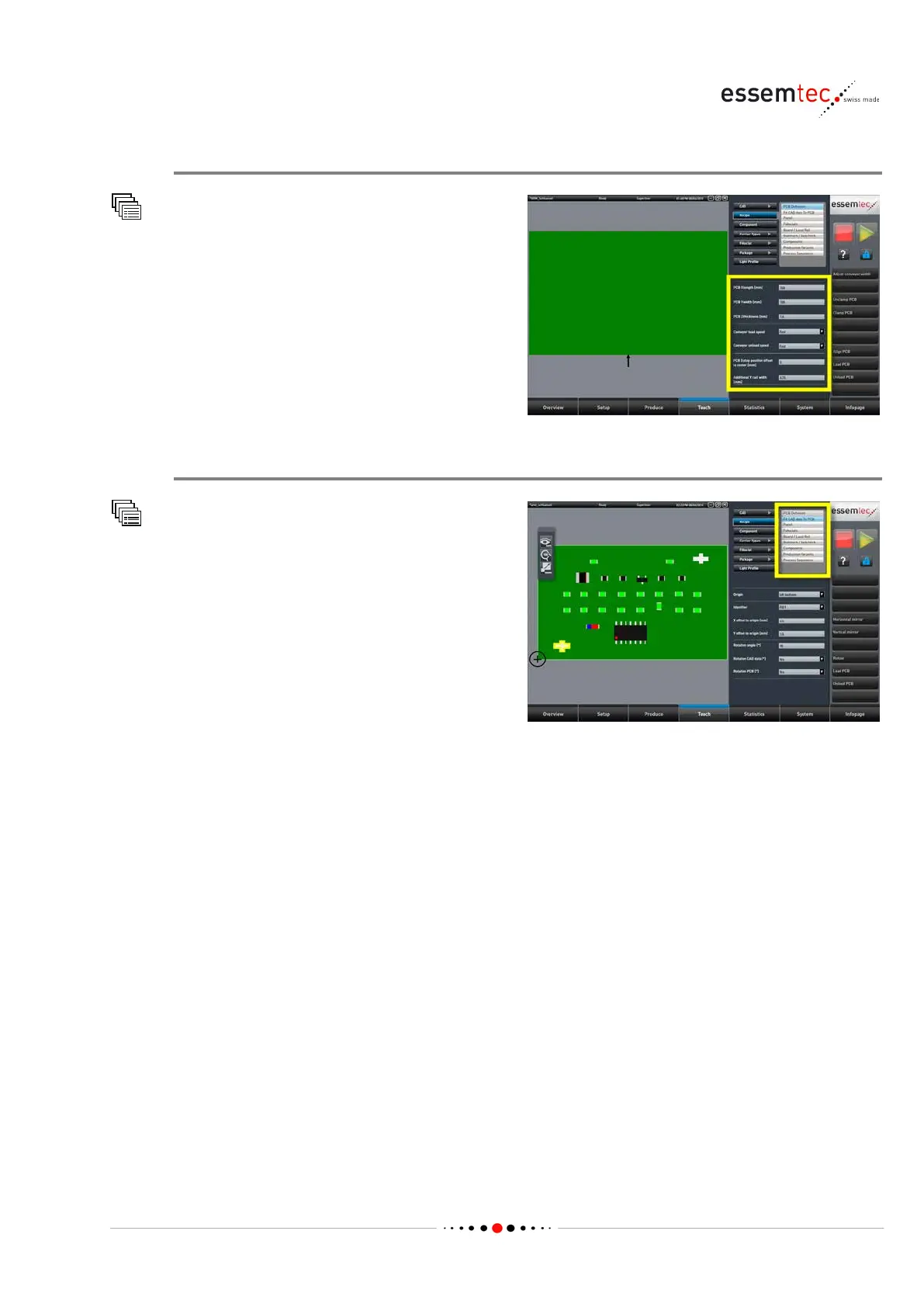
PCB Definition
Recipe
PCB Definition
Type in all parameter values regarding the PCB.
Refer to the online help for details on each
parameter.
Completing Recipe Data
Recipe
All Submenus
Go through all submenus and complete
necessary data. Refer to the online help for
details on each parameter:
• Fit CAD data to PCB: merges the CAD data
with the PCB definition.
• Panel: is used in case of a multiple printed
panel (multiple cuts).
• Fiducials: usually only used if additional
fiducials have to be created, not on CAD file.
• Board / Local Ref: used to assign fiducials to board references. Local references of critical
components can be assigned as well.
• Badmark / Badcheck: references for badmark and badcheck can be assigned. The action in
case of badmark and badcheck can be selected.
• Components: usually not used after converting CAD data. Components could be added
(probably in case of variants) or deleted.
• Dispensing Components: Dispense pattern can be added or deleted.
• Placement Constraints: Placement constraints for components can be indicated. This might be
neccessary for tall components which must be placed after the adjacent components.
• Production Variants: up to 4 variants can be defined (same PCB, various components).
• Process Sequences: up to four processes can be defined (e.g. pick-&-place, glue, solder etc.)



 To Next Page