Human Machine Interface HMI
Paraquda Startup & Safety © Essemtec AG
3-13
0000003/11 / November 4, 2014
3.2.3 Navigation Techniques
Overview
Process (Menu)
Process Step (Submenu)
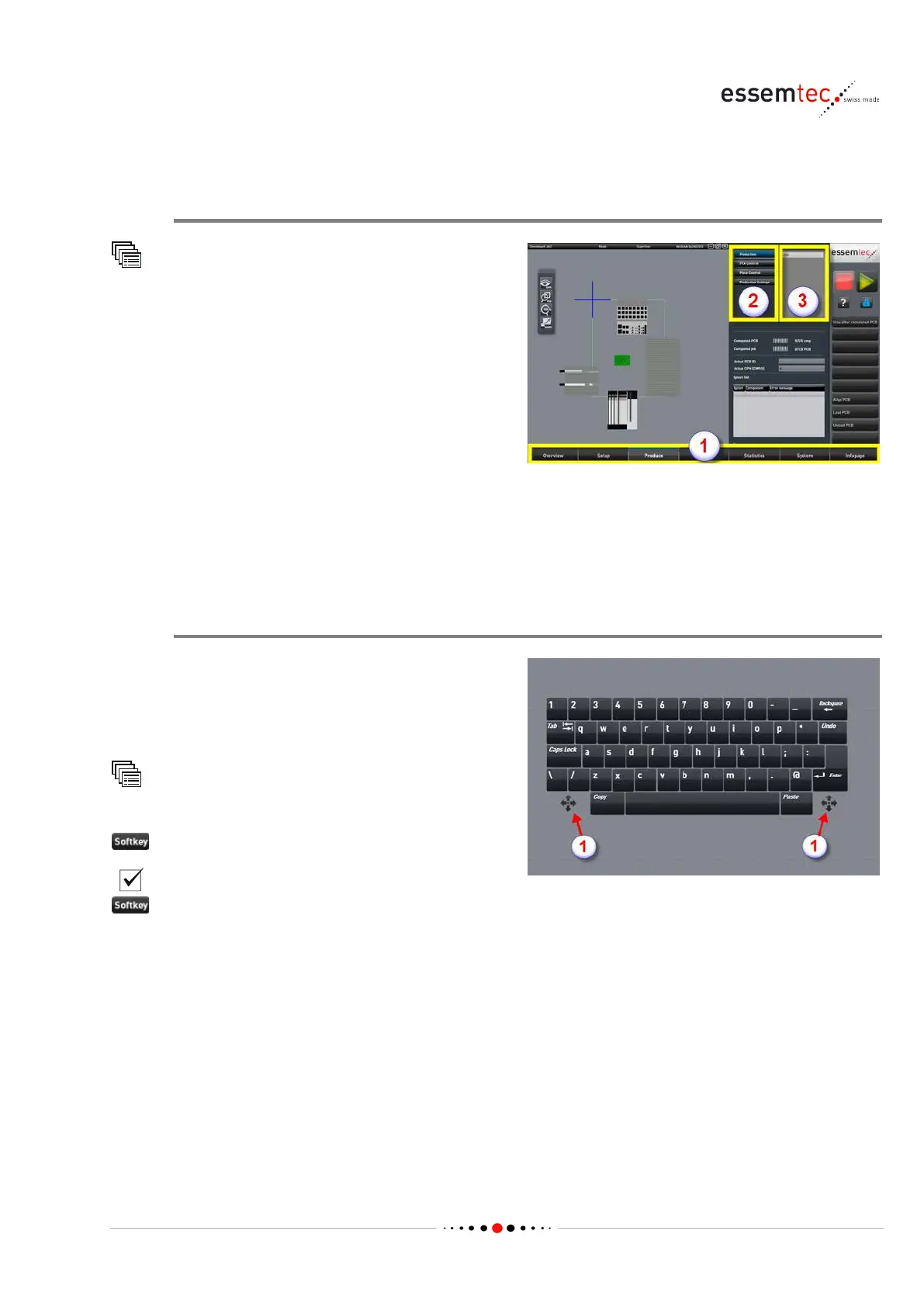
There are 3 navigation levels:
• Main Task (1): every task has its own screen
and can have menus with further screens.
• Process (2): every process has its own
screen and can have submenus with further
screens.
• Process Step (3): every process step has its
3.2.4 On-screen Keyboard
Overview
To enter any values or texts manually, the on
-
eyboard pops up as soon as a text box is
-screen keyboard has to be switched on:
Settings
GUI Settings
-screen keyboard
If the keyboard pops up at an inappropriate
position on the screen, it can be moved to any
po
sition by using the moving buttons (1).



 To Next Page