Operating of the Machine
4-56 © Essemtec AG Paraquda Startup & Safety
0000003/11 / November 4, 2014
4.5.7 Change over a Product
Unload Material
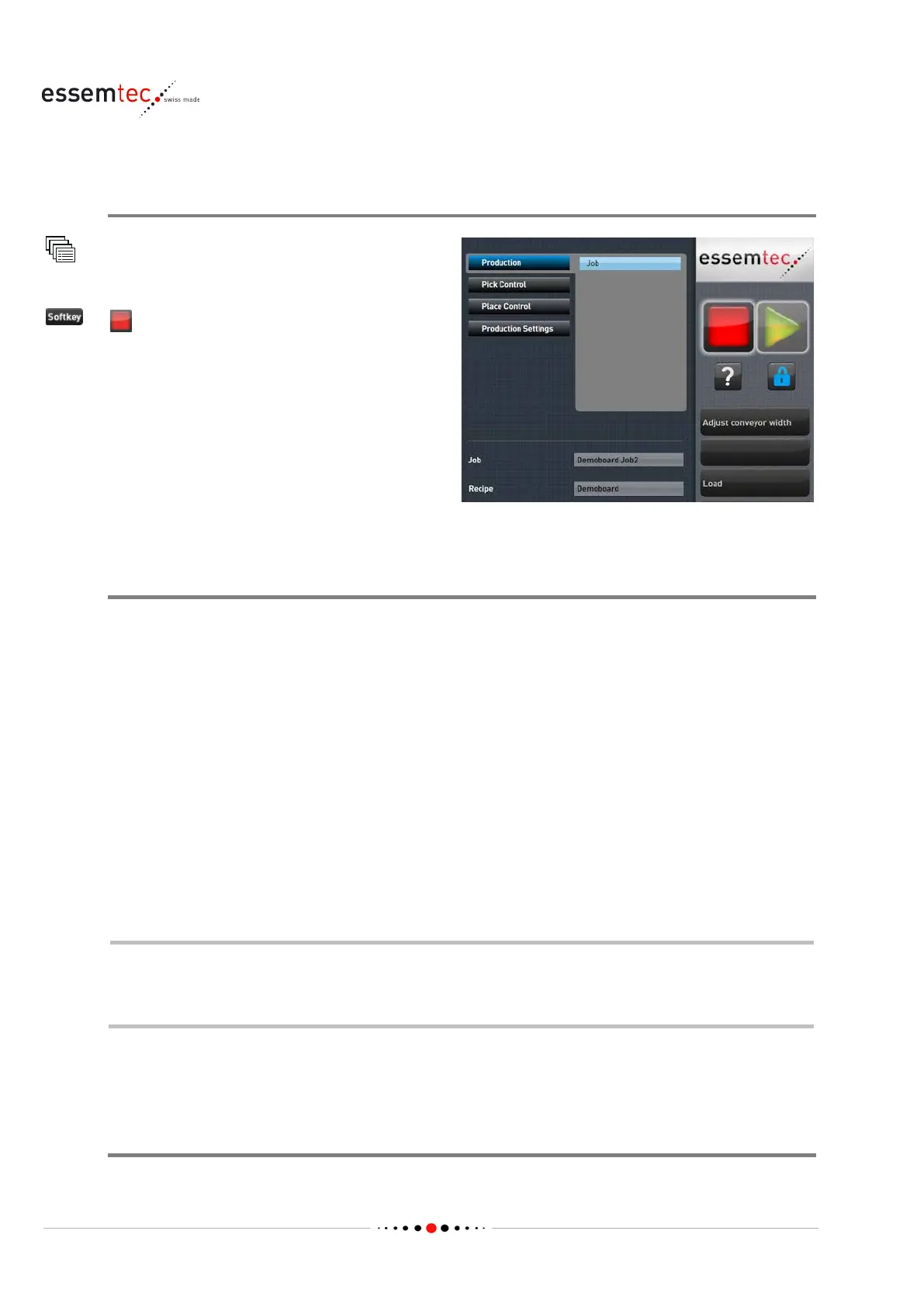
Any Menu
Any Submenu
(STOP button)
Unload the PCBs from operating range (also
from conveyors, i
f installed).
Unload the feeders, if necessary for the new job
(follow the procedure described on chapter
'Handle FLX Feeders' on page
4-17 or Handle hyQ
4-22).
Unload the medium and remove the dispense
module, if necessary.
Setup for new Product
• If not available, teach a new recipe (see chapter 'Teach a Recipe' on page 4-56).
• Set up the production (see page 4-44).
– Define a job (if not available)
– Assign components to the feeders
– Mount the desired dispense module (if removed in step 1)
– Assign medium to dispense valve
– Optimize the process
– Check the setup
• Operate the production (see page 4-10)
4.6 Teach a Recipe
Please refer to the online help for detailed information on each topic.
Recipe Modifications: i
f recipe data changes during running production (e.g. new light
profile), the job has to be re
-loaded to assume the changes.
4.6.1 Define Components
Overview
Composition of a Recipe



 To Next Page