Operating of the Machine
4-54 © Essemtec AG Paraquda Startup & Safety
0000003/11 / November 4, 2014
4.5.4 Set up and Connect the Feeders
To set up physically the feeder, it is recommended to set up logically all components first (kitted).
Check the progress bar Kitted components for this job on screen Setup - Component Assistant,
it has to have green color.
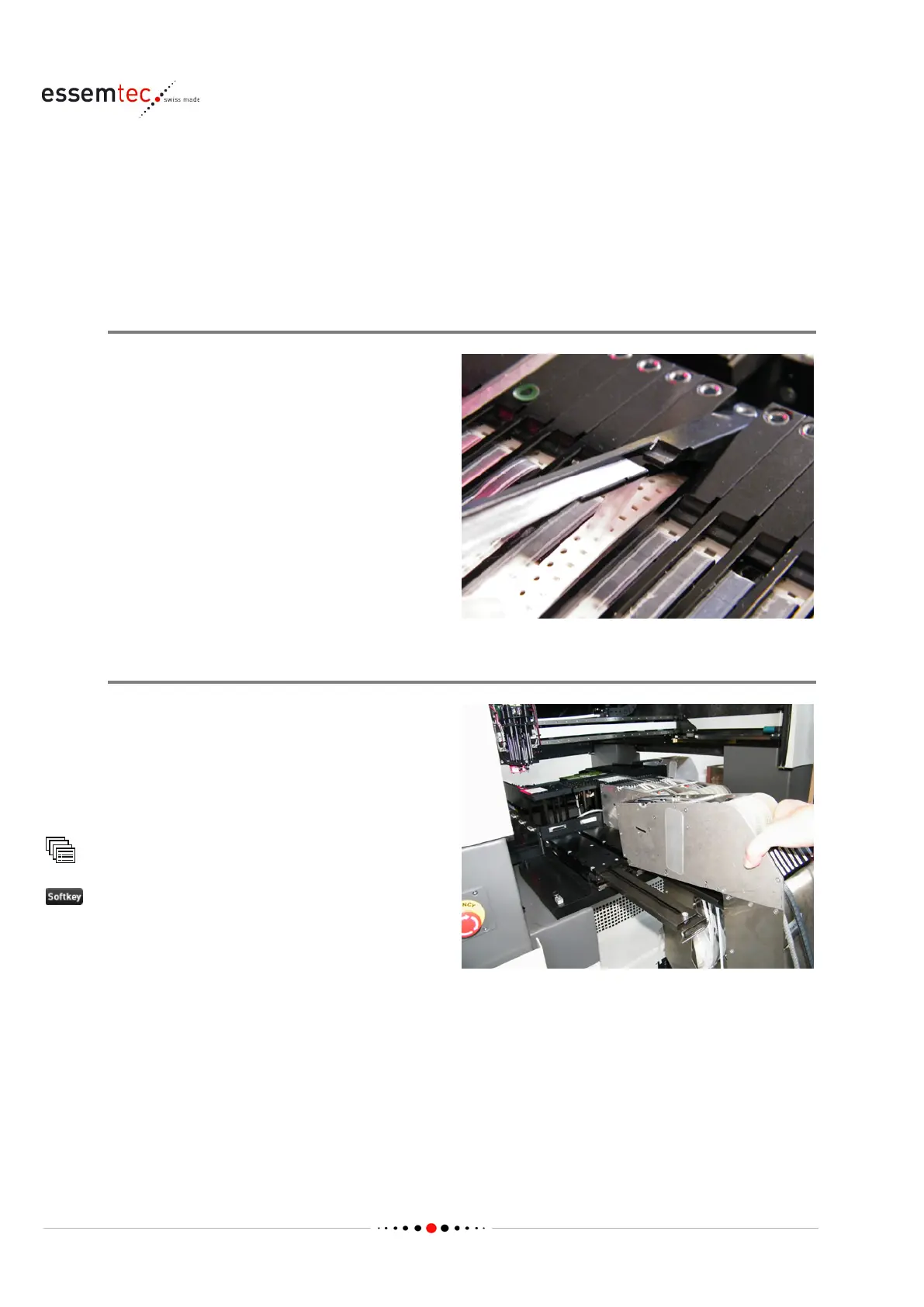
Setup Feeder physically
Unload the feeder if any not used components
are already set up on the feeder. Set it up with
the used compon
ents according to the printout
of the optimization or the component assistant
(see step 'Change Tape and Reel of components
which are off' in chapter 'Handle FLX Feeders' on
page
4-17 or 'Handle hyQ Feeders on page 4-22).
Check the correct function of each feeder lane
(see step 'Check correct Function', described in
above mentioned chapters).
Slide in the Feeders
Slide in the feeders on the feeder racks either
according to the printout of the optimization
and connect them to the machine, or use the
Feeder Assistant (described below) which
supports to find the correct
position of each
Feeder Assistant
Barcode, type in the
barcode of the feeder to place or use the
barcode reader
The correct position to slide in is displayed In the
graphical section.



 To Next Page