Human Machine Interface HMI
3-14 © Essemtec AG Paraquda Startup & Safety
0000003/11 / November 4, 2014
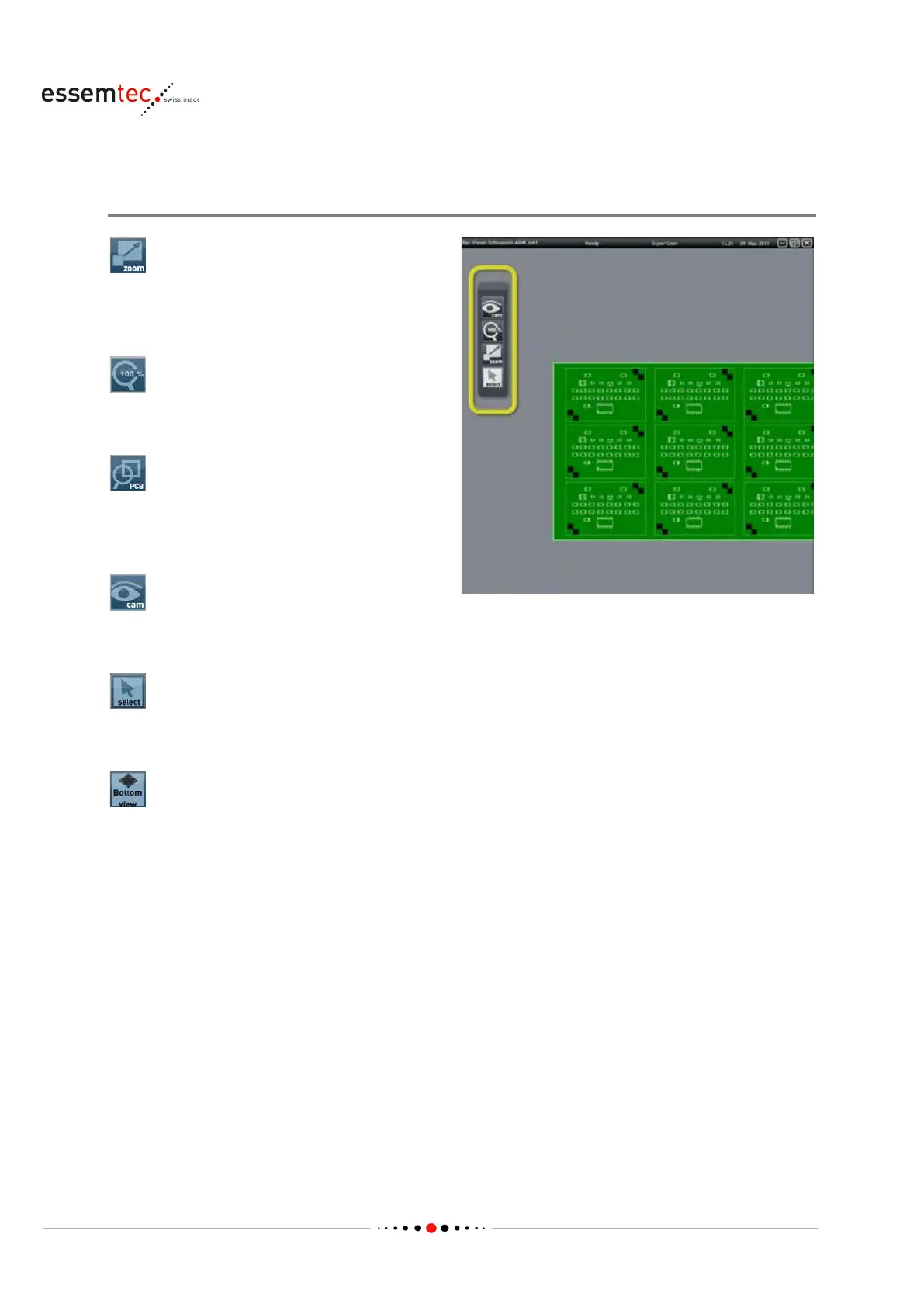
3.2.5 Toolbar
Overview
This function zooms a desired range up to
the
maximum possible size of the graphical section.
The range can be zoomed
-up.
Depending on the selected Tab, the image will
be resized to 100 %.
This function zooms the material to be produced
(e.g. PCB) up to the maximum possible size of
the graphic window.
This button leads to the C
amera Window (see
This function is used to multiselect components
by the help of the graphical function.
This function is used to flip the displayed
package to see the bottom view. Affected is only
the ground plan of the package, all other views
do not change.The bottom view button is a
toggle switch. To indicate that the botto
m view
is shown, the button gets blue and the text
'Bottom View' pops up in the bottom left corner
of the graphical section.



 To Next Page